Project brief
Agree a project's purpose, deliverables, acceptance criteria and approval responsibilities before the work begins.
Preview & free downloads →Organize meeting notes, project briefs, work reports, purchasing and handovers. For everyday office tasks, choose a record for document filing, room bookings, equipment loans, visitors or keys. Keep decisions, responsibilities and follow-up easy for the next person to find.
Planning, records, resources, questions and outcome review belong together. Choose your task to see the five stages.
Search a task or an item you need to record. Every template includes a blank copy and a fictional example. Guidance is provided here and in the editable files. Compare the actual preview before choosing your copy.
33 templates
Agree a project's purpose, deliverables, acceptance criteria and approval responsibilities before the work begins.
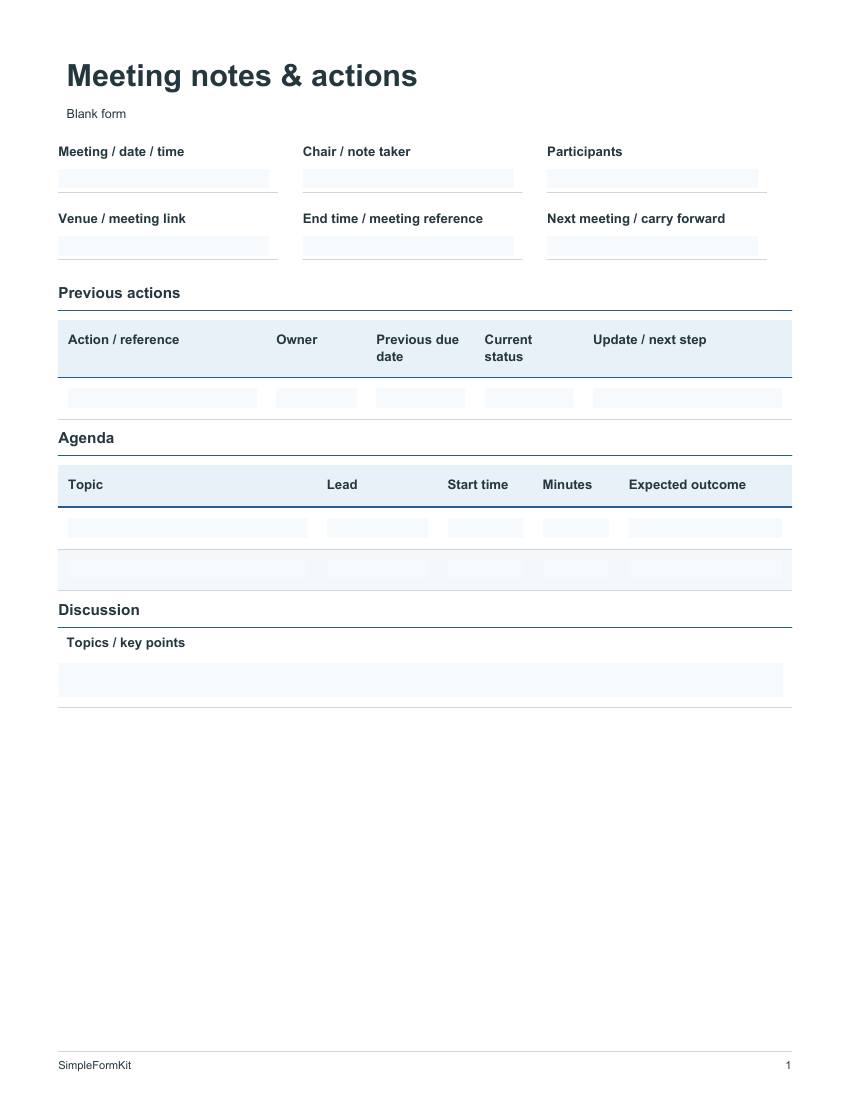
Preview & free downloads →Keep meeting decisions, action owners and due dates in one record. Review previous actions, follow the agenda and leave with a clear next step.
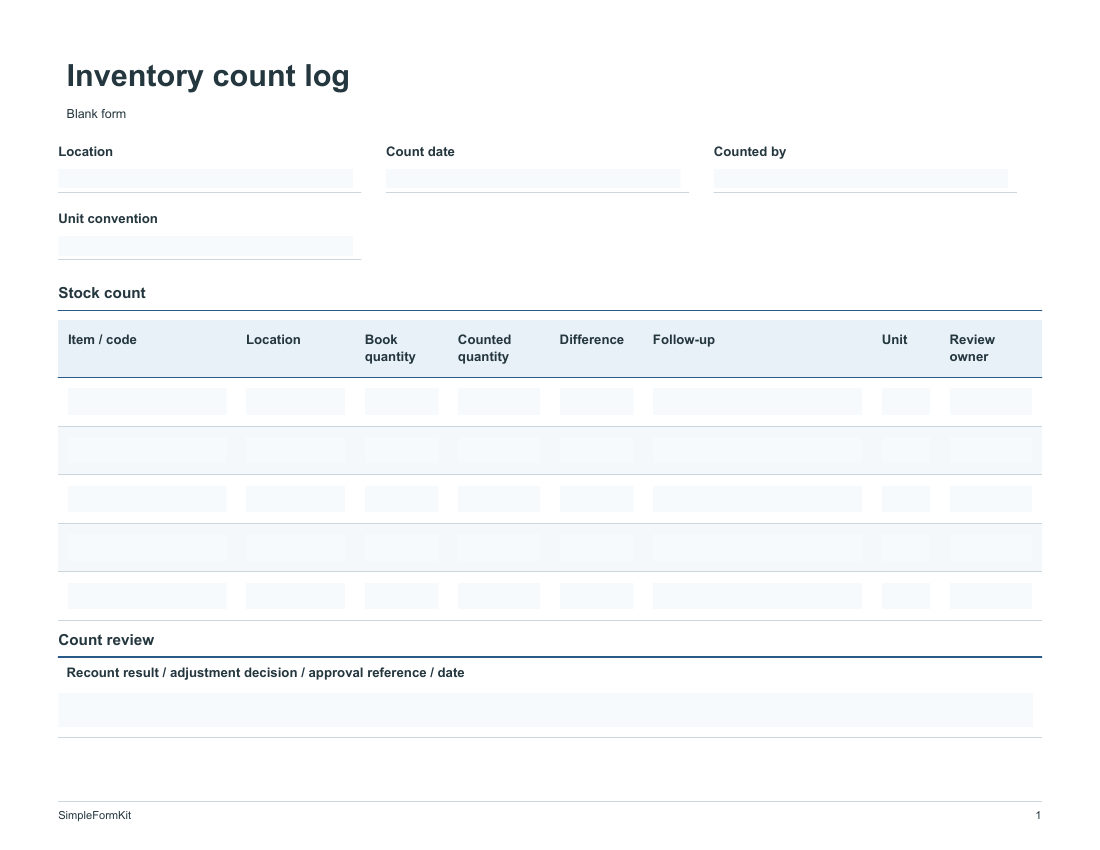
Preview & free downloads →Compare counted stock with the book quantity, investigate differences and record an approved adjustment. Excel and HTML calculate the count variance.
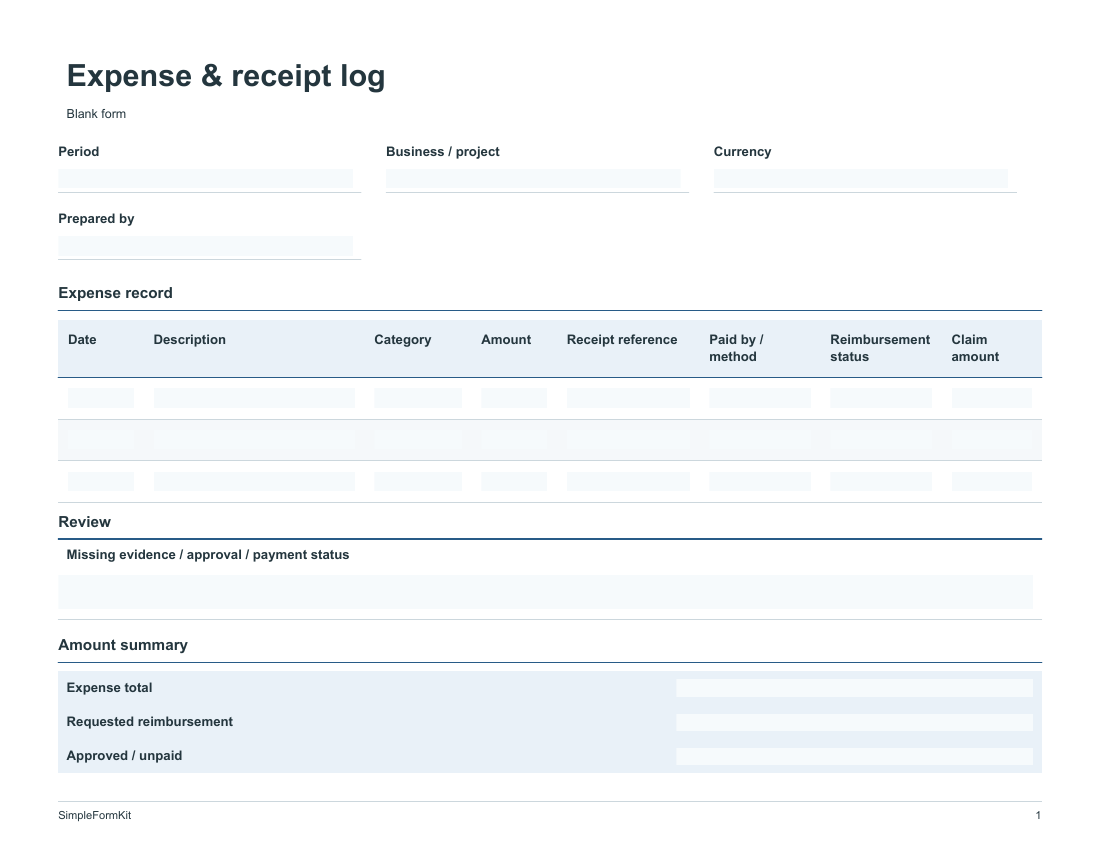
Preview & free downloads →Organize business expenses, receipt references and reimbursement amounts. Excel and HTML total spending and distinguish requested claims from approved unpaid amounts.
Preview & free downloads →Summarize a month's delivered work, verified results, open issues and next commitments for a reviewer.
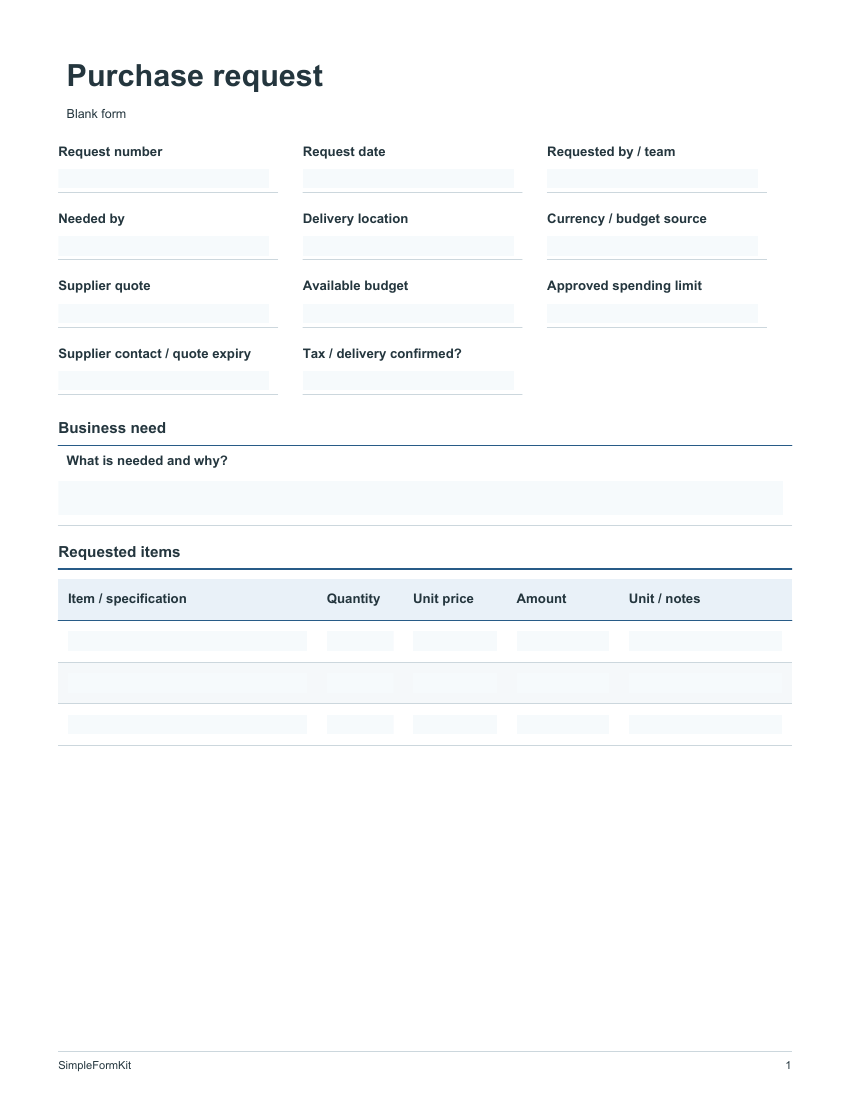
Preview & free downloads →Request approval for a purchase with specifications, estimated full cost, budget and a recorded review decision.
Preview & free downloads →Keep a daily work log of tasks, time spent, results and follow-up. Use the free PDF, Excel or browser template to review your day and hand over unfinished work.
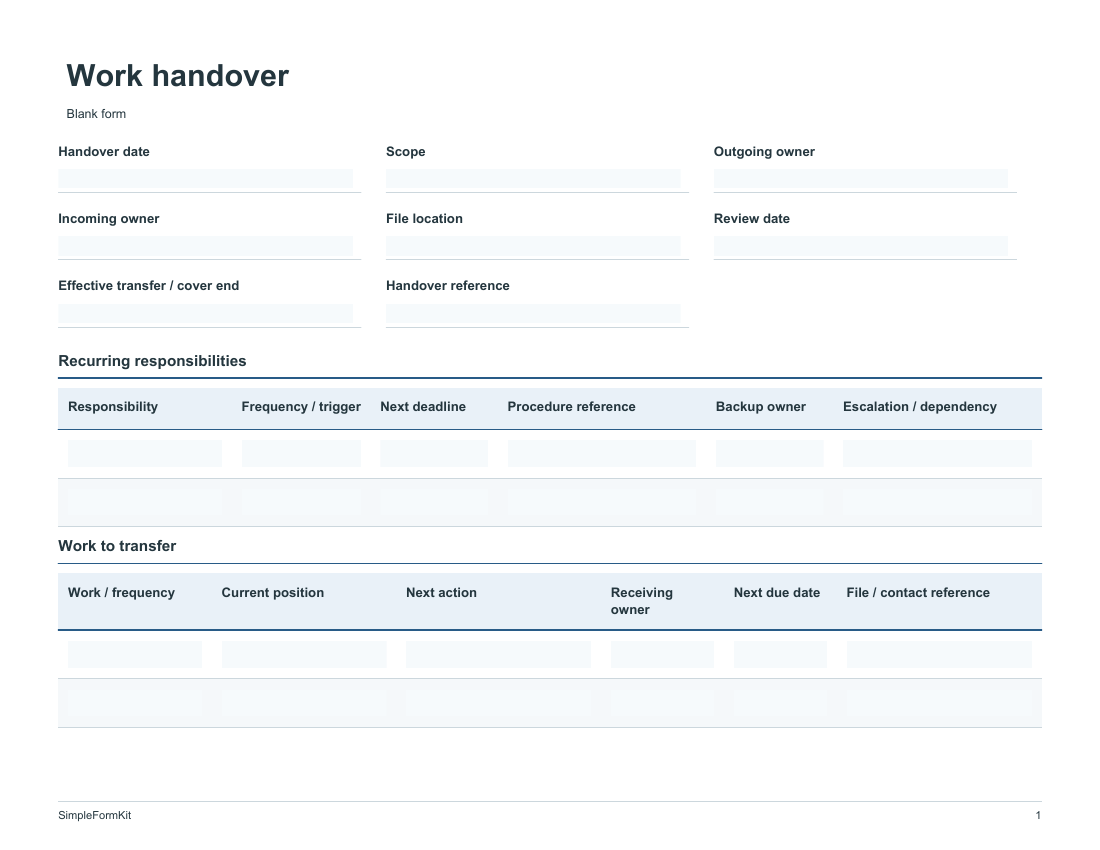
Preview & free downloads →Give the next owner recurring duties, open work, usable access and the evidence needed to take over.
Preview & free downloads →Agree the filing scope, approved master, storage rules and checks before moving or changing controlled documents.
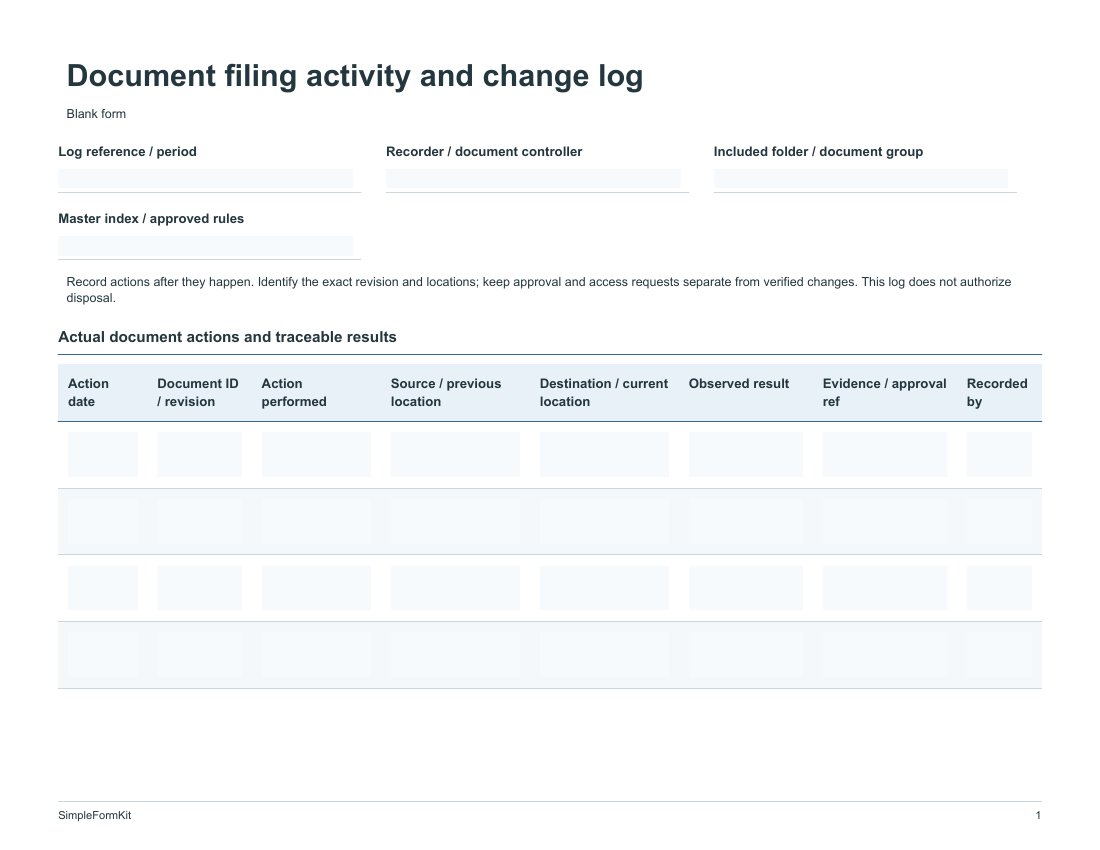
Preview & free downloads →Trace actual filing actions by document ID and revision, including exact locations, observed results and unresolved follow-up.
Preview & free downloads →Resolve filing questions with a named decision owner, a documented answer and a separate check that the agreed action happened.
Preview & free downloads →Check filing results against named acceptance criteria and keep the review open when access, retention or retrieval evidence is missing.
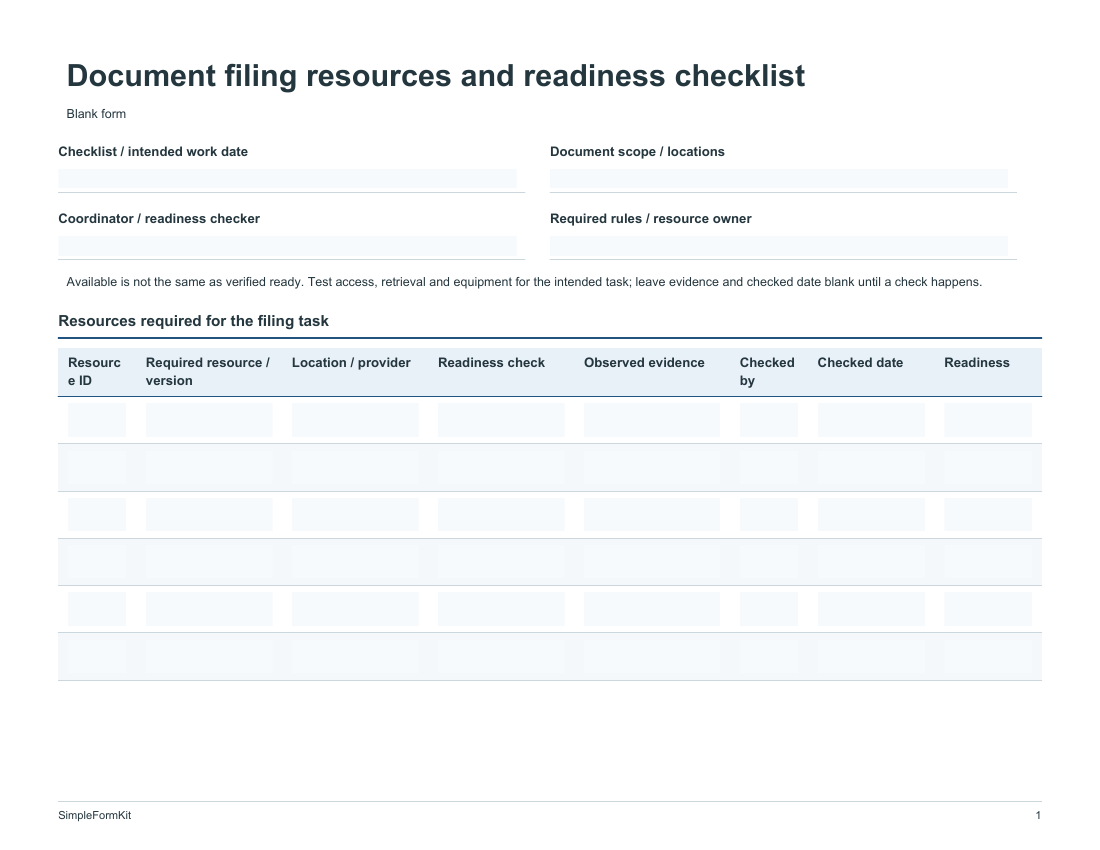
Preview & free downloads →Verify the rules, locations, permissions and tools needed for filing work, with evidence of readiness and a clear response to missing resources.
Preview & free downloads →Prepare a meeting-room request with the full occupied window, capacity, services and explicit reservation confirmation.
Preview & free downloads →Track room requests, confirmations, changes and actual use with separate evidence for the reservation and related services.
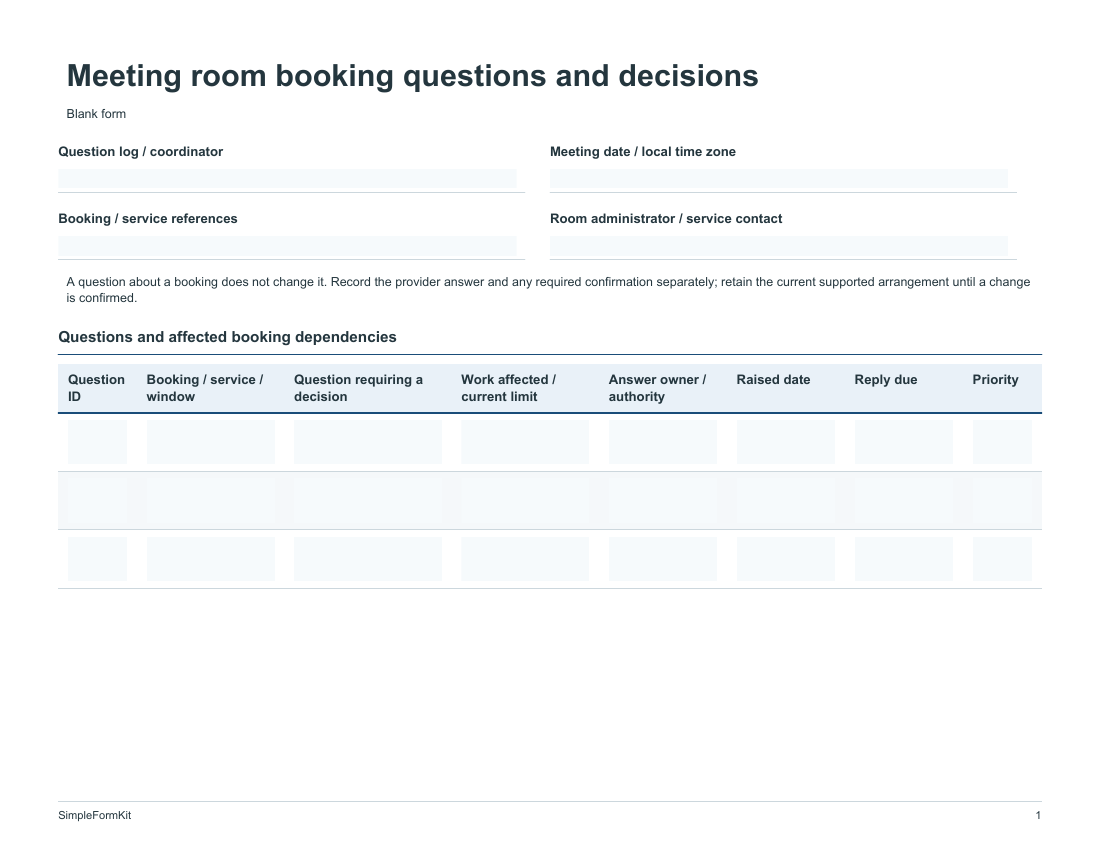
Preview & free downloads →Resolve room-booking questions with an exact booking/service reference, provider answer and evidence that dependent work was checked.
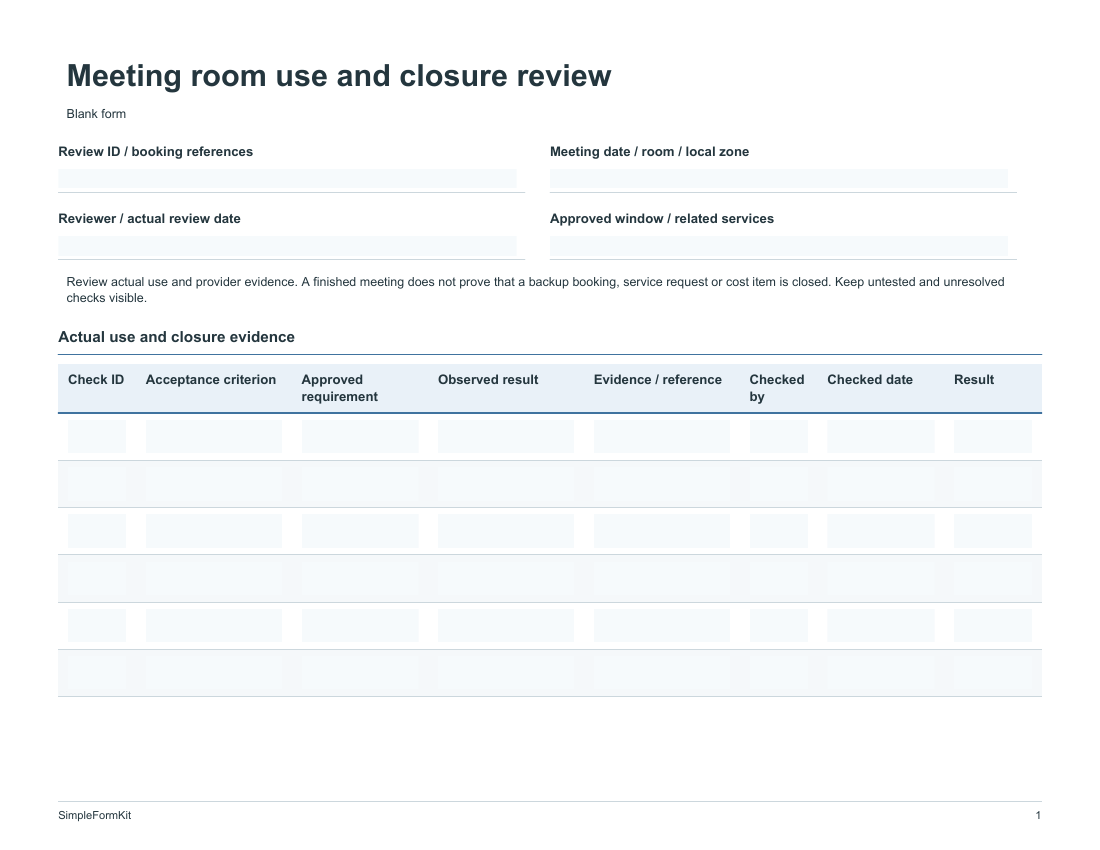
Preview & free downloads →Verify actual room use, reset, equipment return and booking follow-up before deciding which parts of a meeting-room booking can be closed.
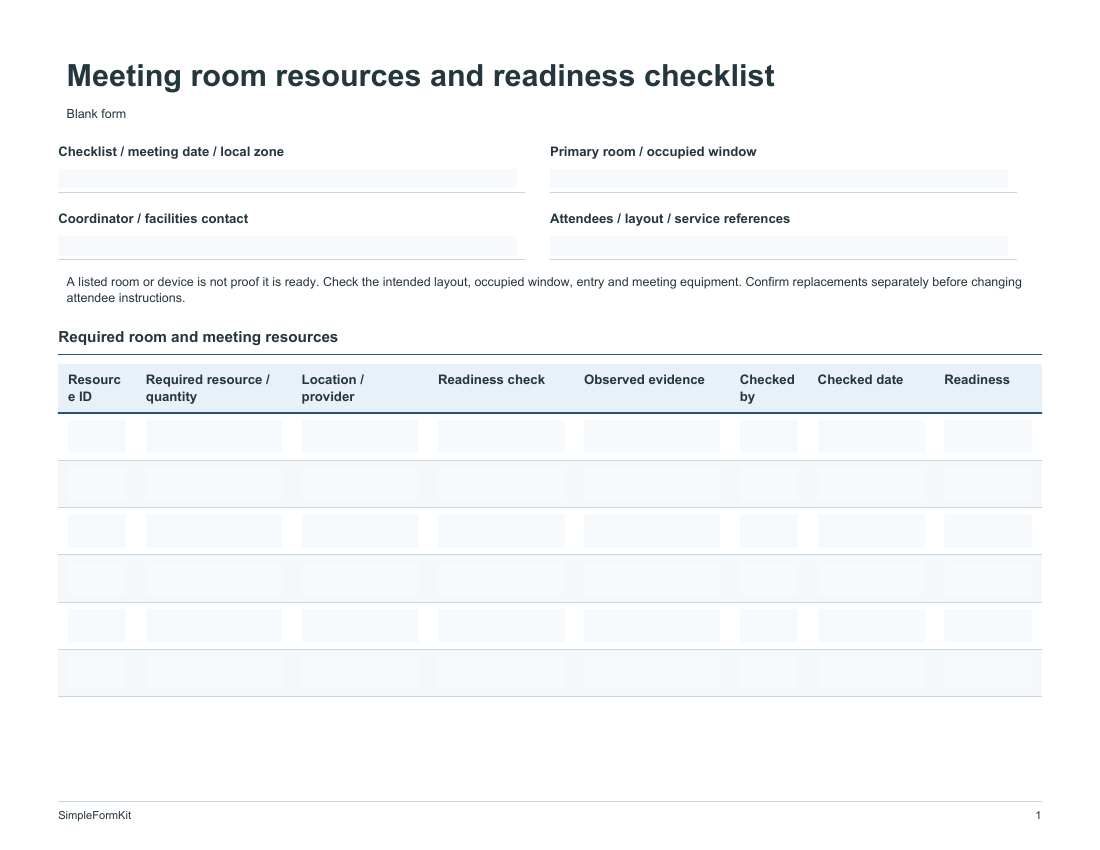
Preview & free downloads →Check room capacity, occupied time, entry and actual AV setup, while keeping unconfirmed backup arrangements separate from the confirmed primary room.
Preview & free downloads →Prepare an equipment loan with identified assets, accessories, handover checks and an agreed return arrangement.
Preview & free downloads →Record actual equipment issue, movement and return with asset identity, accessory counts and condition evidence.
Preview & free downloads →Resolve equipment-loan questions through the authorised lender, with separate answer, action and verified closure records.
Preview & free downloads →Review a returned equipment loan against the actual asset, accessory count, condition evidence and outstanding checks before closure.
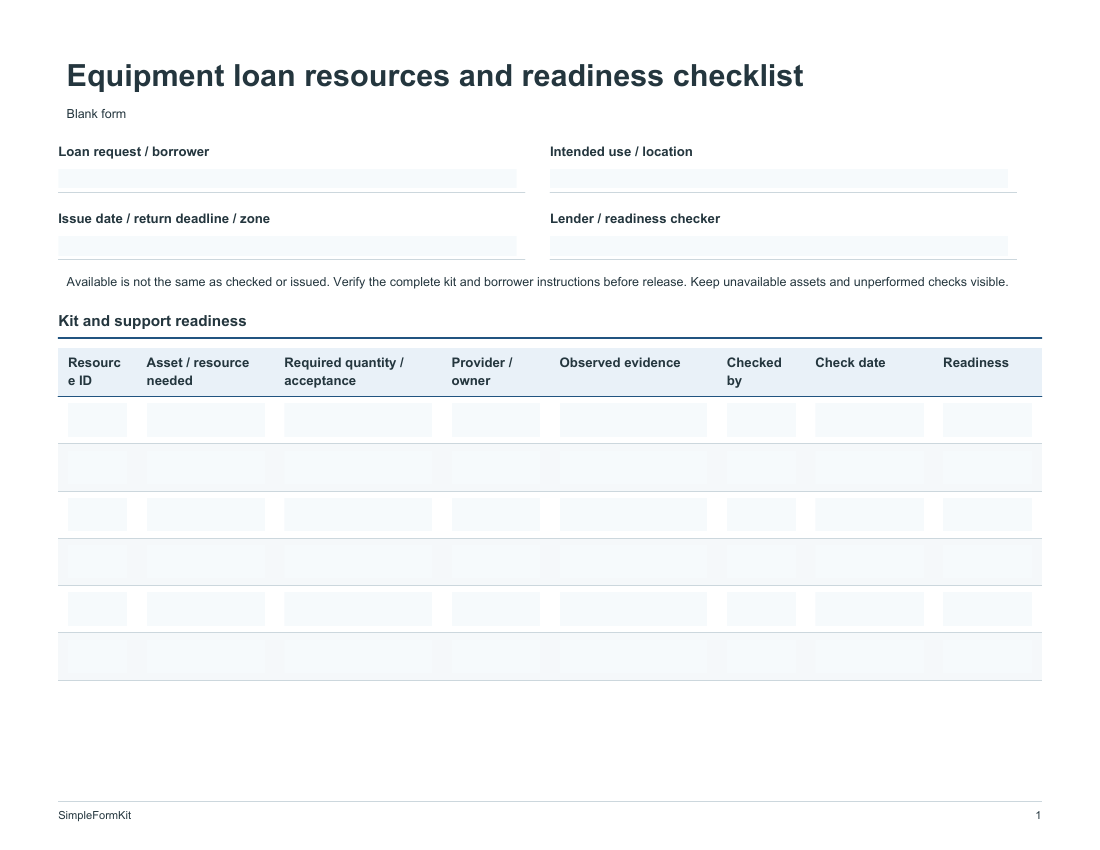
Preview & free downloads →Check the actual assets, accessories, instructions and receiving arrangements needed to issue an equipment loan.
Preview & free downloads →Prepare an office visitor appointment with host confirmation, reception instructions, access limits and separately checked arrangements.
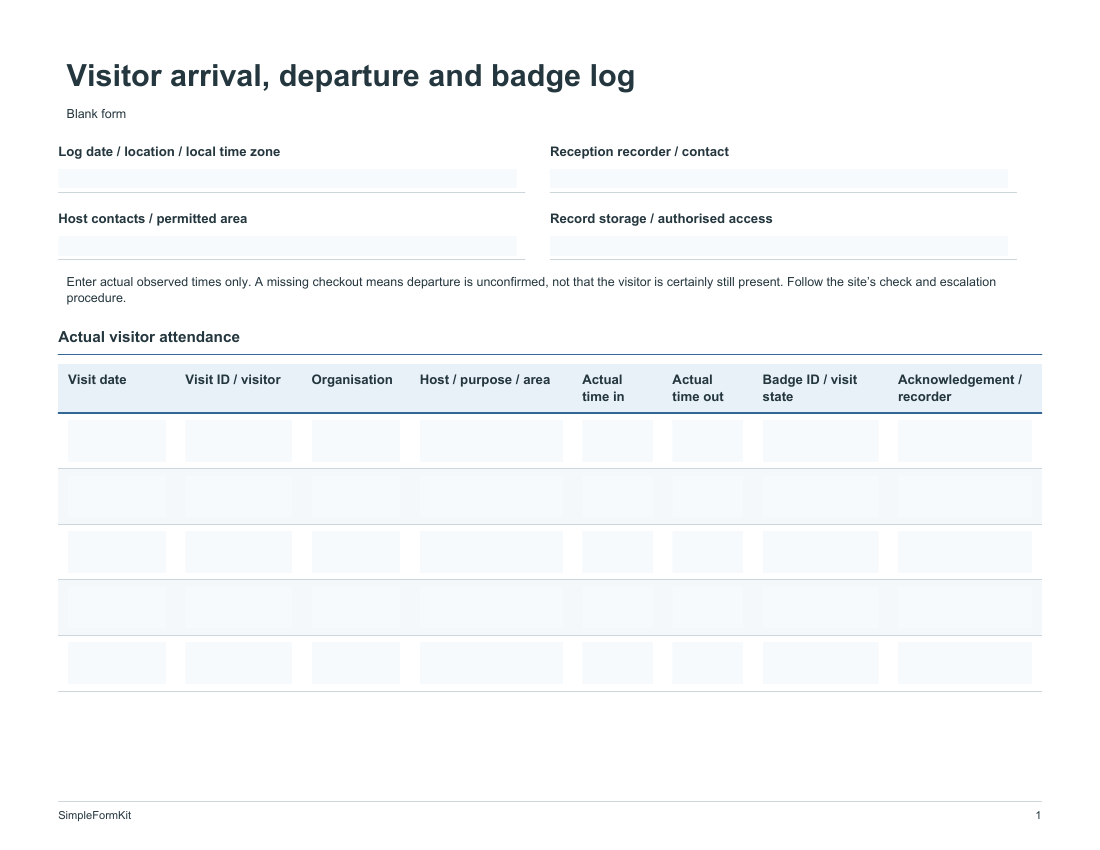
Preview & free downloads →Record actual office visitor arrival, departure and badge reconciliation without treating scheduled times as observed attendance.
Preview & free downloads →Resolve visitor arrangements and attendance questions with an authorised answer, dated evidence and verified follow-through.
Preview & free downloads →Review completed visitor records and open checkout or badge exceptions before reception hands over the visit log.
Preview & free downloads →Check reception, host, meeting space, badge materials and support arrangements before an office visitor appointment.
Preview & free downloads →Prepare a named-holder key request with identified doors, approval evidence, custody arrangements and a confirmed return point.
Preview & free downloads →Track physical key issue and return by key identifier, named holder, actual quantities and both parties’ receipt evidence.
Preview & free downloads →Resolve key approval, custody and access questions with an authorised answer and evidence of the required follow-through.
Preview & free downloads →Review key custody closure using approval, matching physical return, receipt filing and separately evidenced access actions.
Preview & free downloads →Check key approval, matching stock, handover records and return arrangements before physical issue.
Preview & free downloads →No matching templates. Try fewer words or choose another category.
Choose a template for the stage of work you are at, then pick the format you can use. Our download guide explains editing, saving and printing. Read how we prepare and maintain templates for examples, checks and limitations.
Open a template to see the actual layout, included fields and a fictional worked example. Choose the one whose sections fit your task.
PDF supports typed entries in a compatible PDF reader and handwriting after printing. Excel provides editable sheets. HTML lets you type in a downloaded browser copy and save your changes.
Start in the blank copy. Use another blank copy or add rows when needed, and leave out the example when sharing the finished record.