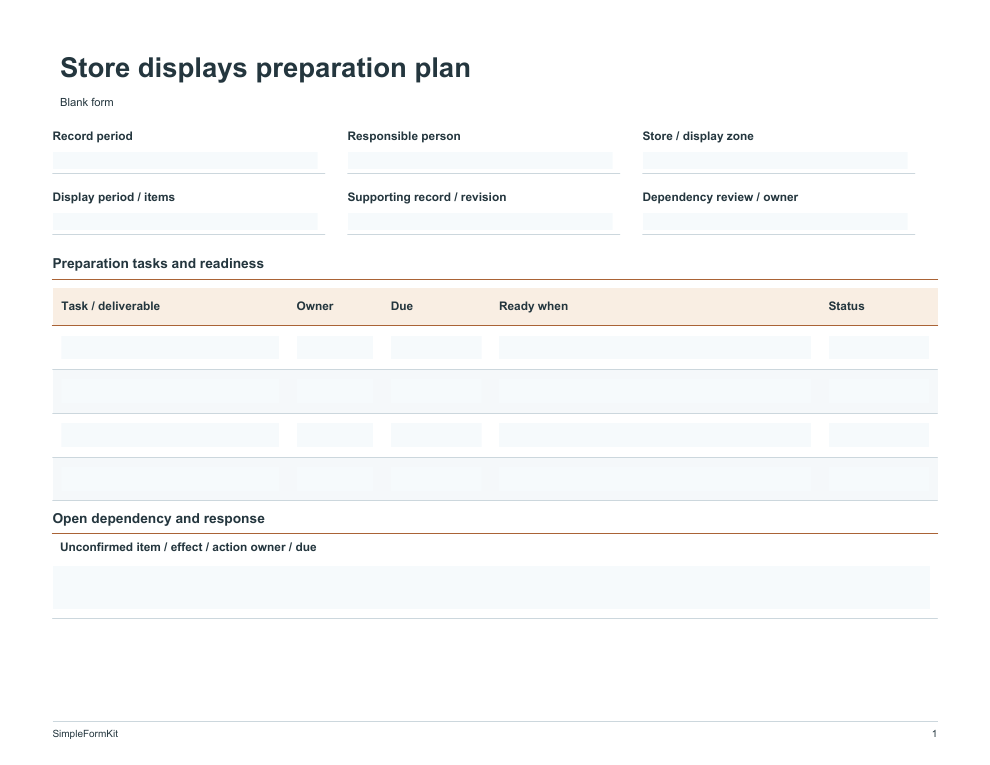
Store displays — preparation plan
Use this plan to get store displays ready to start. Map the intended outcome, arrange the inputs, and put an owner and date against the work that needs to happen first.
Preview & free downloads →Organize store tasks and follow-up work. Select the record that fits the stage: preparation before a task, resources before setup, activity while work happens, and review afterward. Use consistent item and location names across related documents.
Search a task or an item you need to record. Every format includes a blank copy, a fictional example and guidance; continuation pages provide extra space.
25 templates
Use this plan to get store displays ready to start. Map the intended outcome, arrange the inputs, and put an owner and date against the work that needs to happen first.
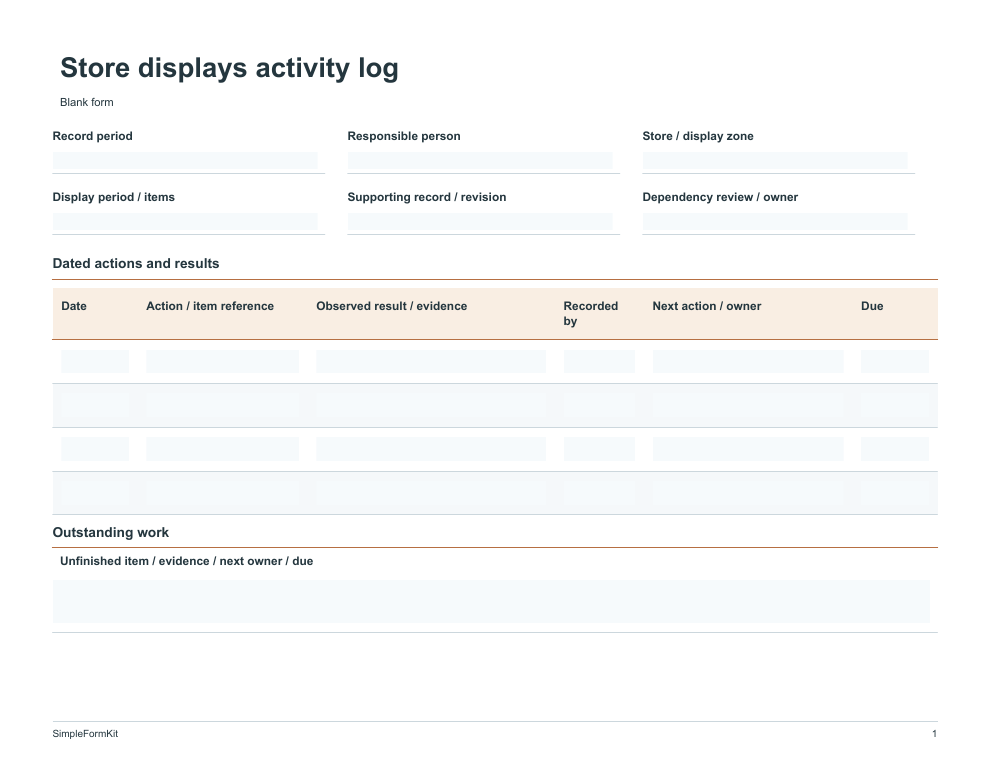
Preview & free downloads →Keep a dated record as you list display locations and check displayed prices. Note the actual result and what changed so another person can pick up the work.
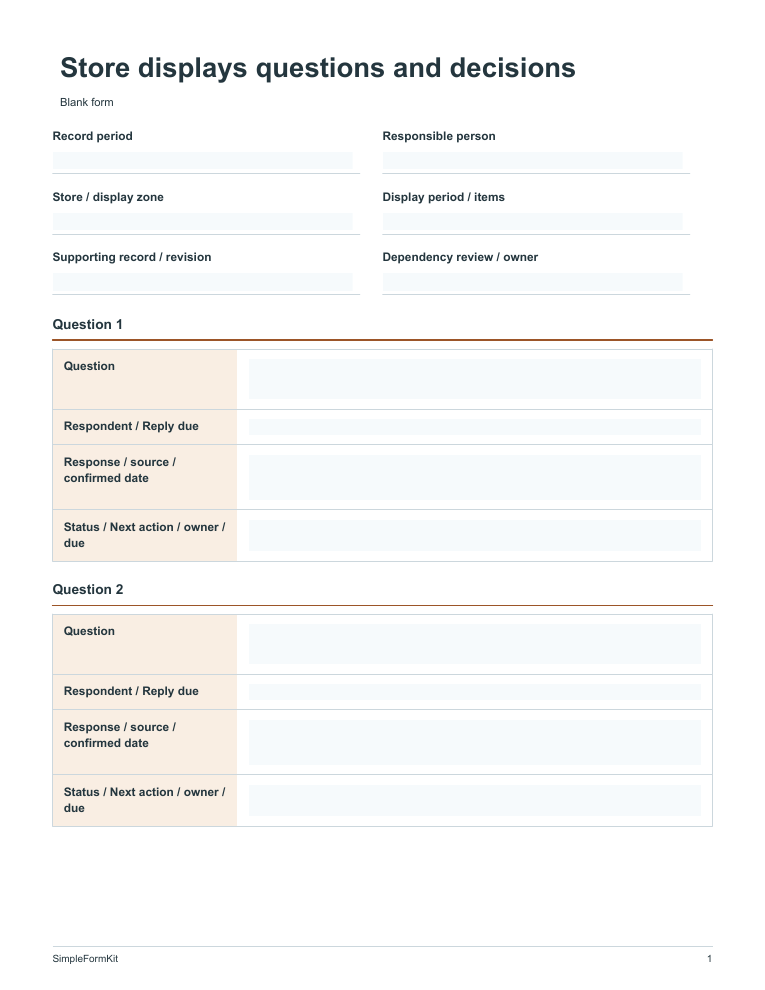
Preview & free downloads →Keep unanswered questions that arise while you list display locations or check displayed prices. Separate the question, reply and next check date so unresolved items remain visible.
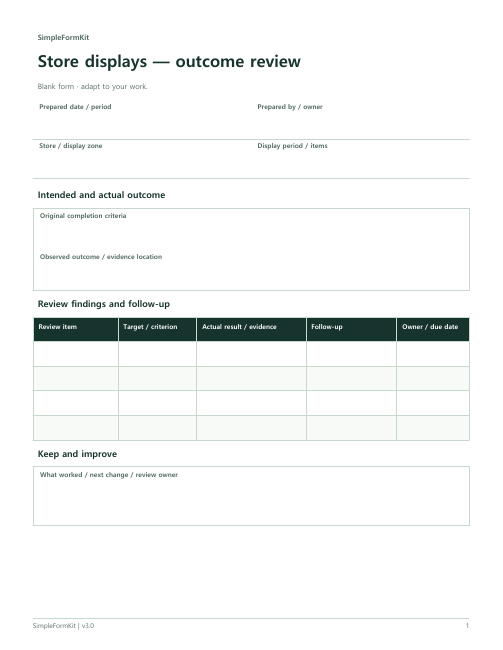
Preview & free downloads →Compare intended and actual results after you list display locations and check displayed prices. Keep a short improvement note for the next time you do the work.
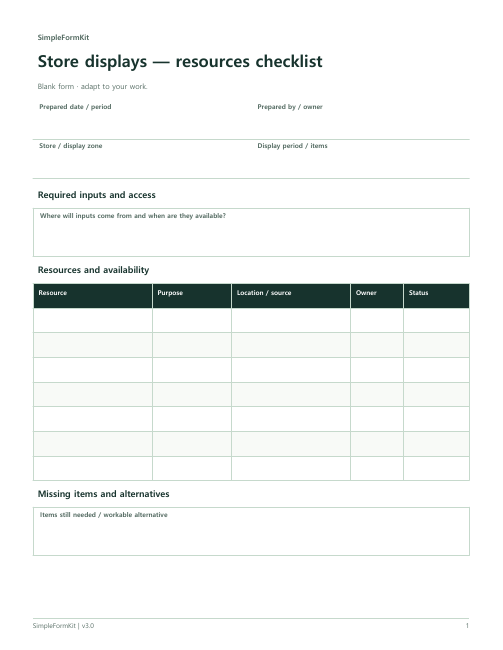
Preview & free downloads →List the resources needed to list display locations and check displayed prices. Mark what is ready, what is missing and where each resource is kept.
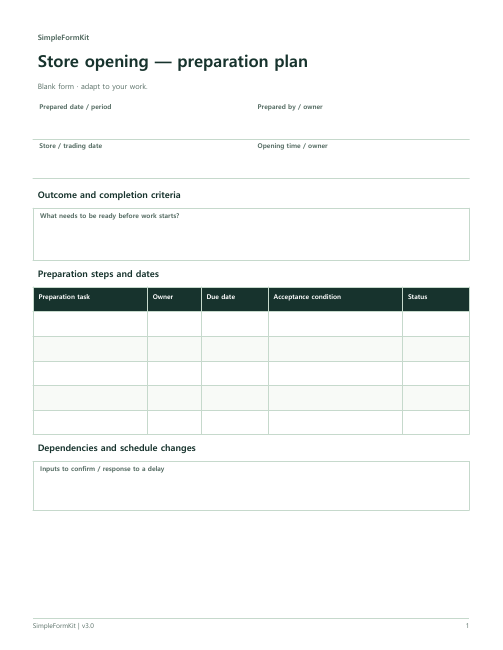
Preview & free downloads →Use this plan to get store opening ready to start. Map the intended outcome, arrange the inputs, and put an owner and date against the work that needs to happen first.
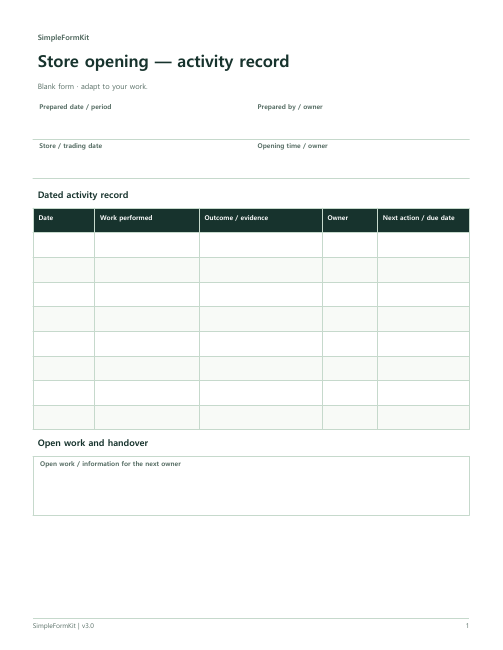
Preview & free downloads →Keep a dated record as you check customer signage and organize sale items. Note the actual result and what changed so another person can pick up the work.
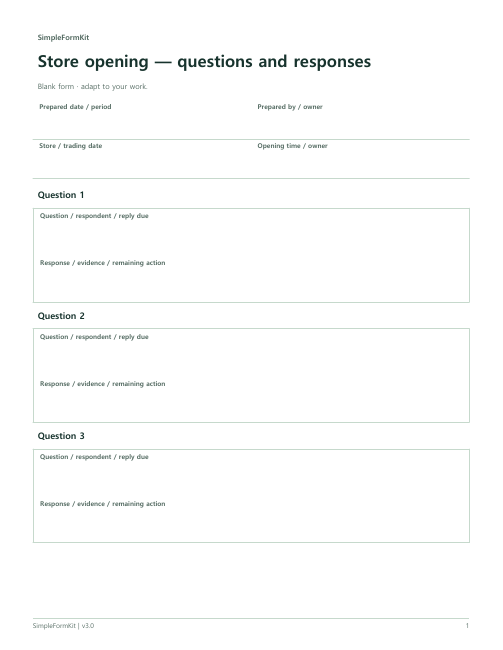
Preview & free downloads →Keep unanswered questions that arise while you check customer signage or organize sale items. Separate the question, reply and next check date so unresolved items remain visible.
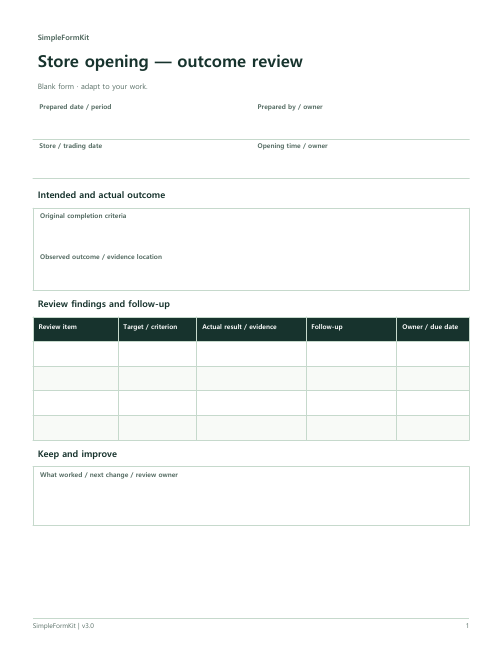
Preview & free downloads →Compare intended and actual results after you check customer signage and organize sale items. Keep a short improvement note for the next time you do the work.
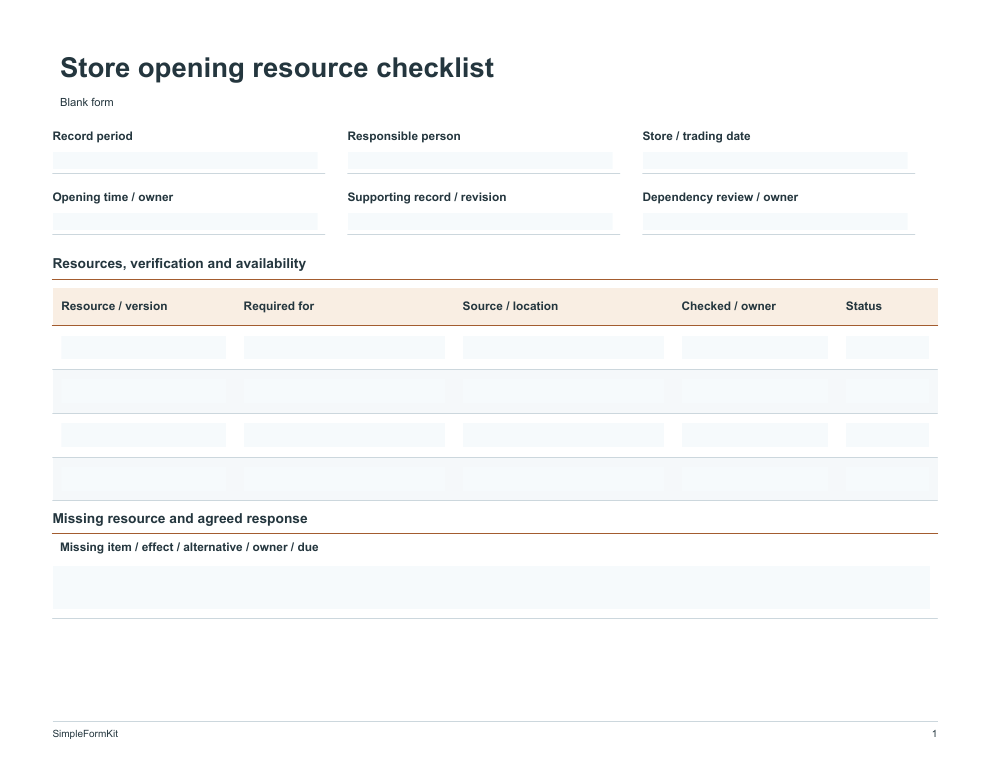
Preview & free downloads →List the resources needed to check customer signage and organize sale items. Mark what is ready, what is missing and where each resource is kept.
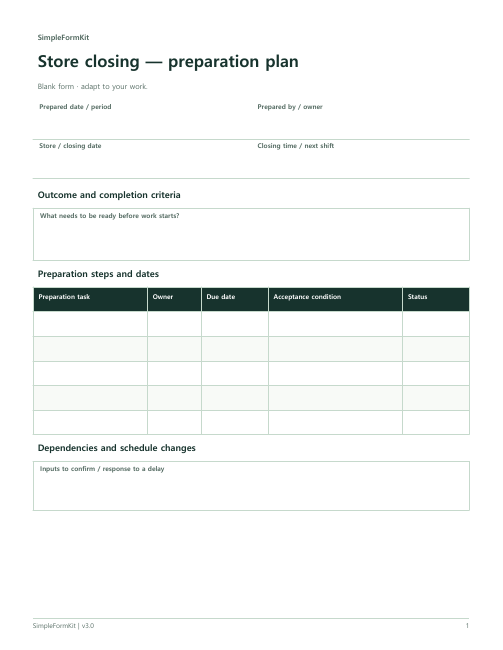
Preview & free downloads →Use this plan to get store closing ready to start. Map the intended outcome, arrange the inputs, and put an owner and date against the work that needs to happen first.
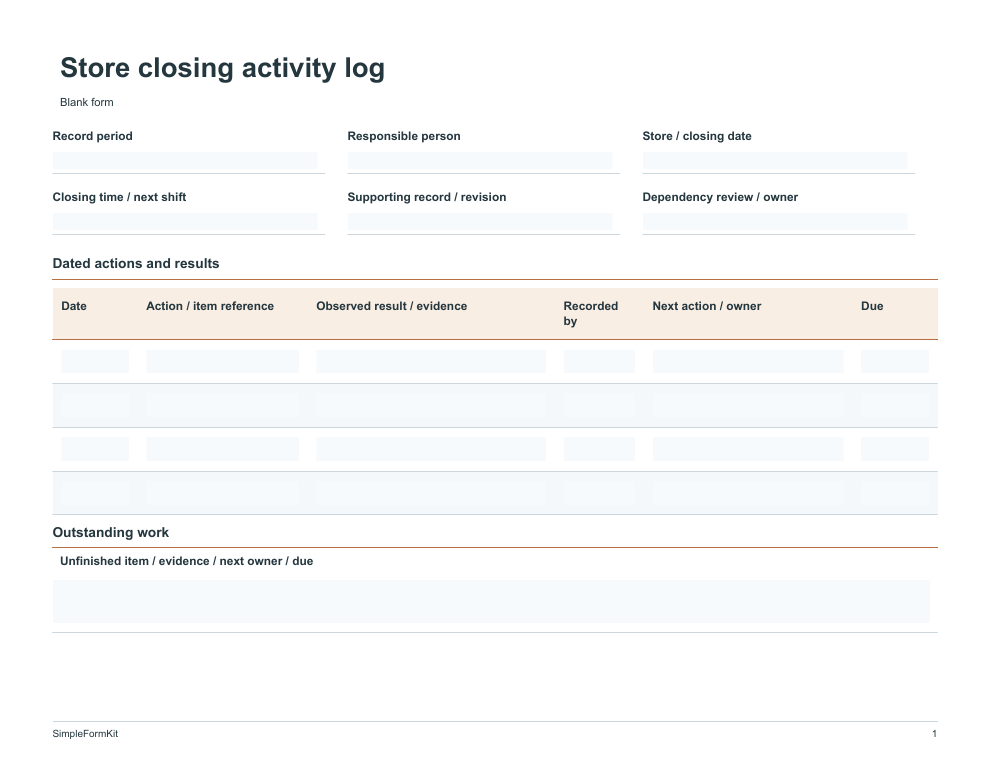
Preview & free downloads →Keep a dated record as you check outstanding requests and prepare next-day items. Note the actual result and what changed so another person can pick up the work.
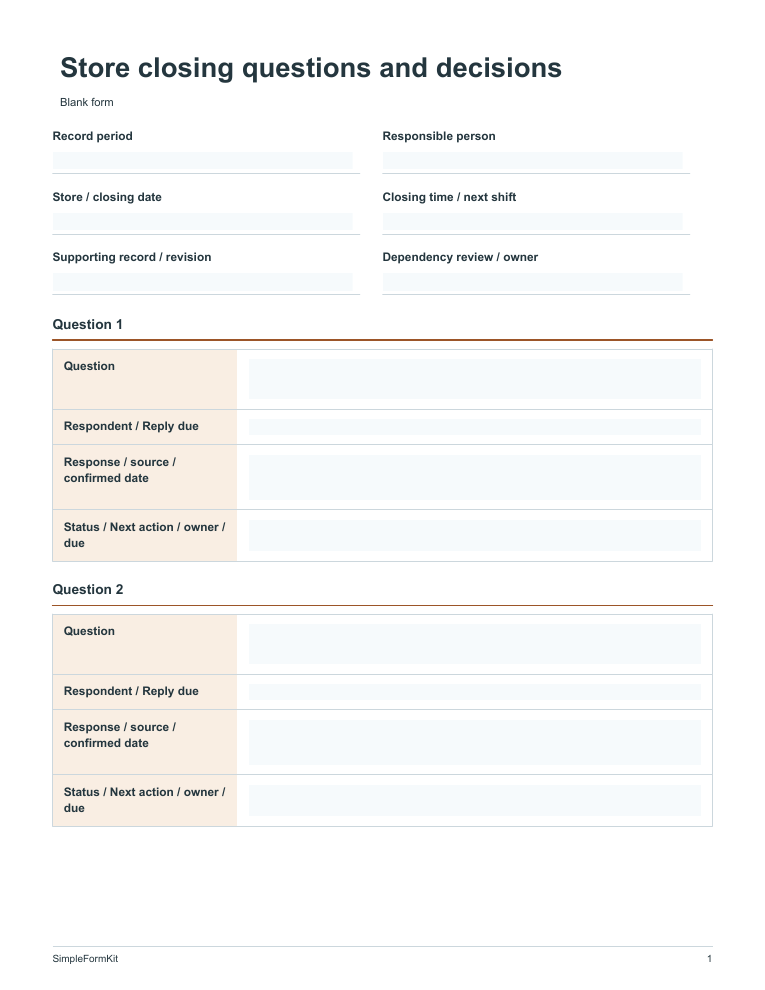
Preview & free downloads →Keep unanswered questions that arise while you check outstanding requests or prepare next-day items. Separate the question, reply and next check date so unresolved items remain visible.
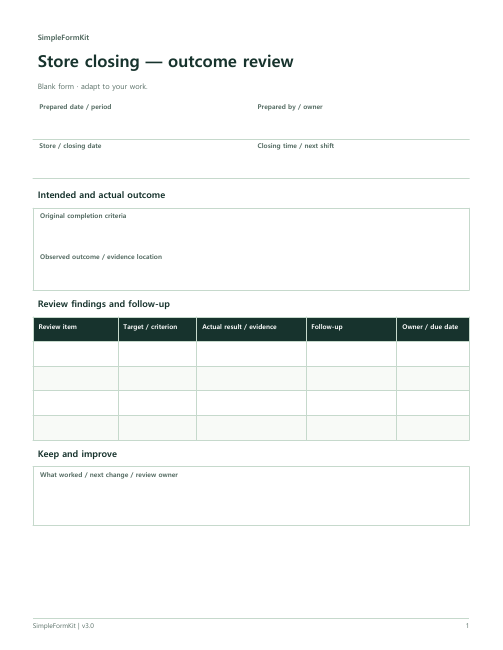
Preview & free downloads →Compare intended and actual results after you check outstanding requests and prepare next-day items. Keep a short improvement note for the next time you do the work.
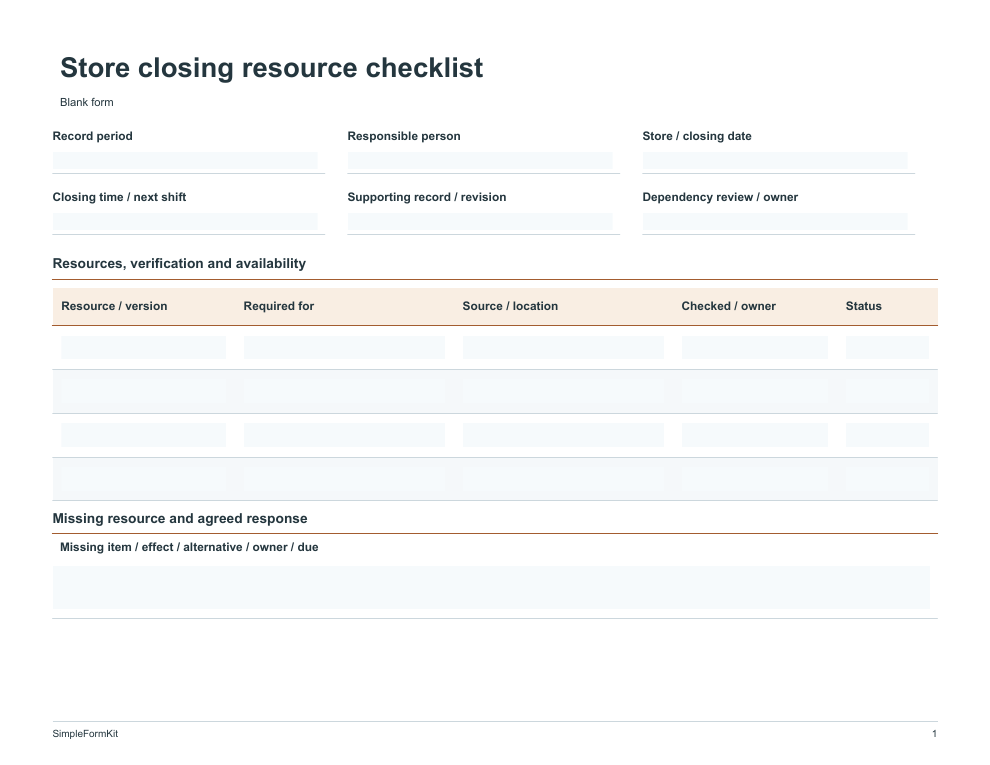
Preview & free downloads →List the resources needed to check outstanding requests and prepare next-day items. Mark what is ready, what is missing and where each resource is kept.
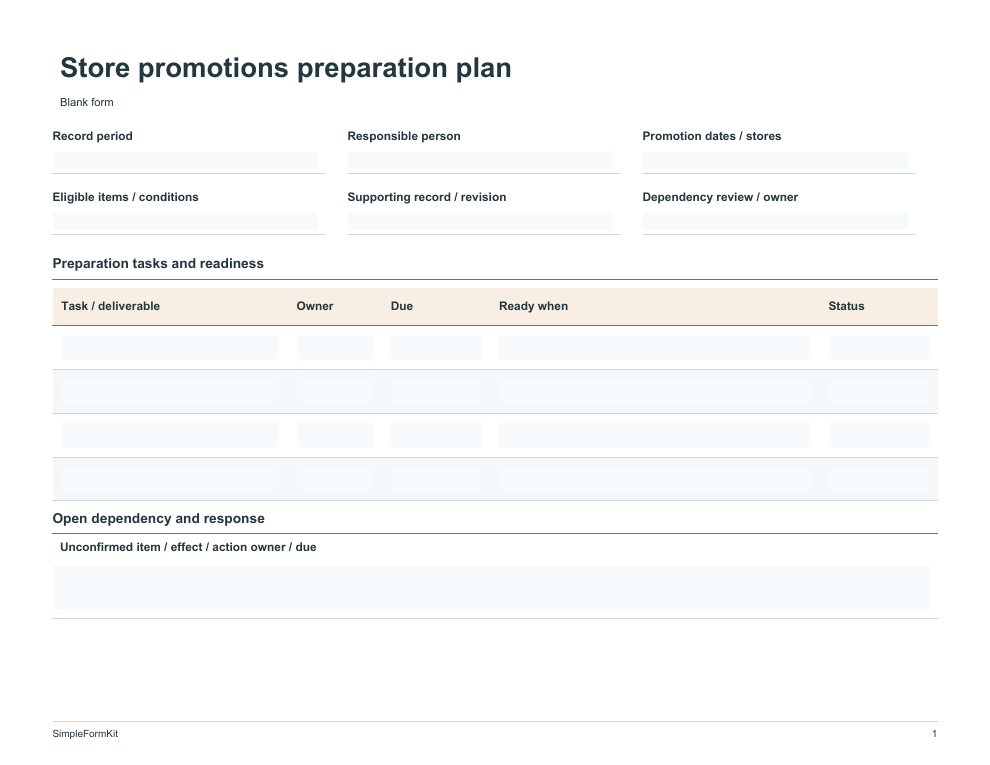
Preview & free downloads →Use this plan to get store promotions ready to start. Map the intended outcome, arrange the inputs, and put an owner and date against the work that needs to happen first.
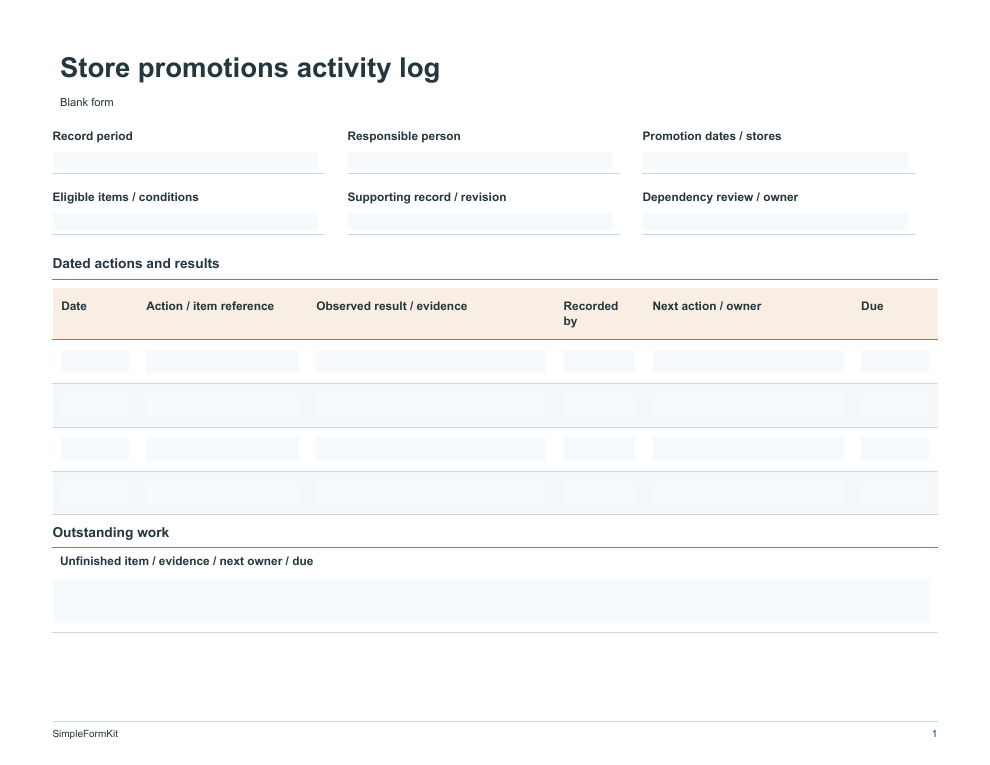
Preview & free downloads →Keep a dated record as you confirm promotion period and match eligible items. Note the actual result and what changed so another person can pick up the work.
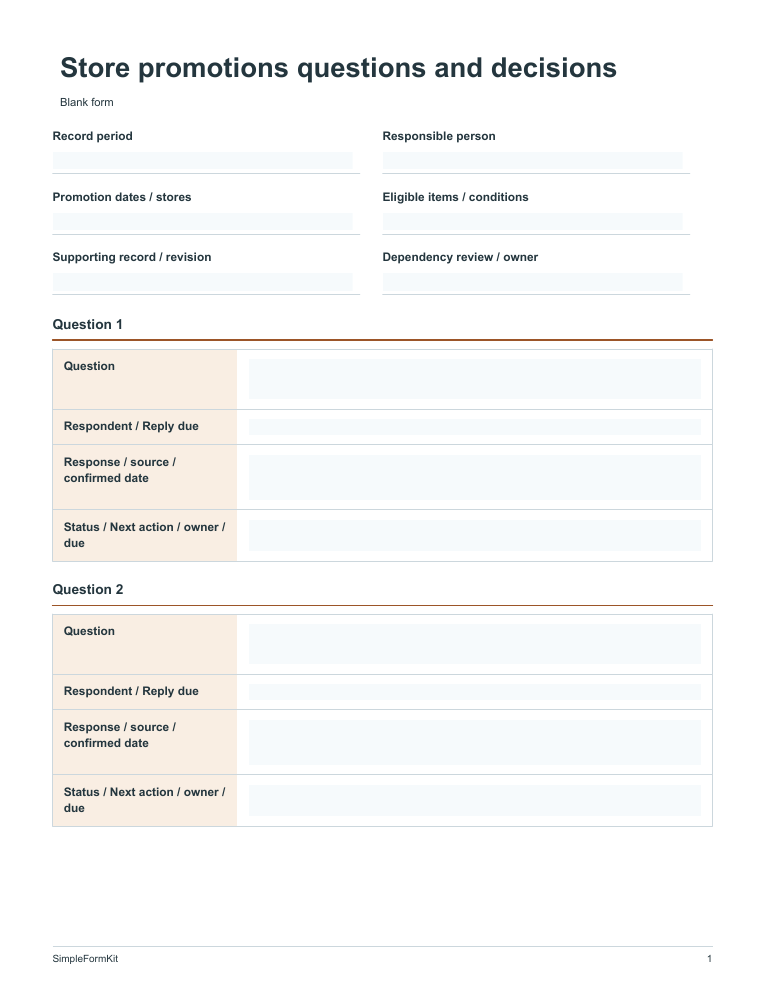
Preview & free downloads →Keep unanswered questions that arise while you confirm promotion period or match eligible items. Separate the question, reply and next check date so unresolved items remain visible.
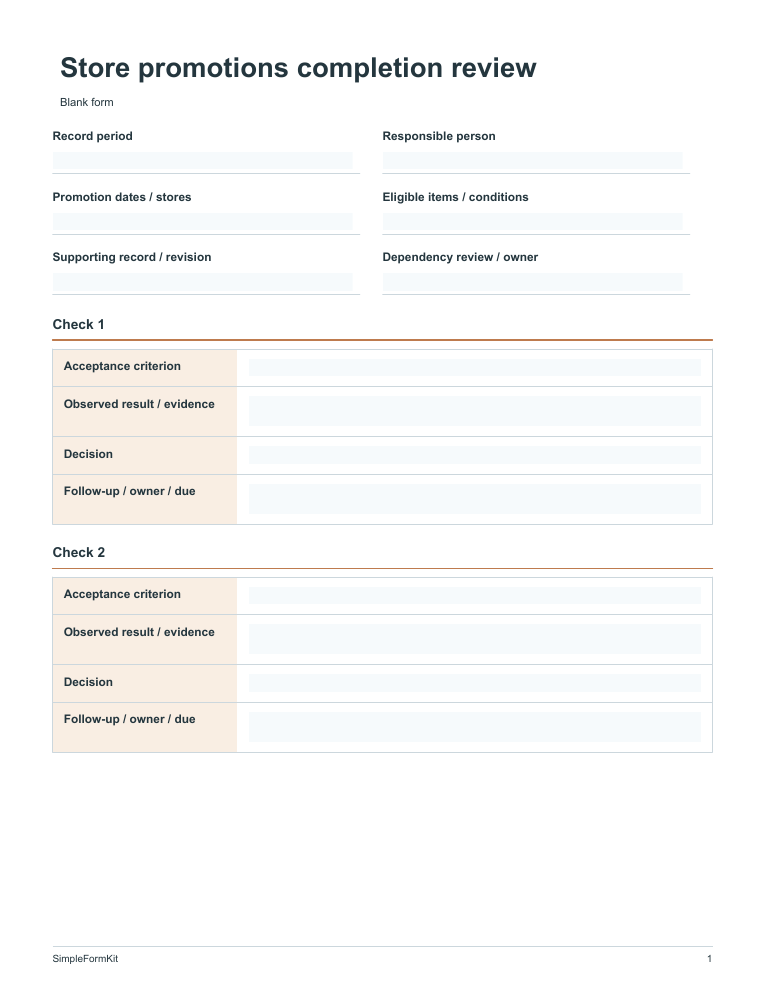
Preview & free downloads →Compare intended and actual results after you confirm promotion period and match eligible items. Keep a short improvement note for the next time you do the work.
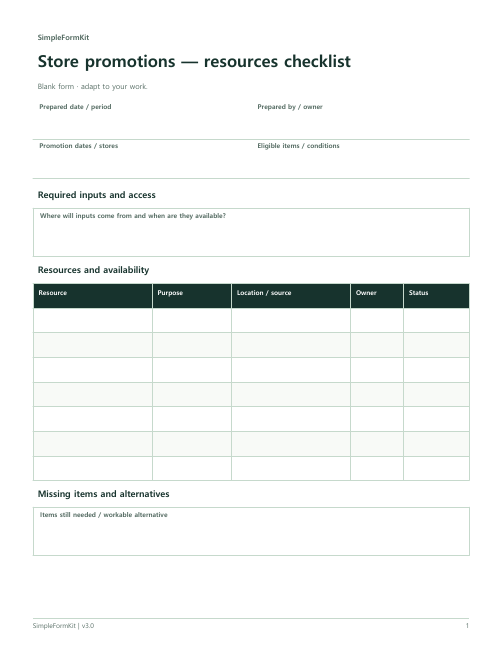
Preview & free downloads →List the resources needed to confirm promotion period and match eligible items. Mark what is ready, what is missing and where each resource is kept.
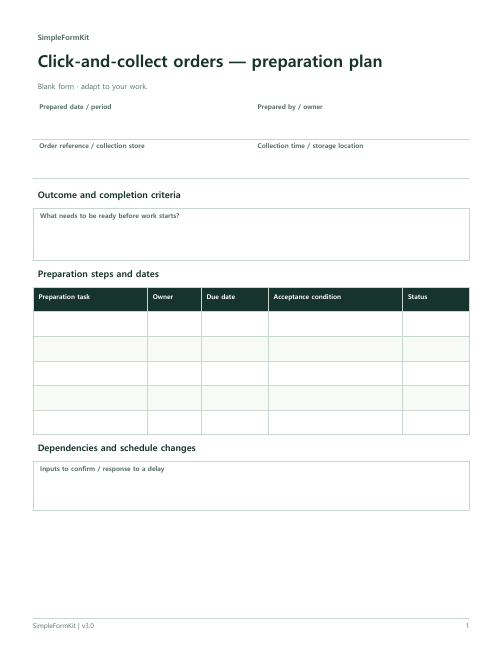
Preview & free downloads →Use this plan to get click-and-collect orders ready to start. Map the intended outcome, arrange the inputs, and put an owner and date against the work that needs to happen first.
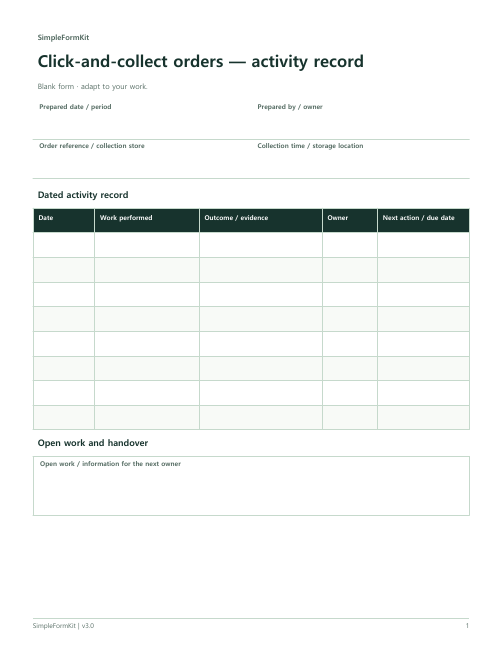
Preview & free downloads →Keep a dated record as you check order references and arrange collection times. Note the actual result and what changed so another person can pick up the work.
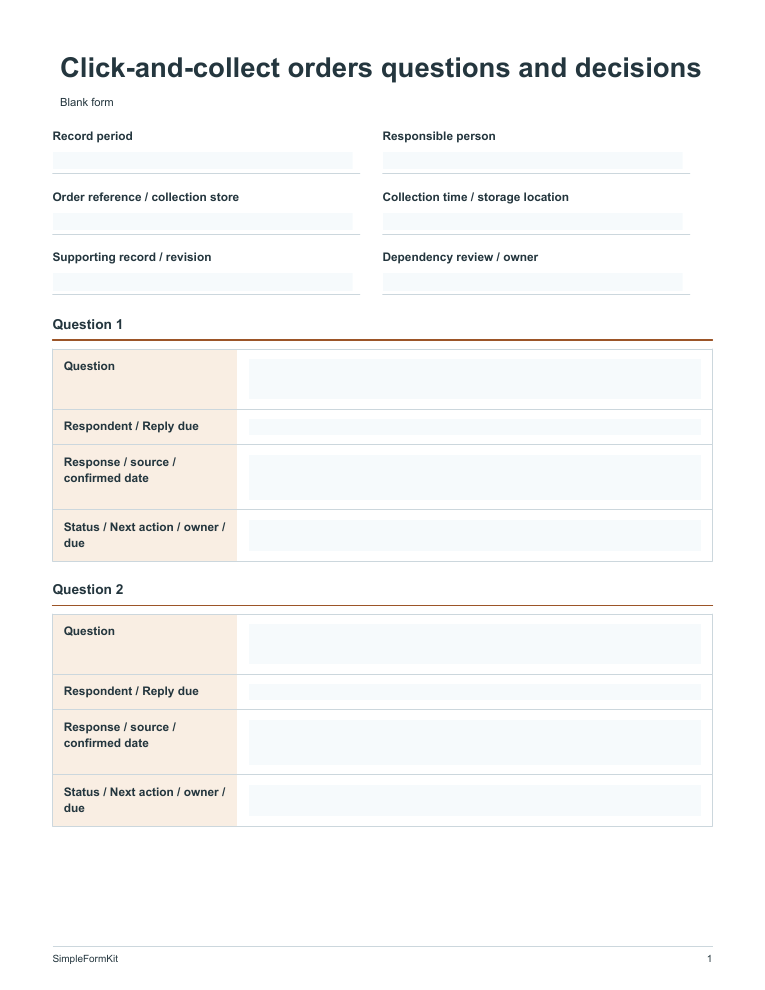
Preview & free downloads →Keep unanswered questions that arise while you check order references or arrange collection times. Separate the question, reply and next check date so unresolved items remain visible.
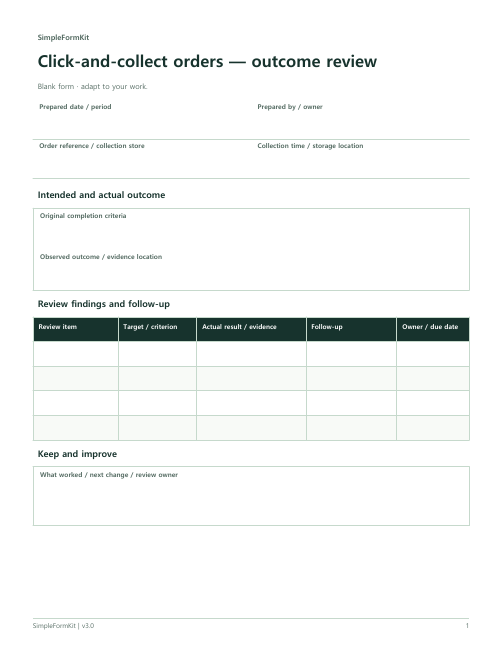
Preview & free downloads →Compare intended and actual results after you check order references and arrange collection times. Keep a short improvement note for the next time you do the work.
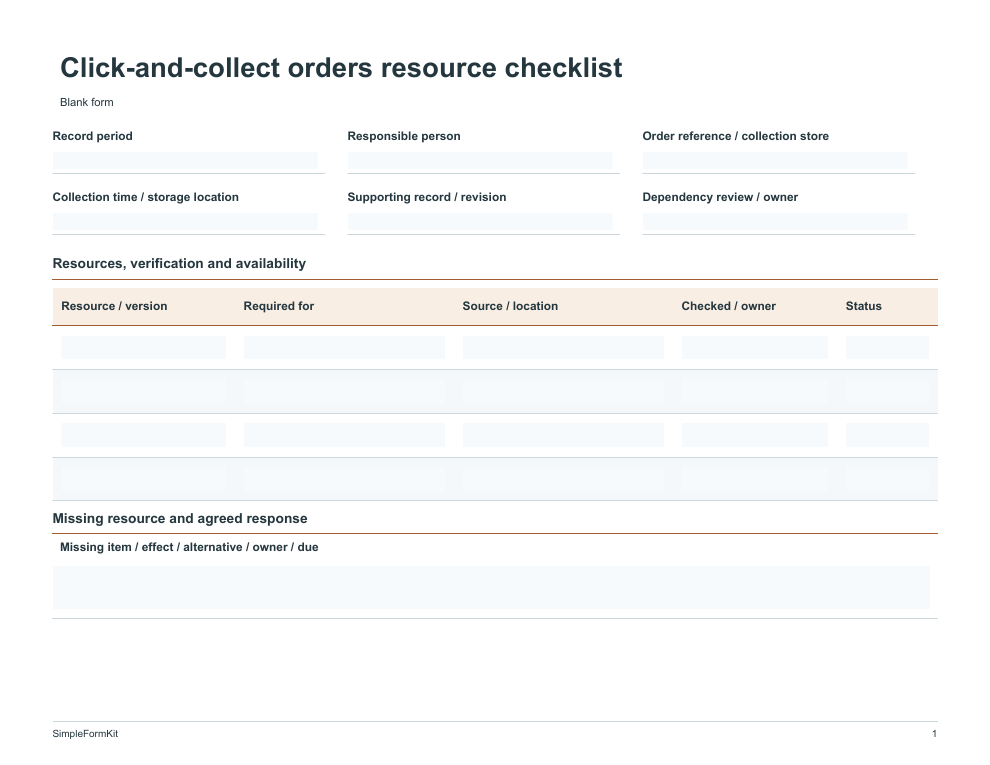
Preview & free downloads →List the resources needed to check order references and arrange collection times. Mark what is ready, what is missing and where each resource is kept.
Preview & free downloads →No matching templates. Try fewer words or choose another category.
Open a template to see the actual layout, included fields and a fictional worked example. Choose the one whose sections fit your task.
PDF is for handwriting and printing. Excel provides editable sheets. HTML lets you type in a downloaded browser copy and save your changes.
Start in the blank copy. Add continuation pages when needed, and leave out the example and guide when sharing the finished record.