Freelance enquiry qualification and response plan
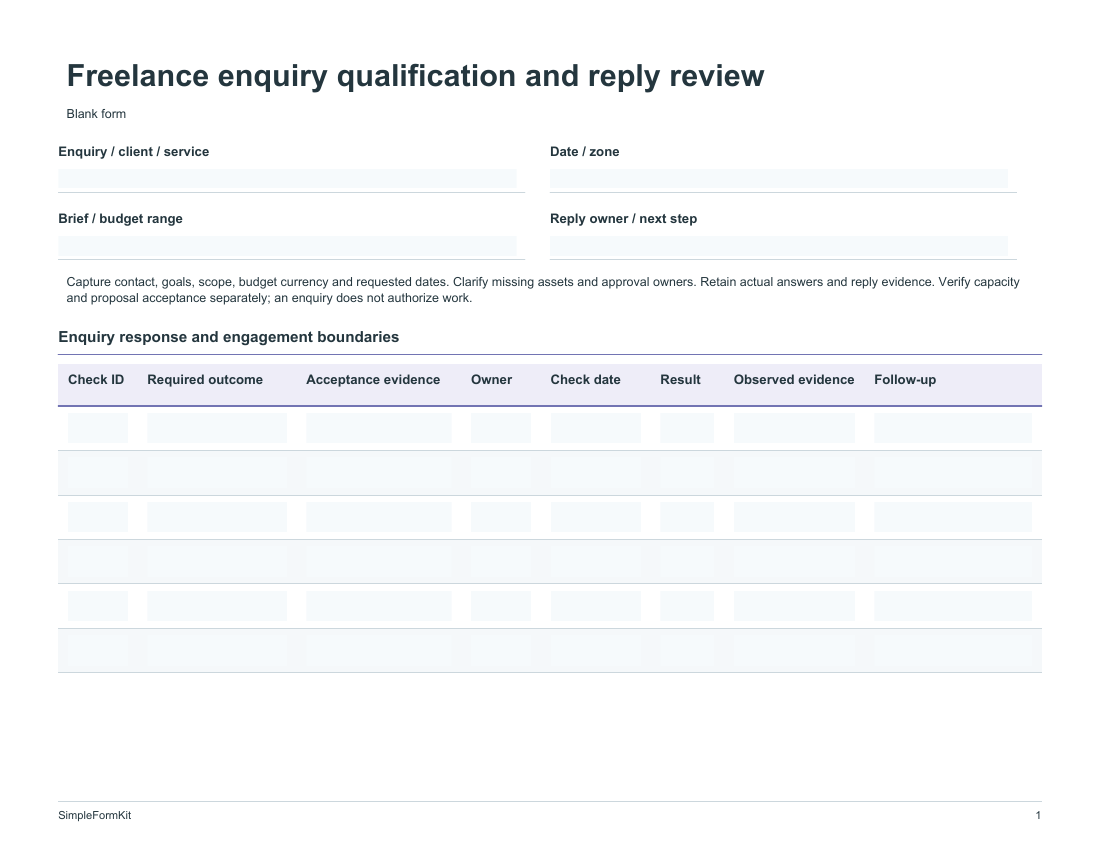
Plan a freelance enquiry response around client goals, deliverables, budget currency and requested dates.
Preview & free downloads →Take a client enquiry from the first questions to a clear next step. Use these records for discovery calls, portfolio updates, editing assignments and consultations, with space for scope, client replies and delivery checks.
Planning, records, resources, questions and outcome review belong together. Choose your task to see the five stages.
Search a task or an item you need to record. Every template includes a blank copy and a fictional example. Guidance is provided here and in the editable files. Compare the actual preview before choosing your copy.
25 templates
Plan a freelance enquiry response around client goals, deliverables, budget currency and requested dates.
Preview & free downloads →Record client clarifications, corrected briefs, actual replies and proposed next steps.
Preview & free downloads →Resolve missing scope, currency, asset ownership and feasibility information before proposing work.
Preview & free downloads →Review enquiry qualification and actual next-step acceptance before treating the project as ready.
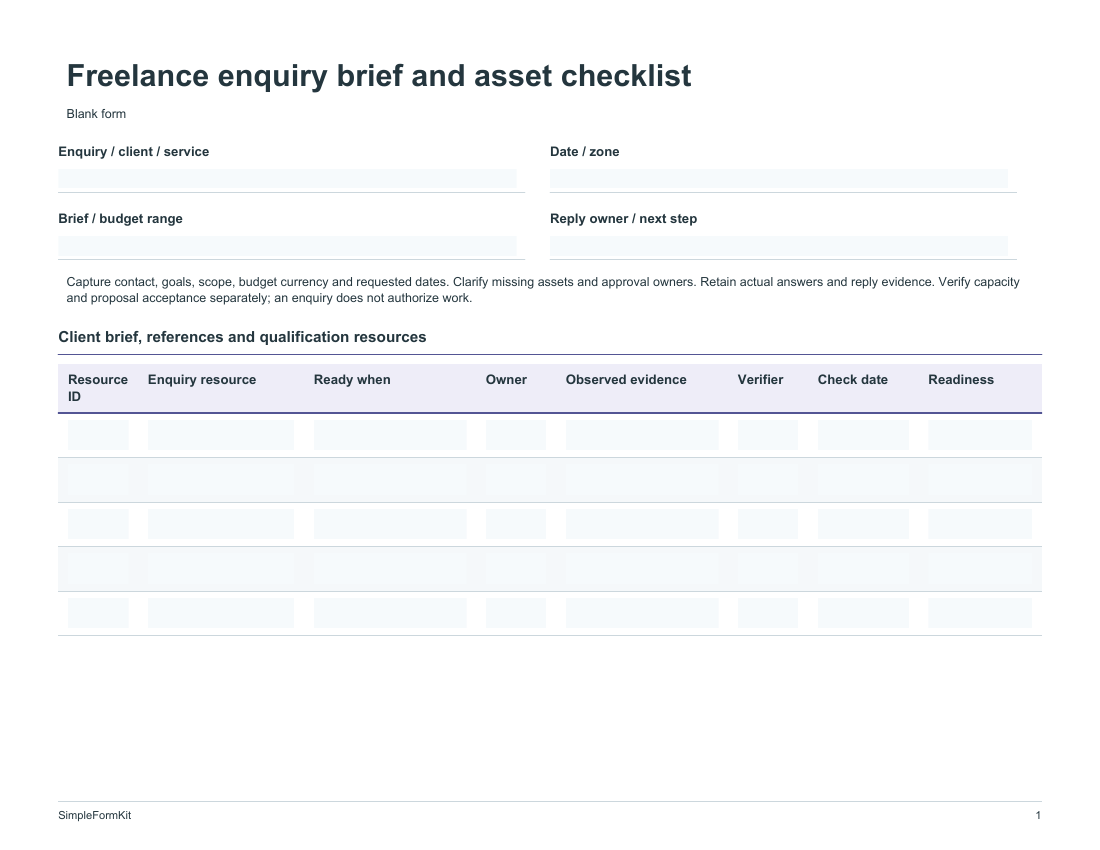
Preview & free downloads →Check the client brief, reference files, asset owners and inputs needed to assess the enquiry.
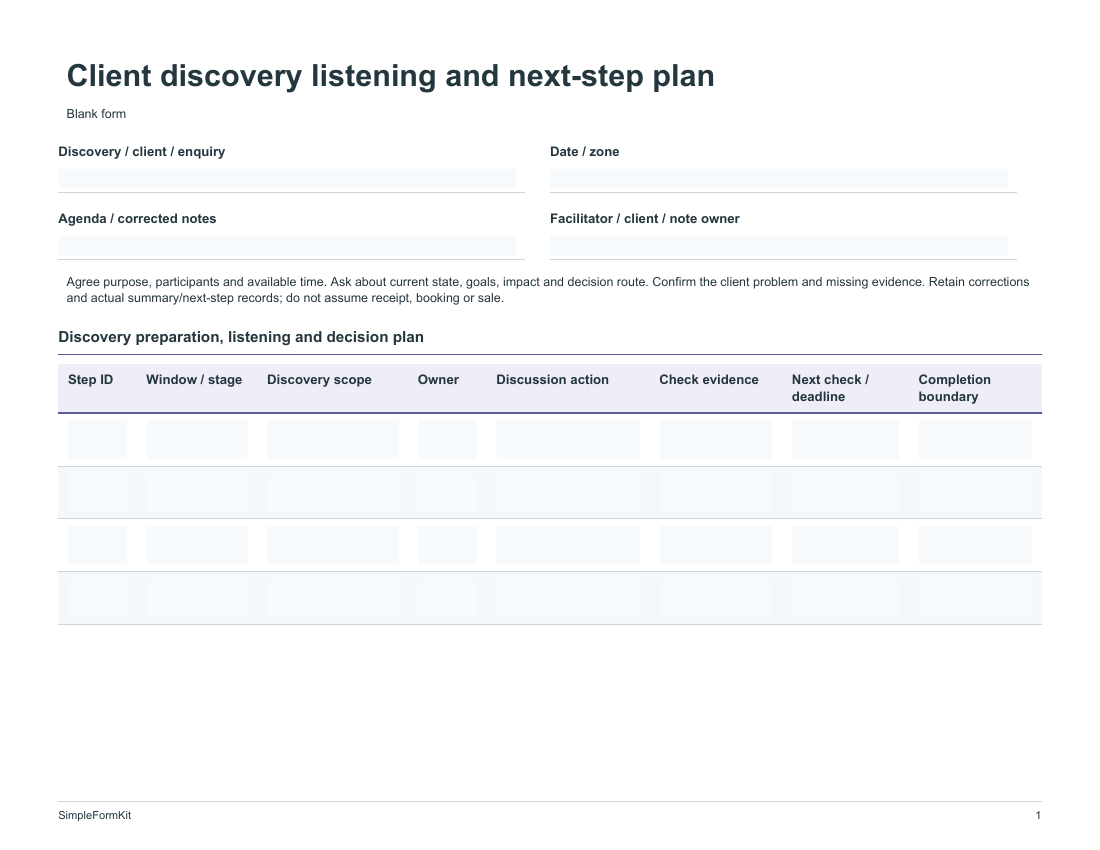
Preview & free downloads →Prepare a client discovery call with known context, focused questions and a realistic agenda.
Preview & free downloads →Record client answers, corrected assumptions, actual summary delivery and follow-up checks.
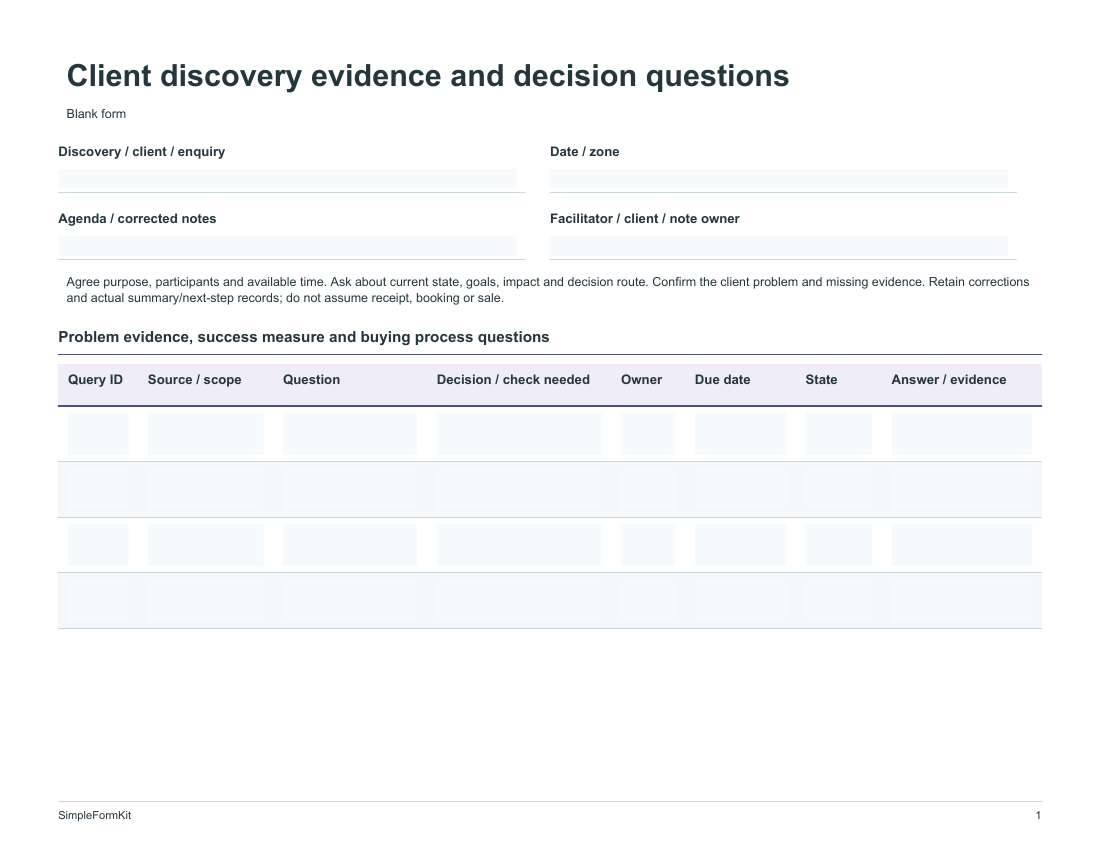
Preview & free downloads →Resolve missing baseline, success measures, authority and feasibility information after discovery.
Preview & free downloads →Review the confirmed client problem and evidence needed for a useful next decision.
Preview & free downloads →Check enquiry context, agenda, participants and baseline or decision inputs for discovery.
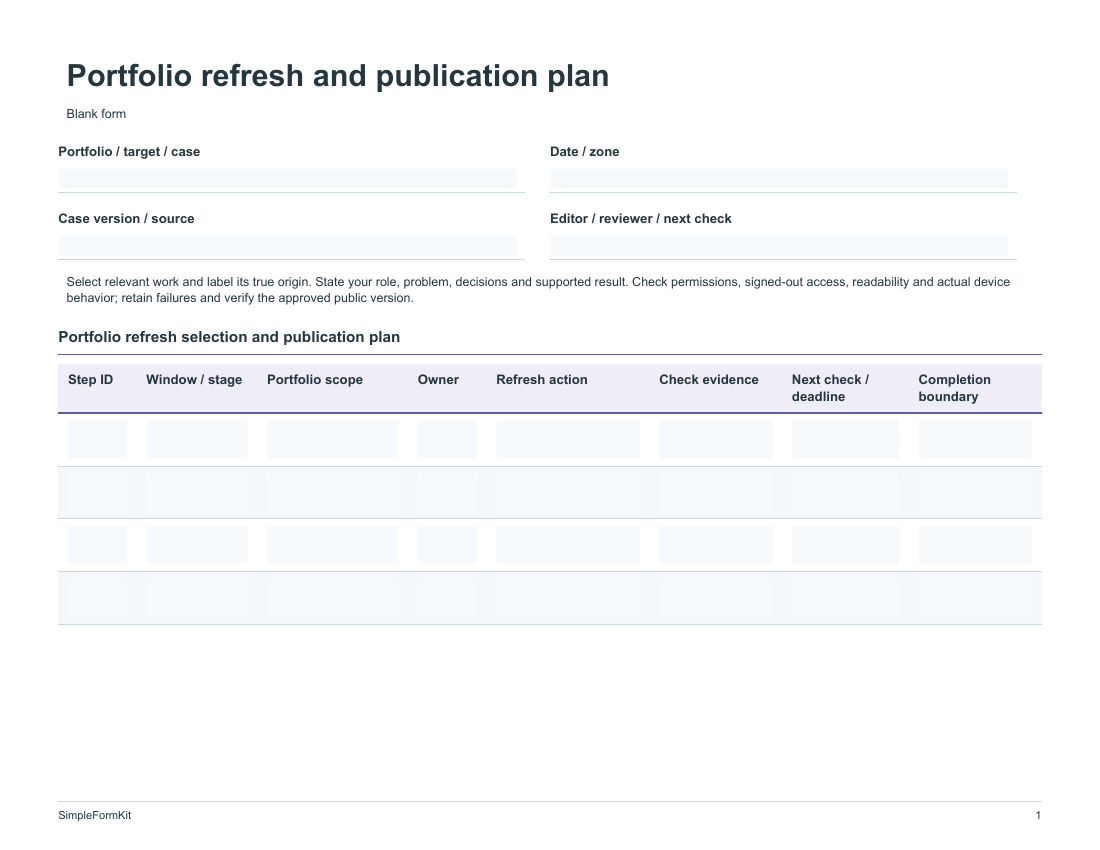
Preview & free downloads →Plan a portfolio refresh around the target audience, relevant work and accurate project evidence.
Preview & free downloads →Record portfolio edits, rejected claims, access tests and verified corrections.
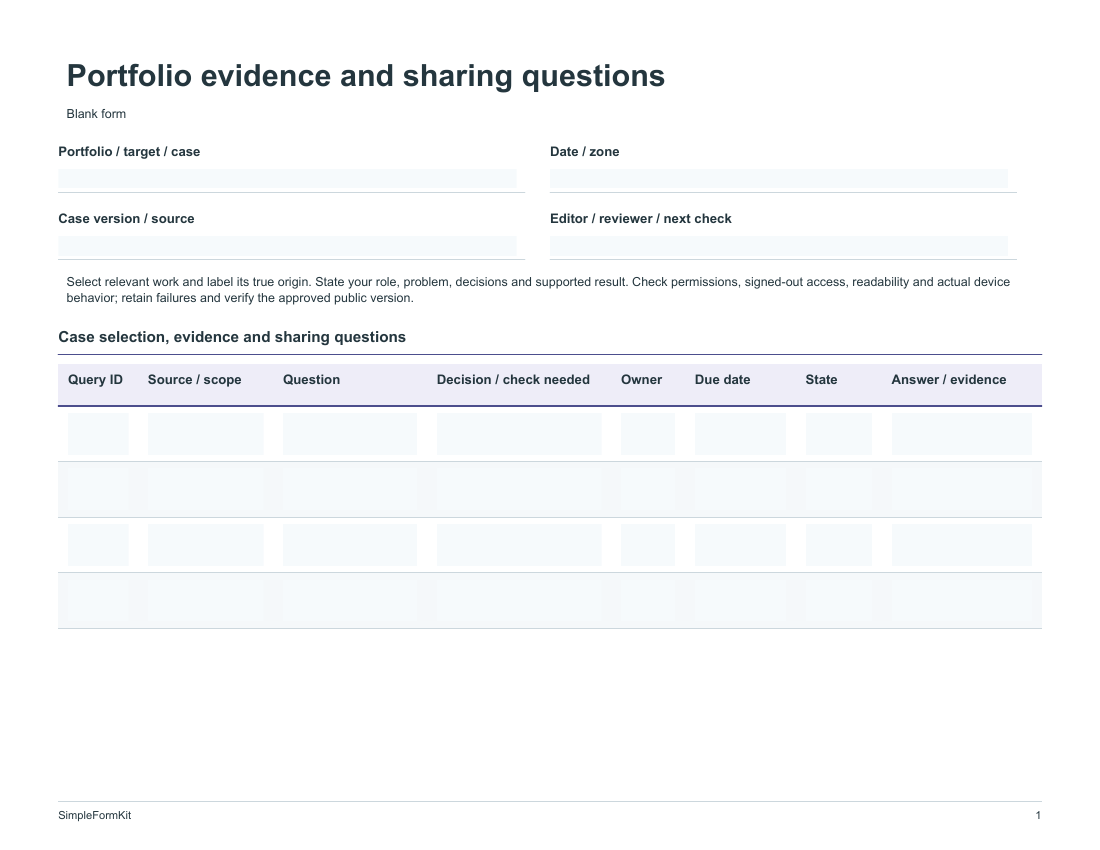
Preview & free downloads →Resolve project evidence, permissions, sample access and publication-readiness questions.
Preview & free downloads →Review portfolio accuracy, signed-out usability and the exact public version before sharing.
Preview & free downloads →Check source work, contribution evidence, sharing permissions and portfolio verification resources.
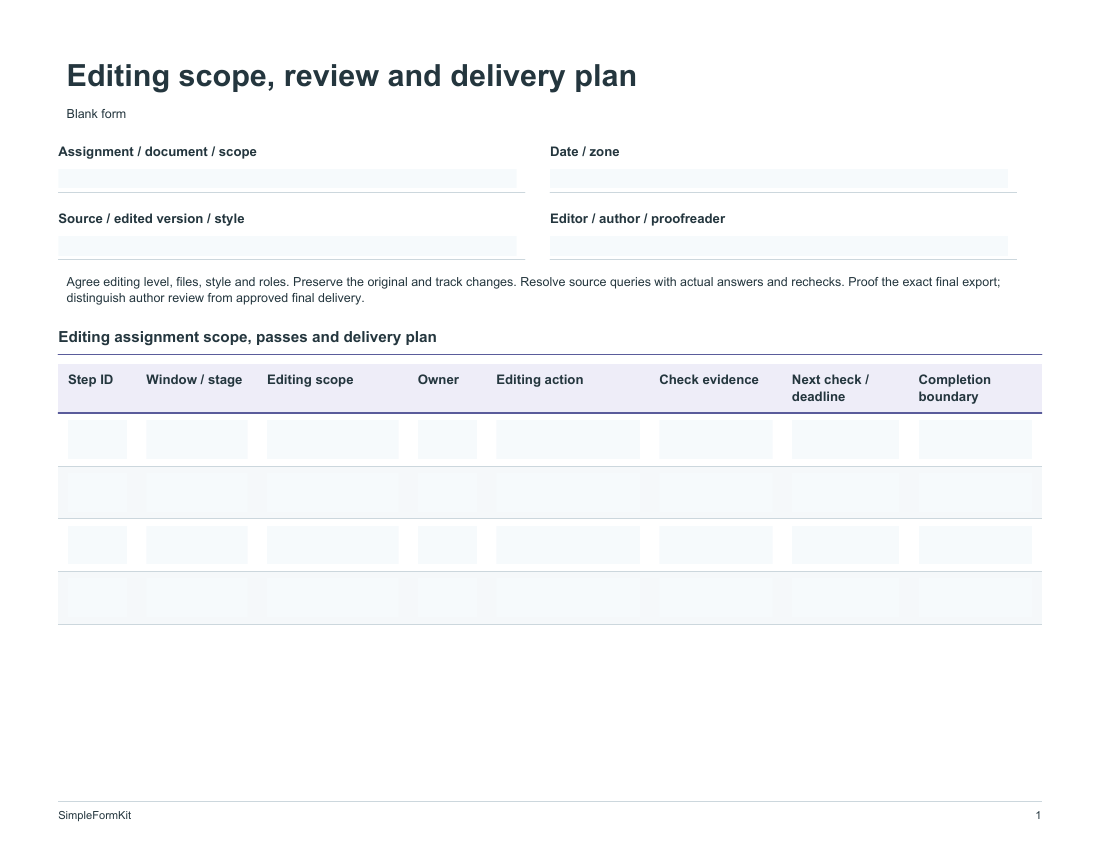
Preview & free downloads →Plan an editing assignment's scope, style, source versions, queries and final proof milestones.
Preview & free downloads →Record editorial passes, author answers, applied changes and independent rechecks.
Preview & free downloads →Track precise editorial queries, authoritative answers and unresolved source information.
Preview & free downloads →Review agreed editing checks, the exact laid-out proof and actual final approval and delivery.
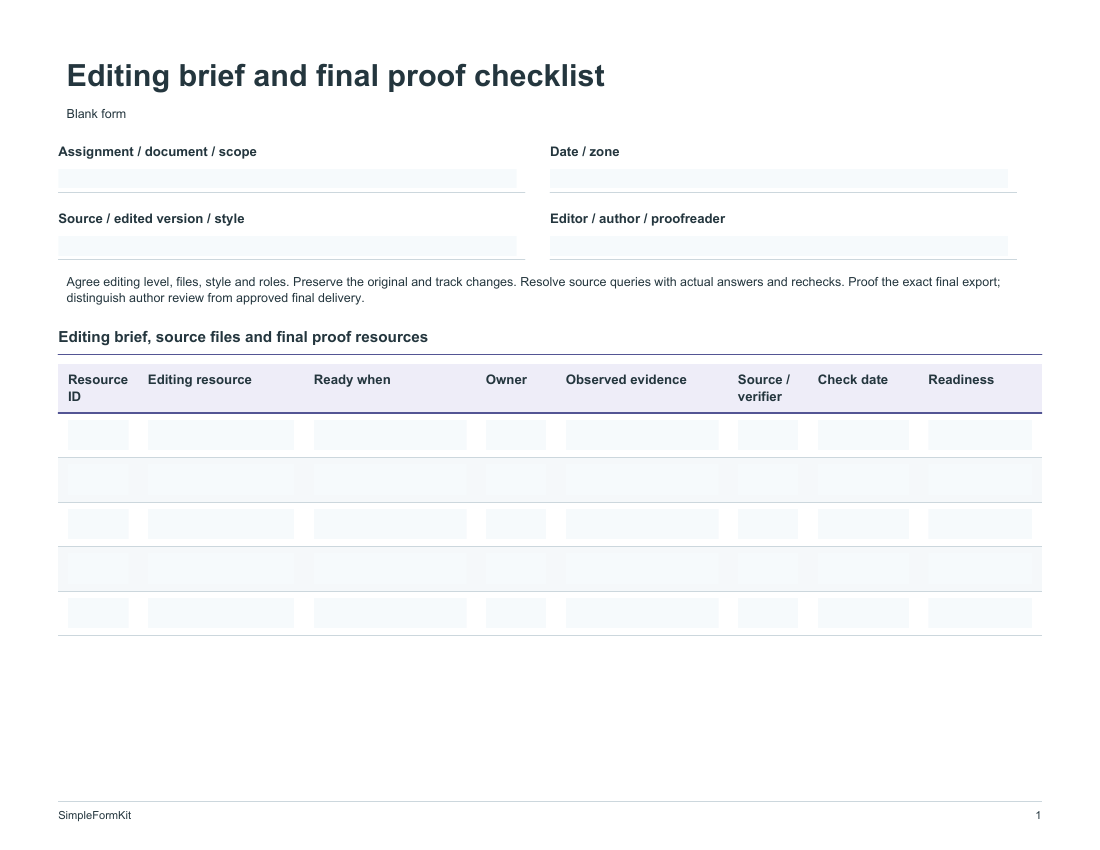
Preview & free downloads →Check the editing brief, complete source files, house style and review or proof resources.
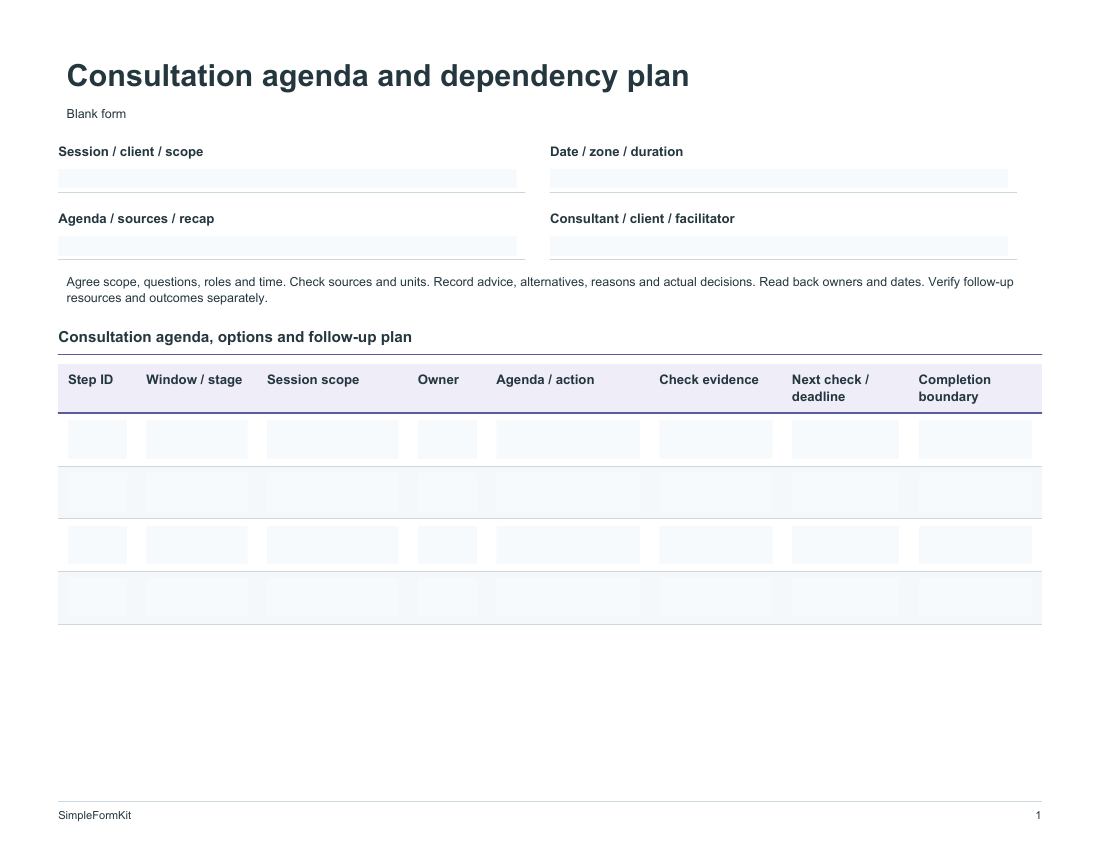
Preview & free downloads →Plan a consultation with agreed goals, timed questions, source inputs and follow-up responsibilities.
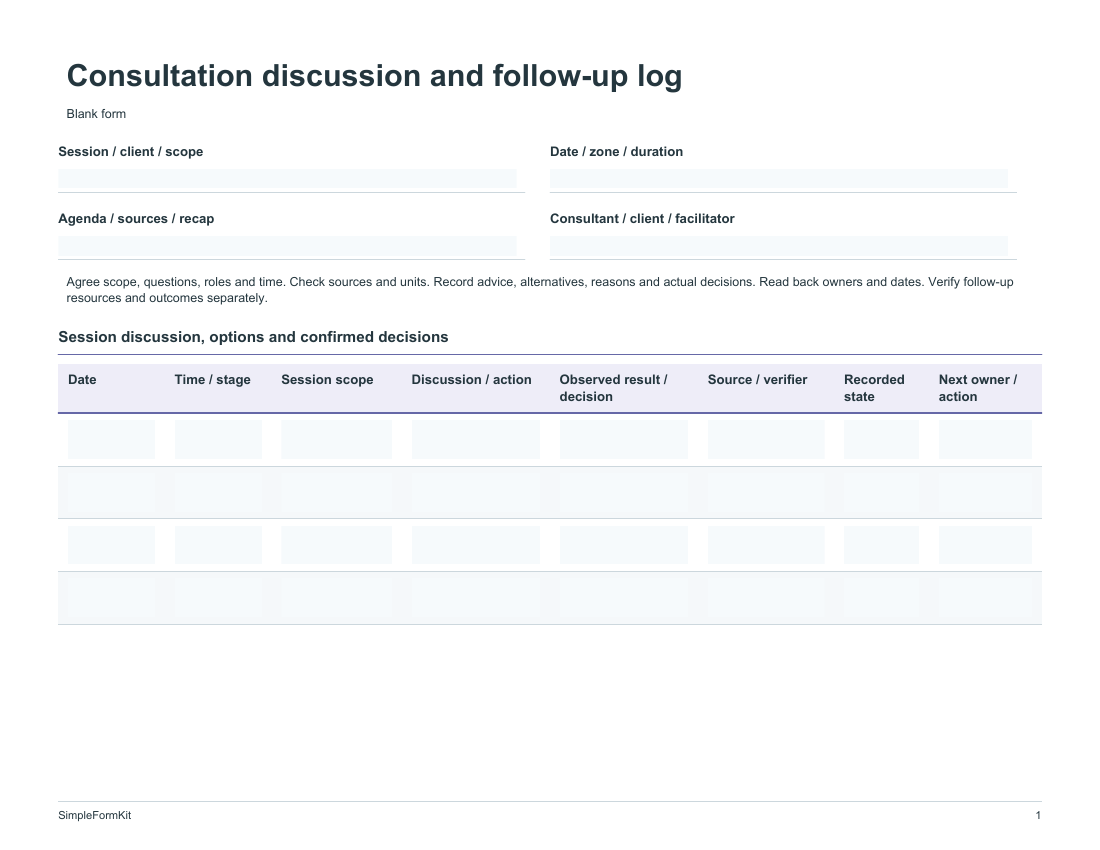
Preview & free downloads →Record consultation discussion, source corrections, options and actual client decisions.
Preview & free downloads →Resolve consultation source, specialist, resource and follow-up questions.
Preview & free downloads →Review session coverage, confirmed decisions and the separate outcomes of follow-up work.
Preview & free downloads →Check agenda, background sources, participants and required follow-up resources.
Preview & free downloads →No matching templates. Try fewer words or choose another category.
Choose a template for the stage of work you are at, then pick the format you can use. Our download guide explains editing, saving and printing. Read how we prepare and maintain templates for examples, checks and limitations.
Open a template to see the actual layout, included fields and a fictional worked example. Choose the one whose sections fit your task.
PDF supports typed entries in a compatible PDF reader and handwriting after printing. Excel provides editable sheets. HTML lets you type in a downloaded browser copy and save your changes.
Start in the blank copy. Use another blank copy or add rows when needed, and leave out the example when sharing the finished record.