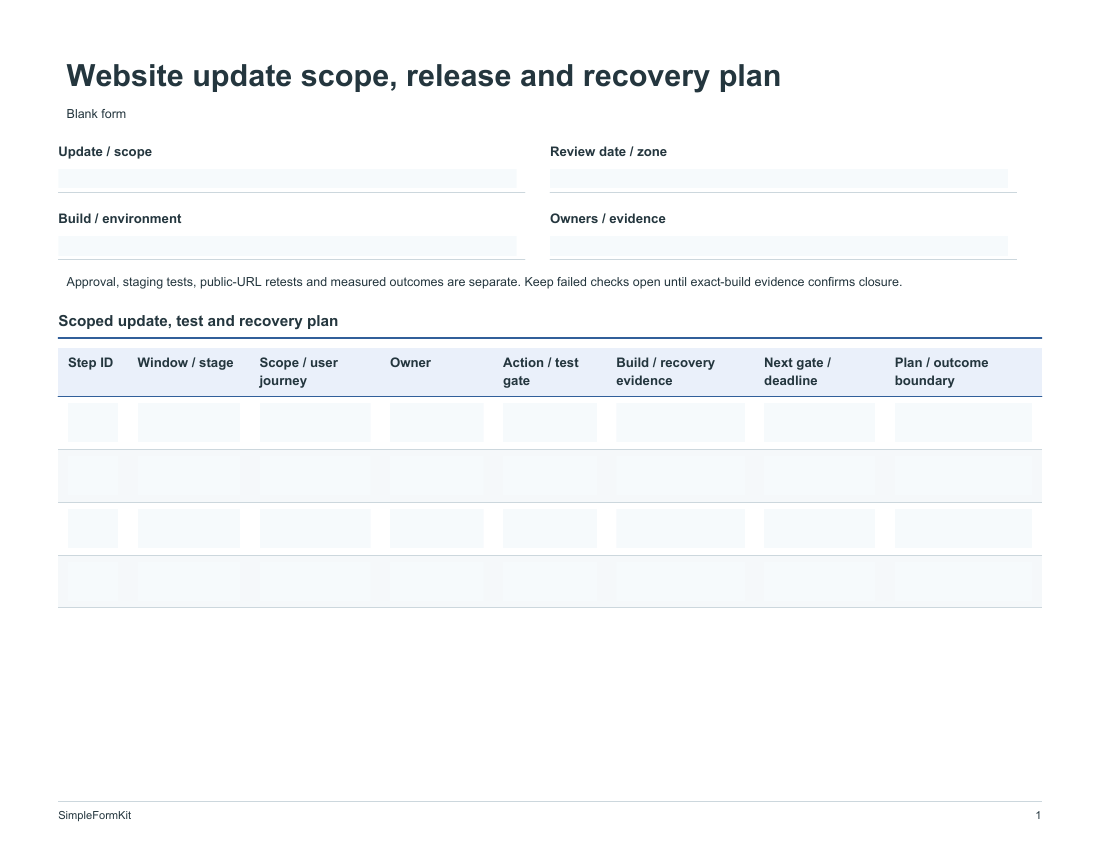
Website update scope, release and recovery plan
Plan scoped changes, test gates, release timing, recovery and observation.
Preview & free downloads →Plan a website update, software test cycle, design revision, translation or product launch. Agree the scope before work starts, record checks against the correct version, and keep unresolved decisions visible through review and handover.
Planning, records, resources, questions and outcome review belong together. Choose your task to see the five stages.
Search a task or an item you need to record. Every template includes a blank copy and a fictional example. Guidance is provided here and in the editable files. Compare the actual preview before choosing your copy.
25 templates
Plan scoped changes, test gates, release timing, recovery and observation.
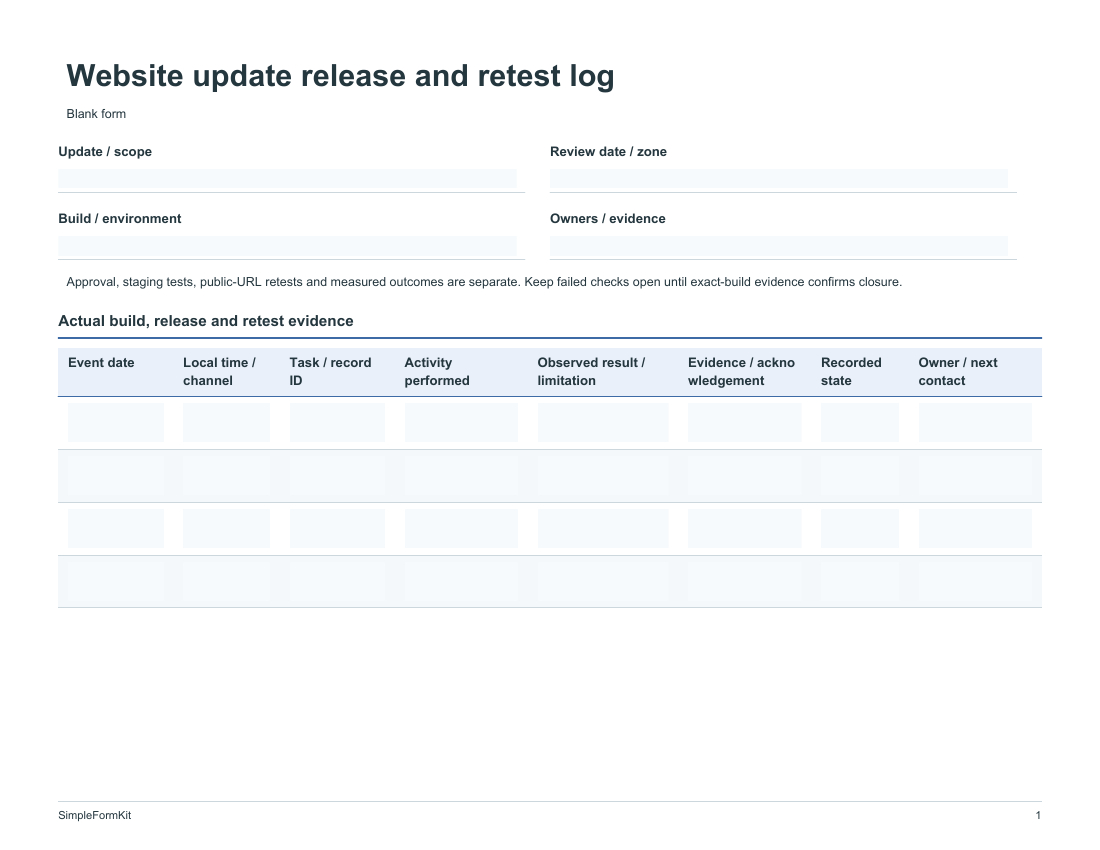
Preview & free downloads →Record exact builds, environments, failures and actual production retests.
Preview & free downloads →Resolve scope, download failures and outcome questions with dated evidence.
Preview & free downloads →Verify public user journeys and close defects before accepting the release.
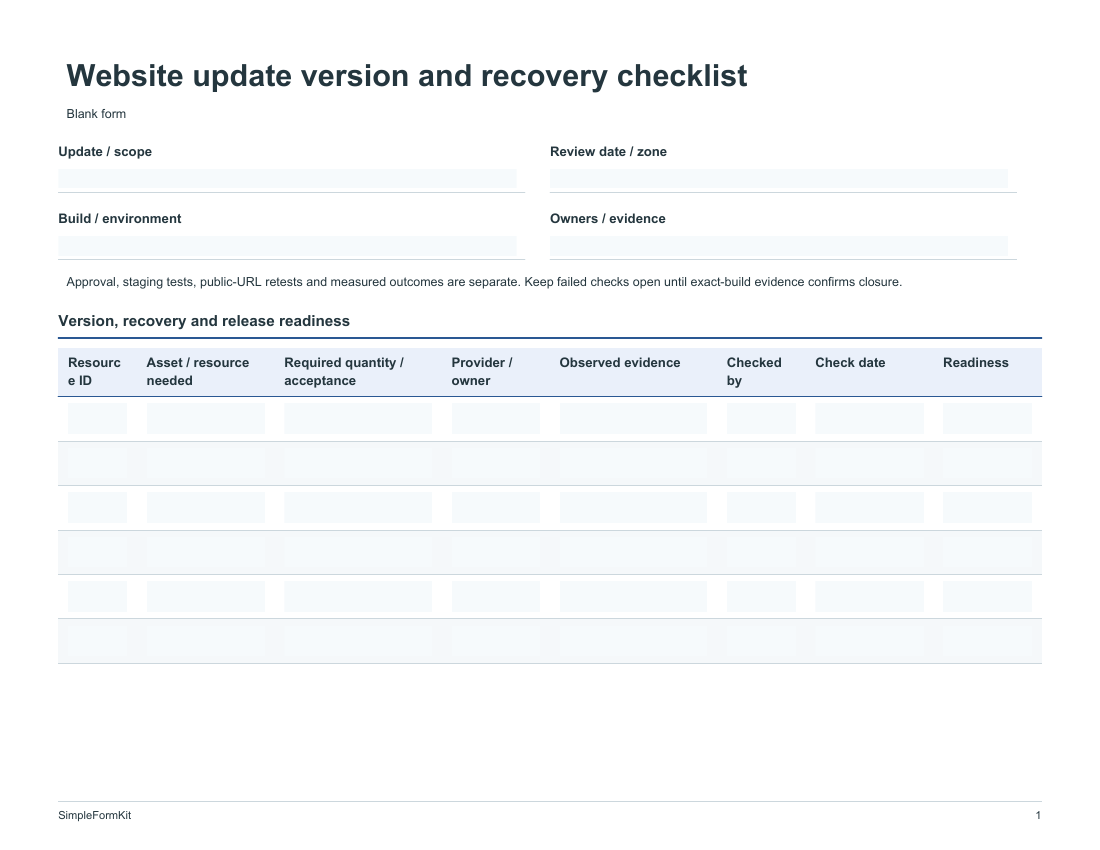
Preview & free downloads →Check approved versions, recovery files, URL maps and actual file availability.
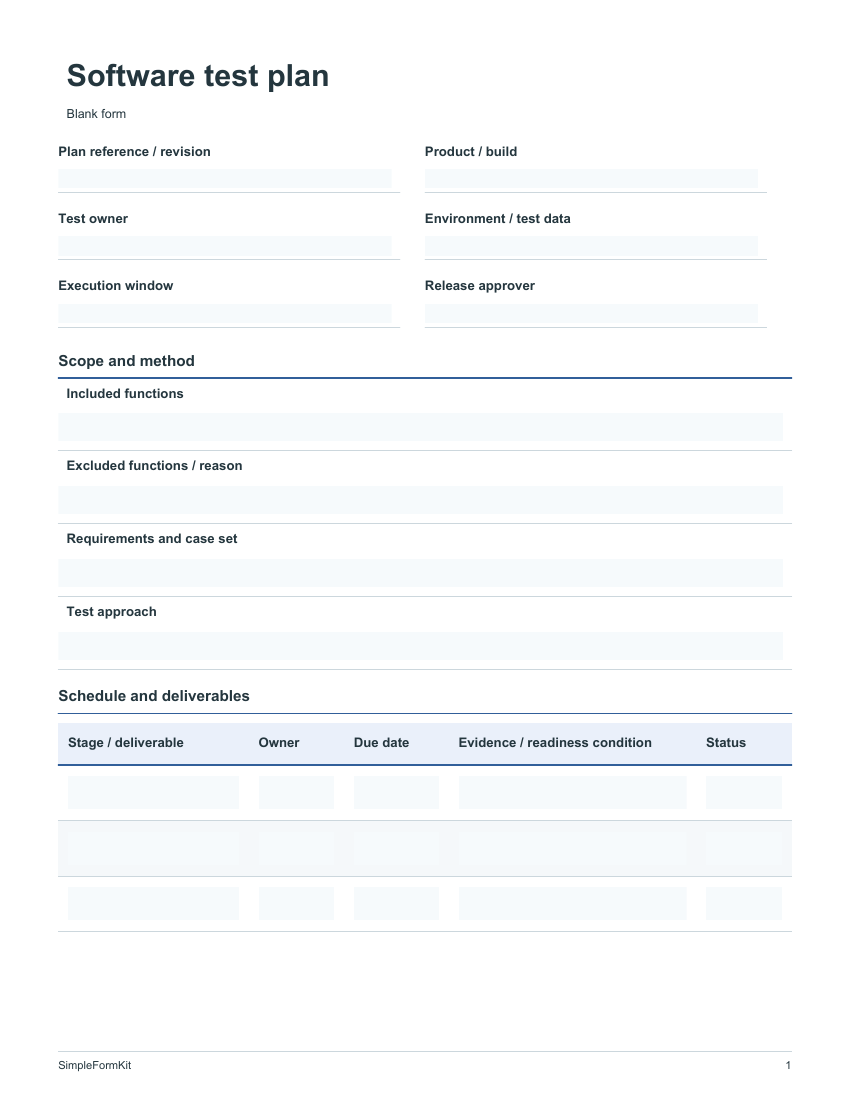
Preview & free downloads →Plan a manual software test cycle with defined scope, reproducible cases, entry conditions and release criteria.
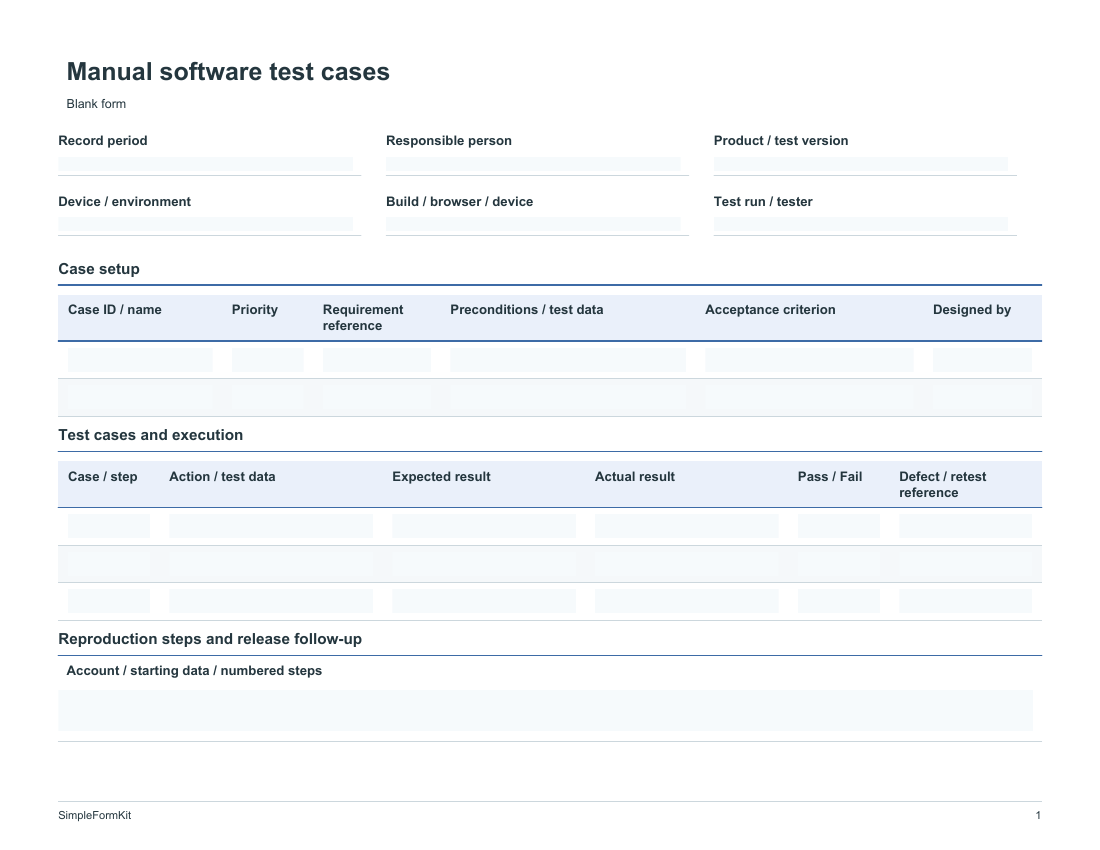
Preview & free downloads →Record software test cases, numbered execution steps, expected and actual results, defects and retest evidence.
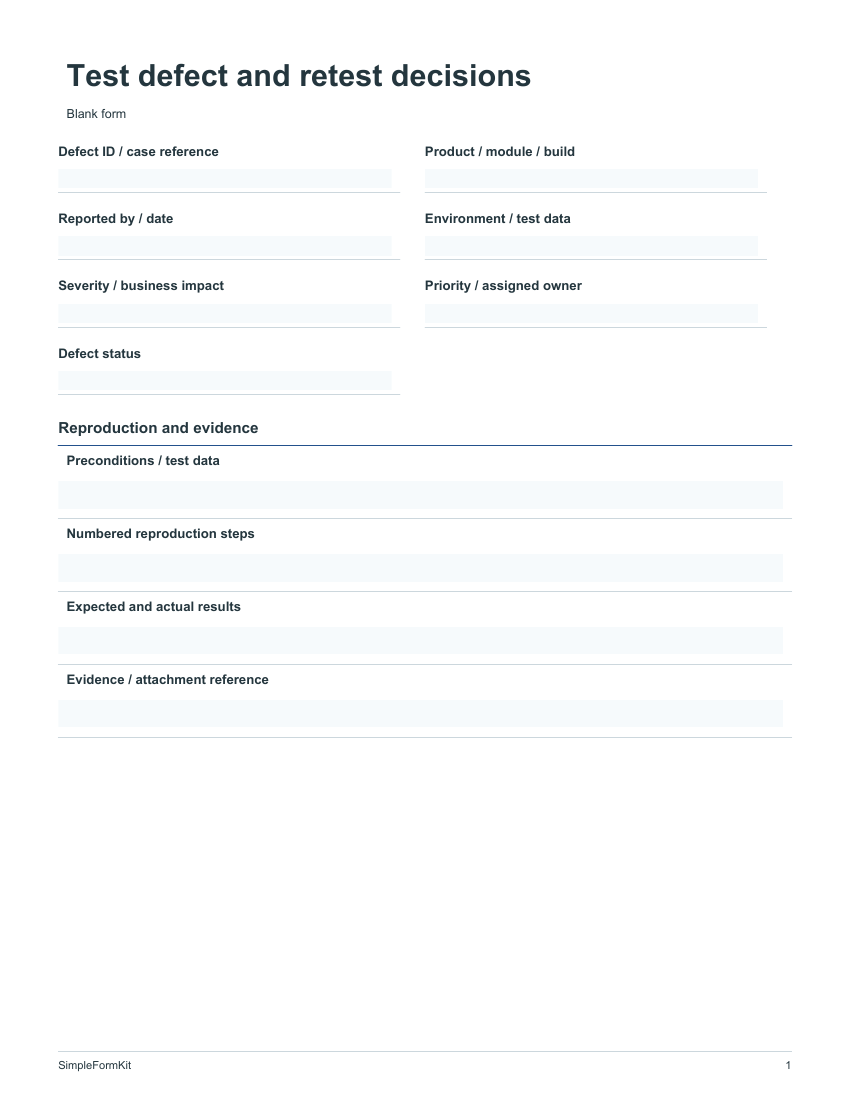
Preview & free downloads →Record a reproducible software defect and keep triage, retest and closure decisions separately traceable.
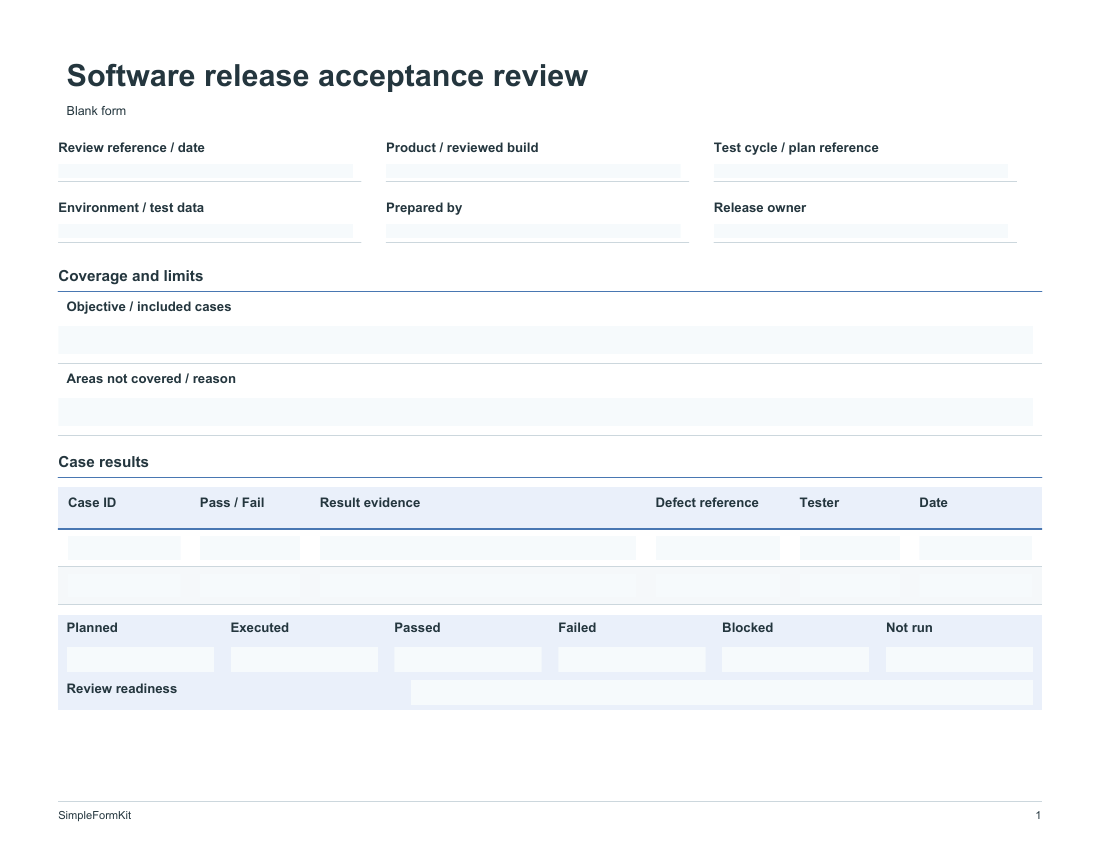
Preview & free downloads →Review the latest result for each planned software test case, open defects and the release owner's decision.
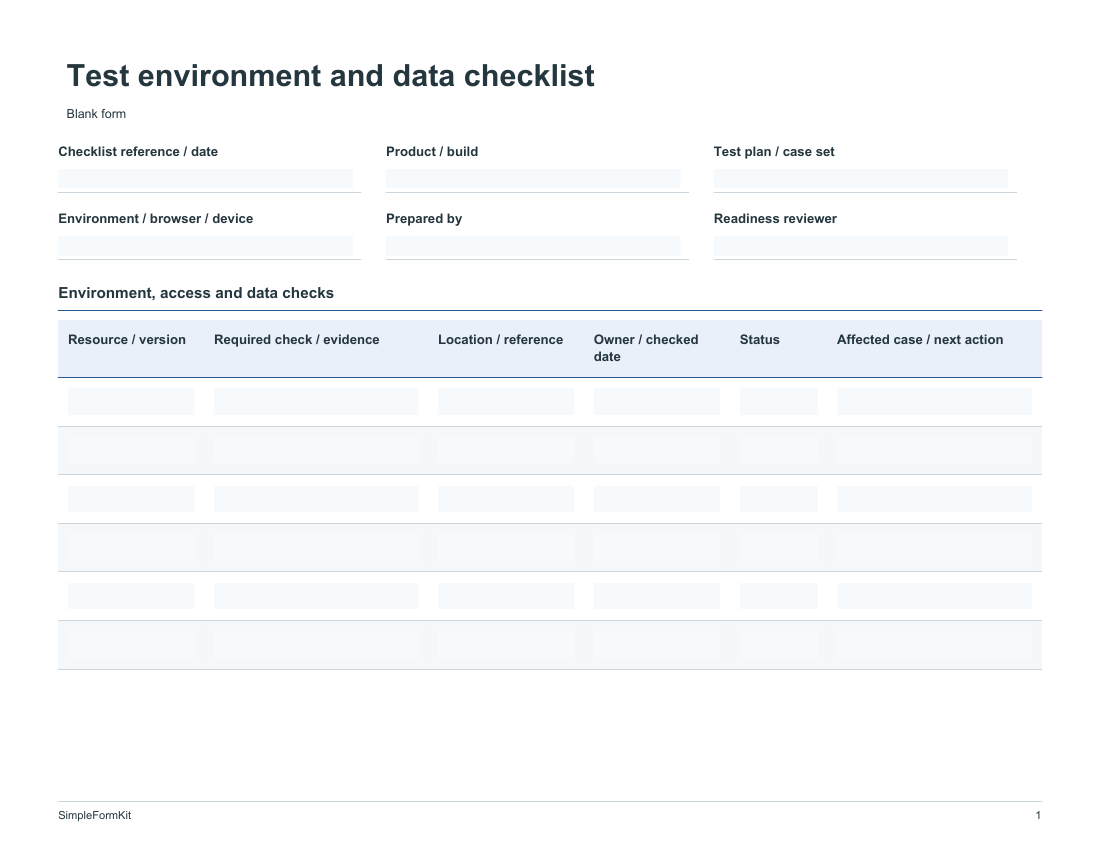
Preview & free downloads →Check the build, environment, account permissions, test data and reset procedure before running software test cases.
Preview & free downloads →Plan feedback-driven changes, named reviewers, implementation checks and delivery.
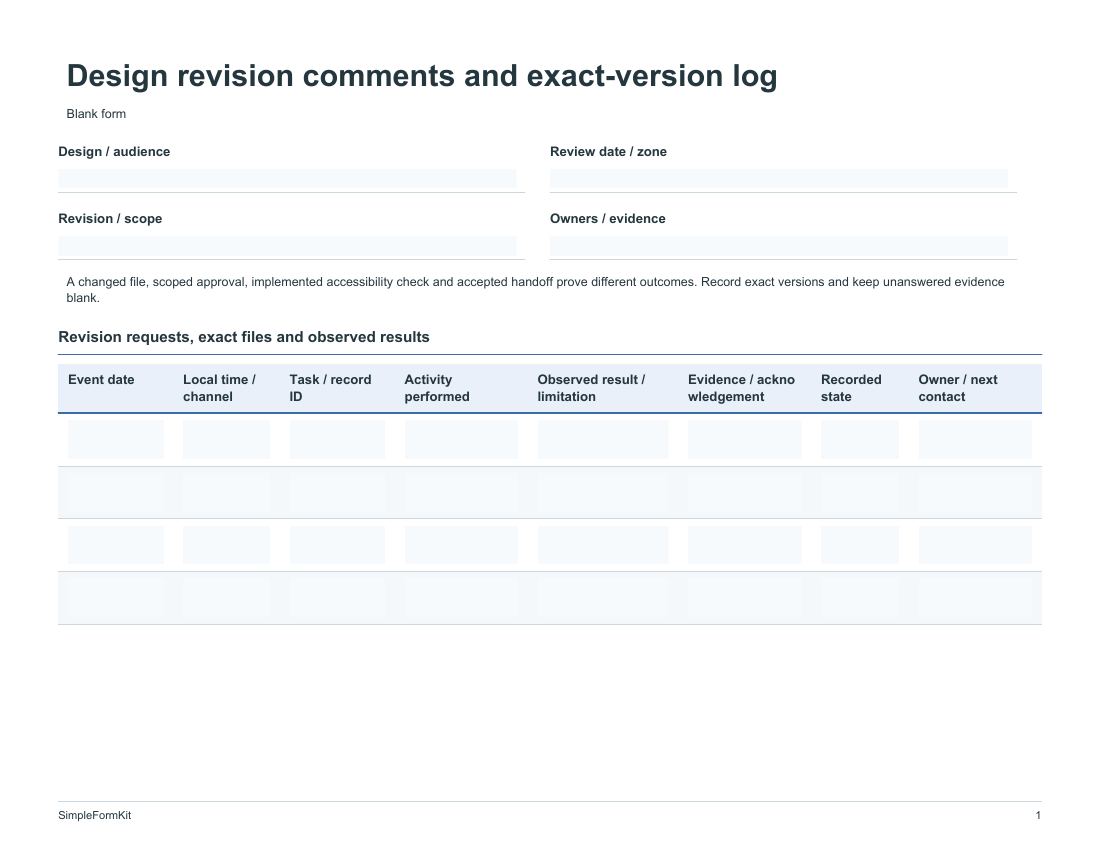
Preview & free downloads →Trace each request to an exact revision, observed result and unresolved review.
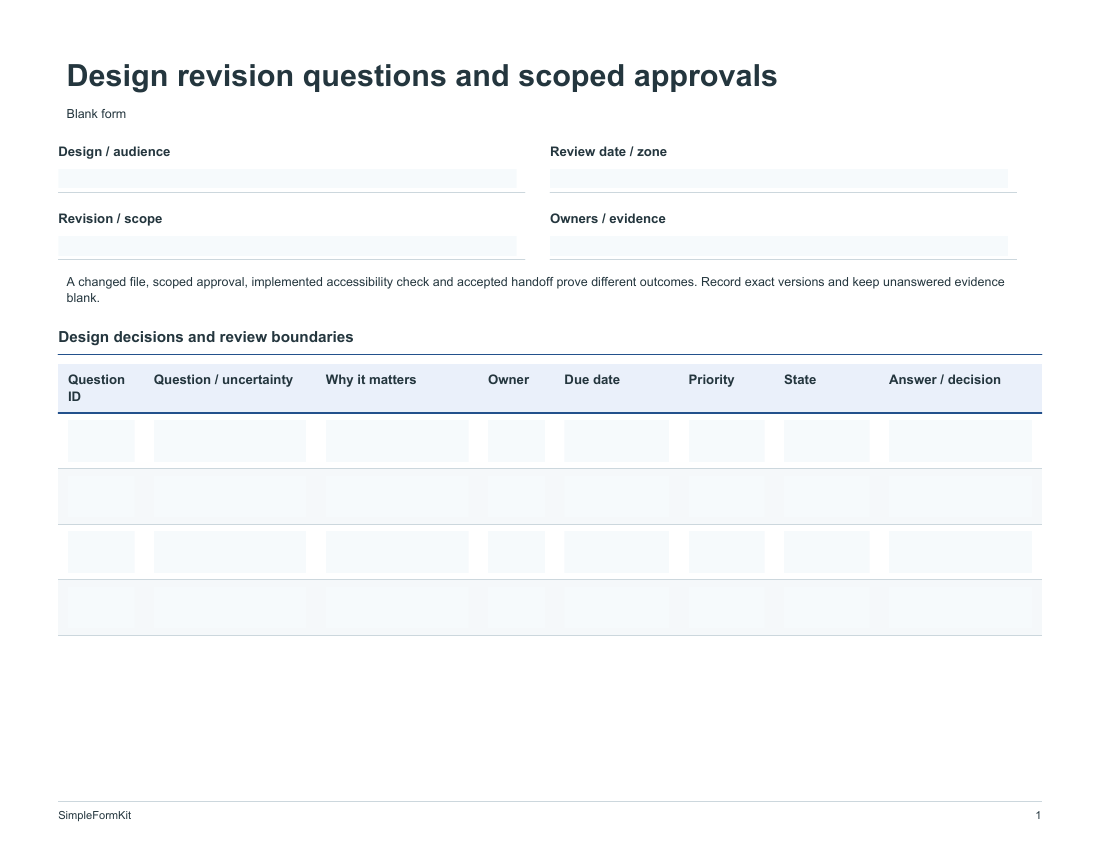
Preview & free downloads →Record version-specific decisions, mobile uncertainty and required acceptance.
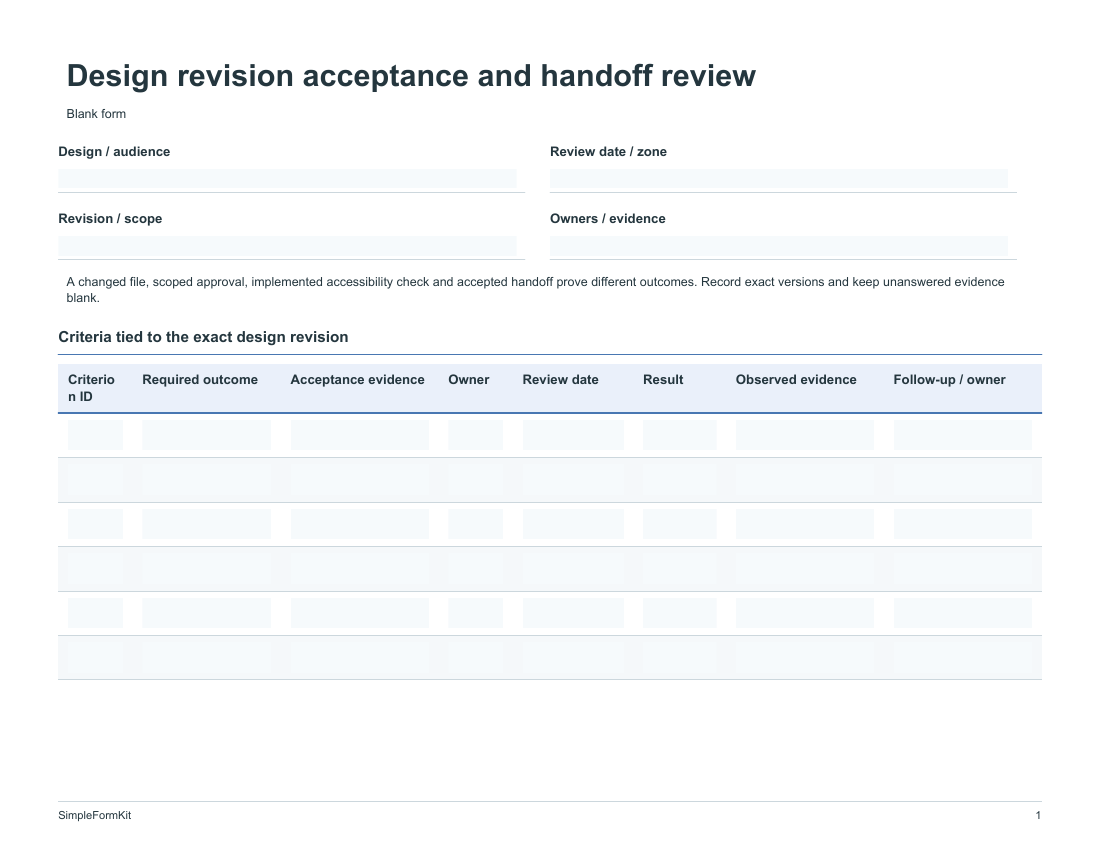
Preview & free downloads →Check approved scope, interaction evidence, export integrity and actual handoff.
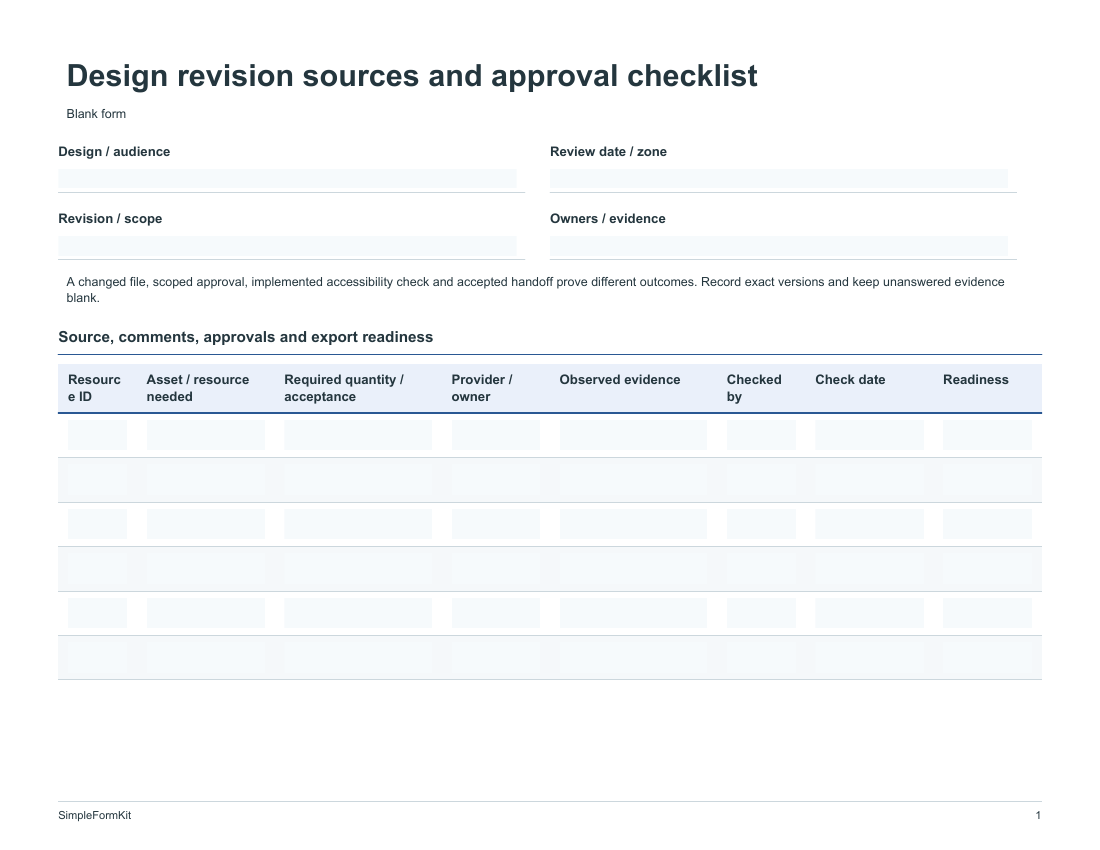
Preview & free downloads →Verify source files, feedback IDs, copy, mobile approval and tested exports.
Preview & free downloads →Plan a precise brief, translator queries, independent review and final-file delivery.
Preview & free downloads →Trace exact source and target versions, locale, image text and actual review evidence.
Preview & free downloads →Resolve terminology and locale queries with file locations, context and dated answers.
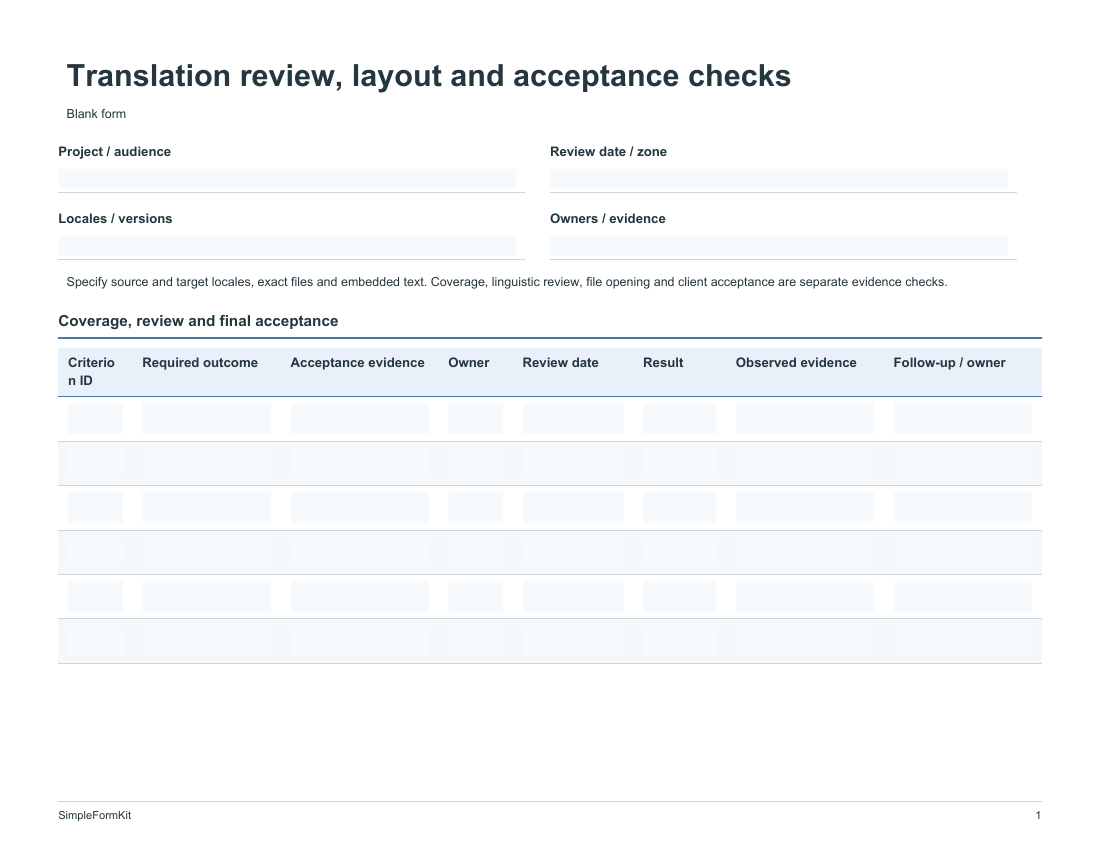
Preview & free downloads →Verify coverage, bilingual review, final layout and client acceptance separately.
Preview & free downloads →Check editable sources, locale, terminology, image assets and reviewer evidence.
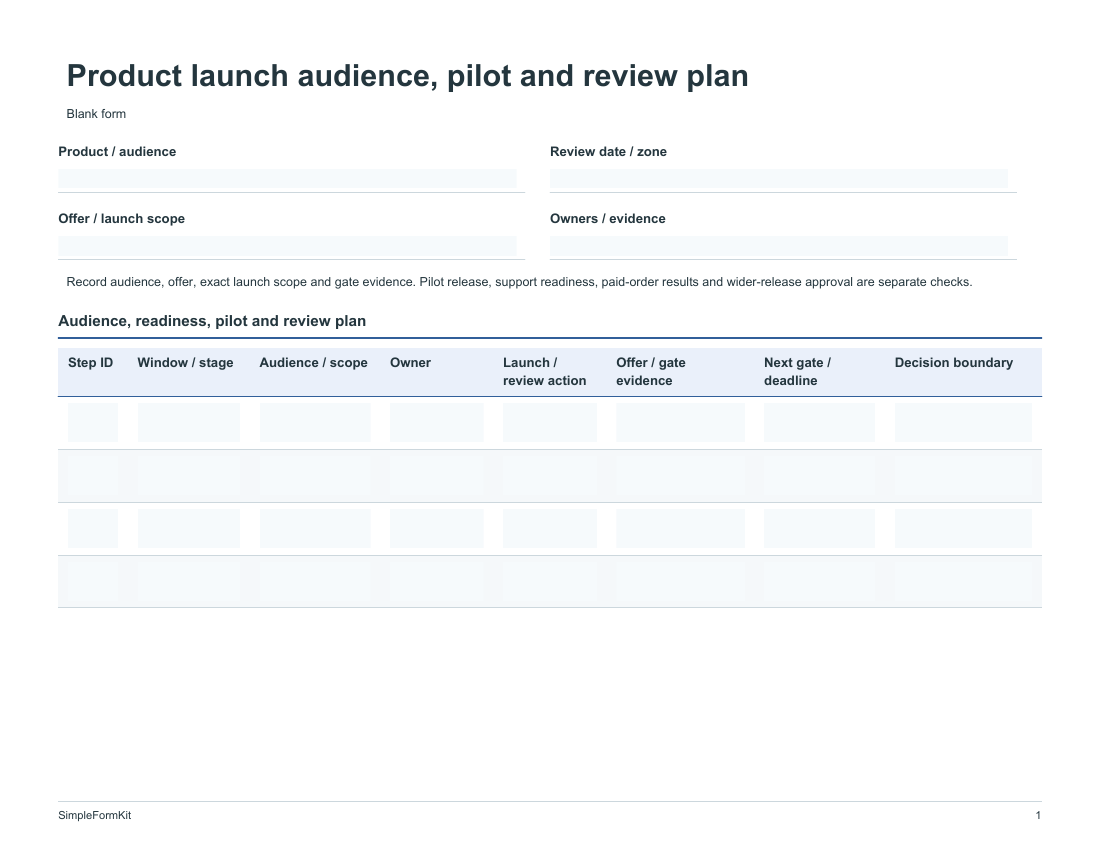
Preview & free downloads →Plan positioning, launch gates, support coverage and a defined post-launch review.
Preview & free downloads →Trace actual launch gates, failed tests, retests and scoped pilot release.
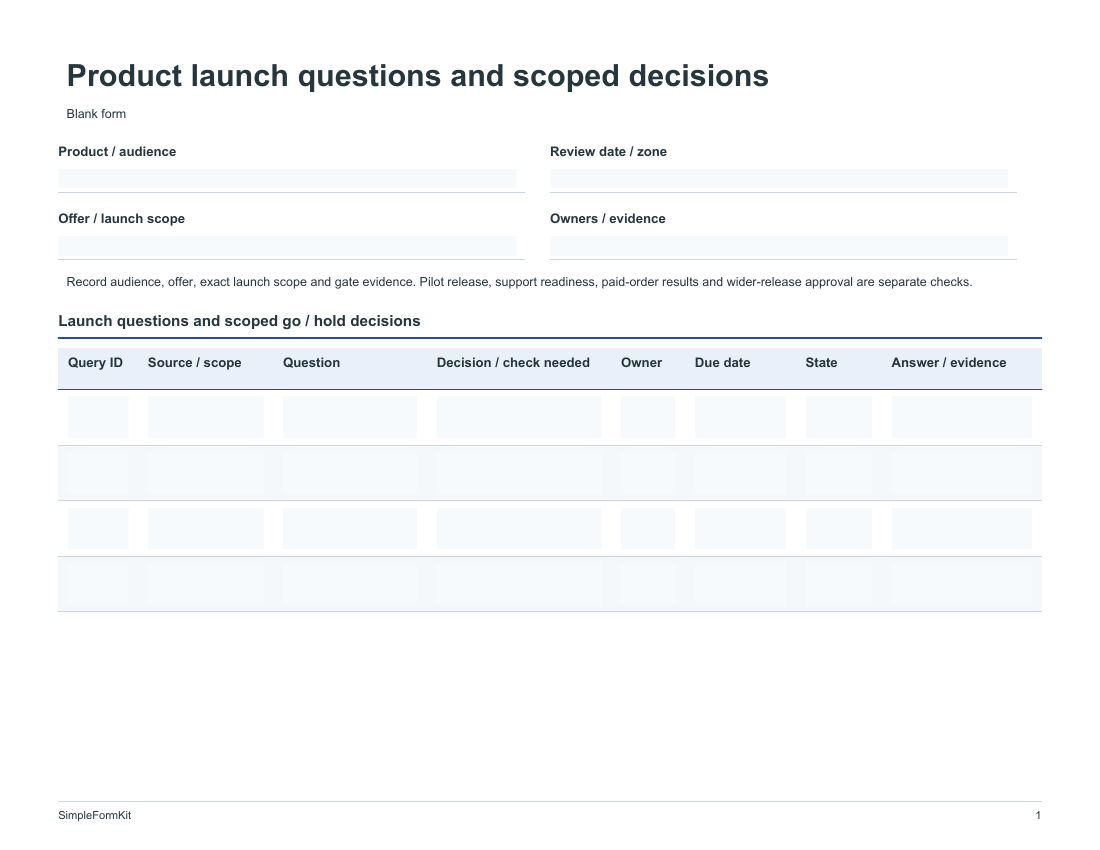
Preview & free downloads →Resolve price, release, support and expansion questions with dated evidence.
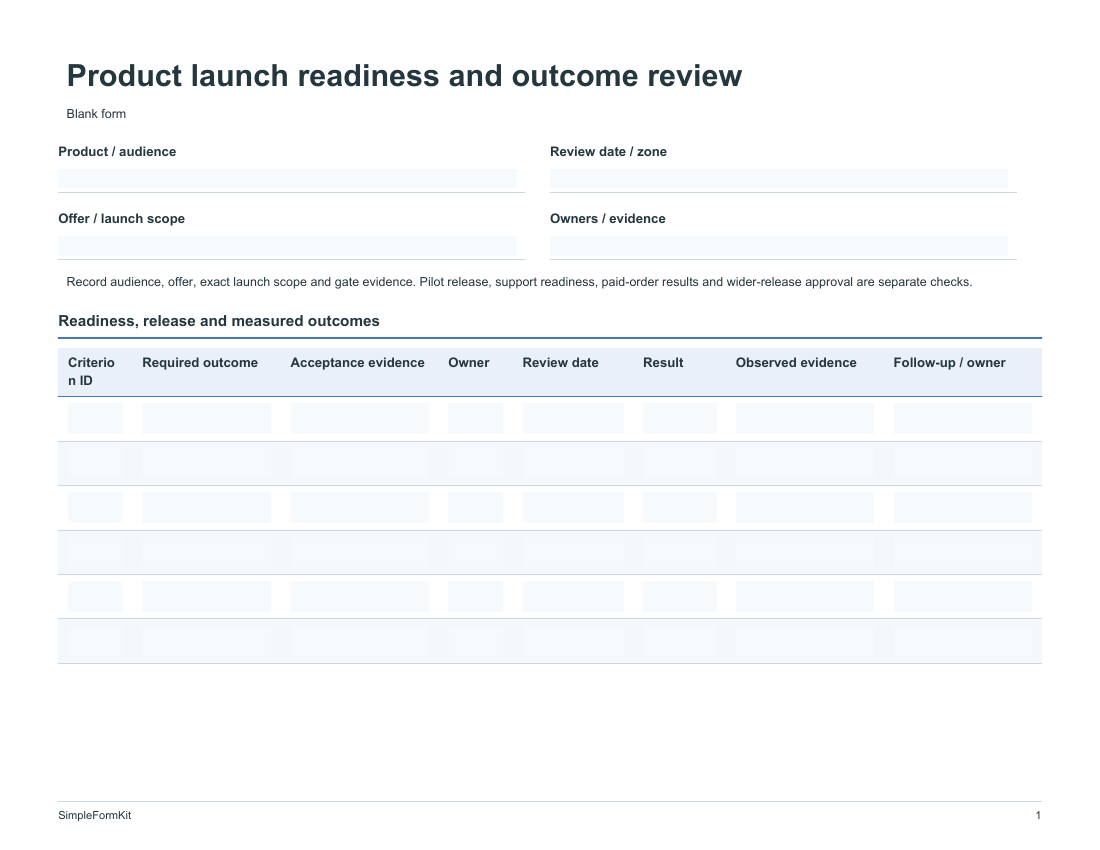
Preview & free downloads →Separate readiness and pilot release from support checks and measured results.
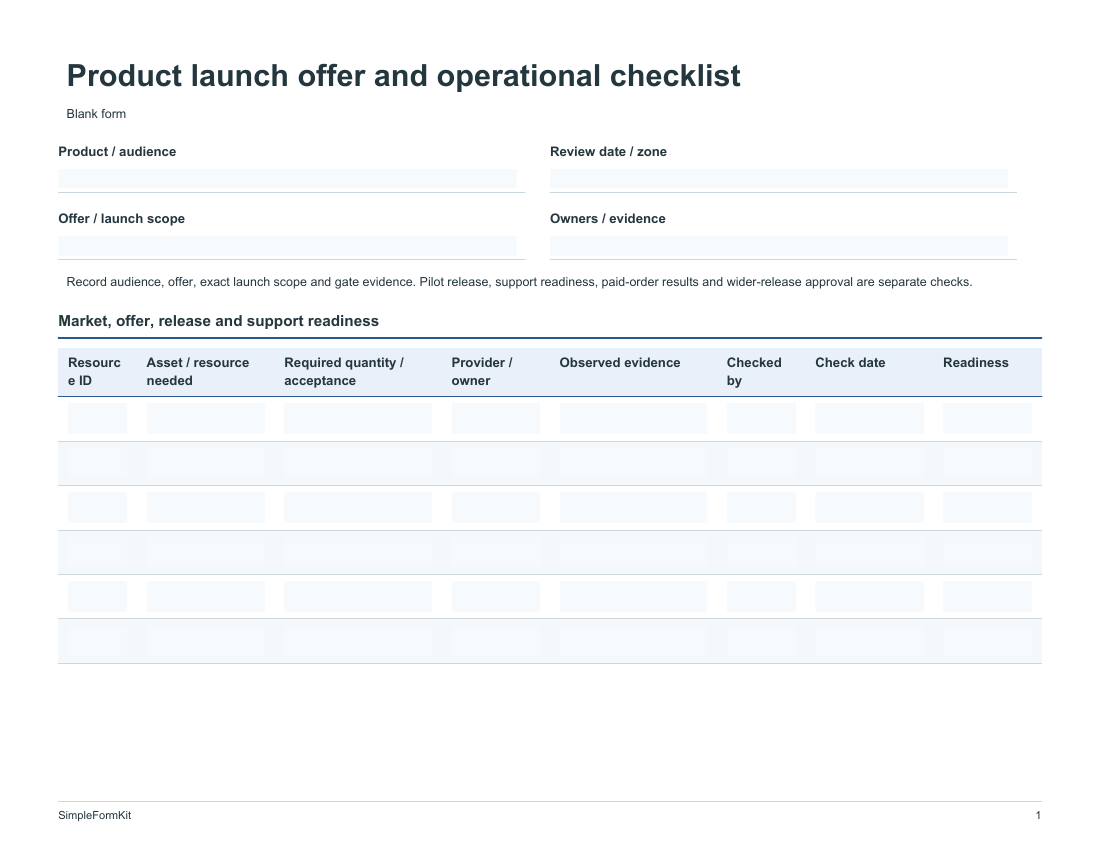
Preview & free downloads →Verify audience, offer, order flow, support and measurement resources.
Preview & free downloads →No matching templates. Try fewer words or choose another category.
Choose a template for the stage of work you are at, then pick the format you can use. Our download guide explains editing, saving and printing. Read how we prepare and maintain templates for examples, checks and limitations.
Open a template to see the actual layout, included fields and a fictional worked example. Choose the one whose sections fit your task.
PDF supports typed entries in a compatible PDF reader and handwriting after printing. Excel provides editable sheets. HTML lets you type in a downloaded browser copy and save your changes.
Start in the blank copy. Use another blank copy or add rows when needed, and leave out the example when sharing the finished record.