Team practice session and coaching plan
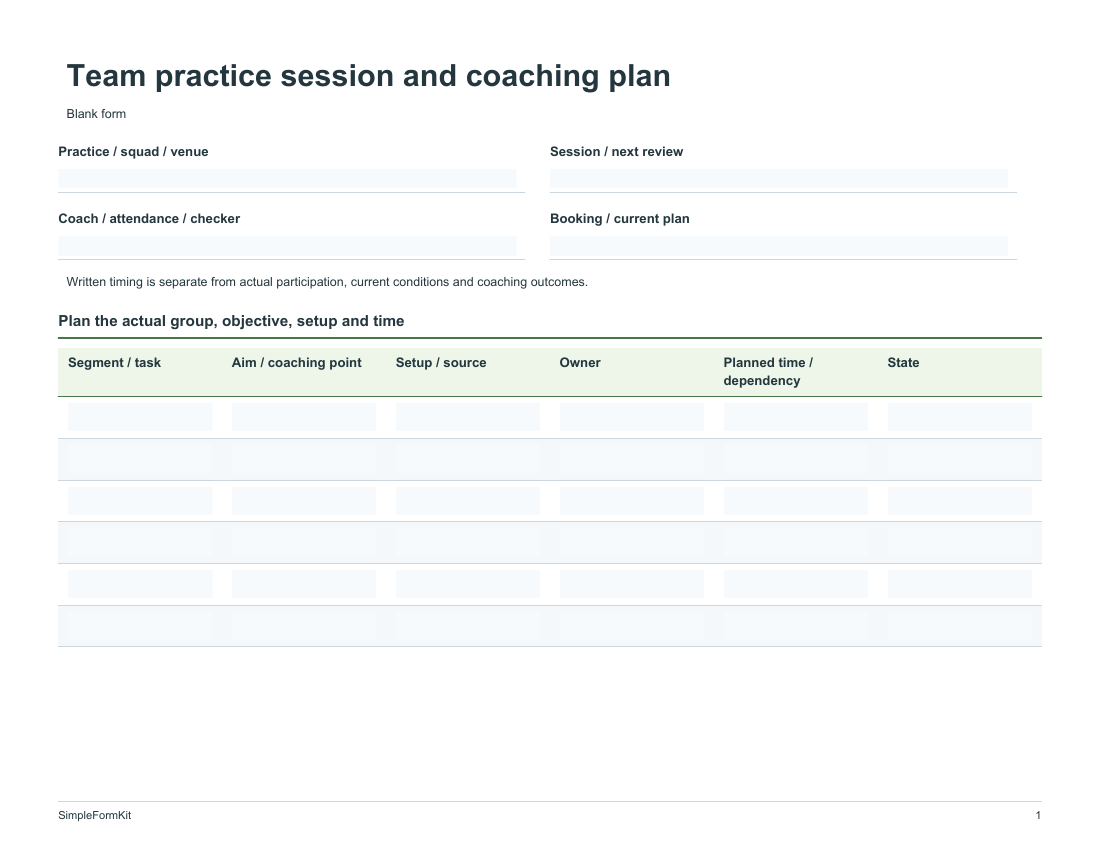
Plan team practice with a specific coaching goal, clear activity setup and realistic time.
Preview & free downloads →Coordinate a sports group with clear preparation and follow-up records. Keep dates, responsibilities and confirmed arrangements together. The templates organize activities; they do not replace coaching, medical or safety instructions.
Planning, records, resources, questions and outcome review belong together. Choose your task to see the five stages.
Search a task or an item you need to record. Every template includes a blank copy and a fictional example. Guidance is provided here and in the editable files. Compare the actual preview before choosing your copy.
25 templates
Plan team practice with a specific coaching goal, clear activity setup and realistic time.
Preview & free downloads →Record actual players, practice observations, timing and adaptations.
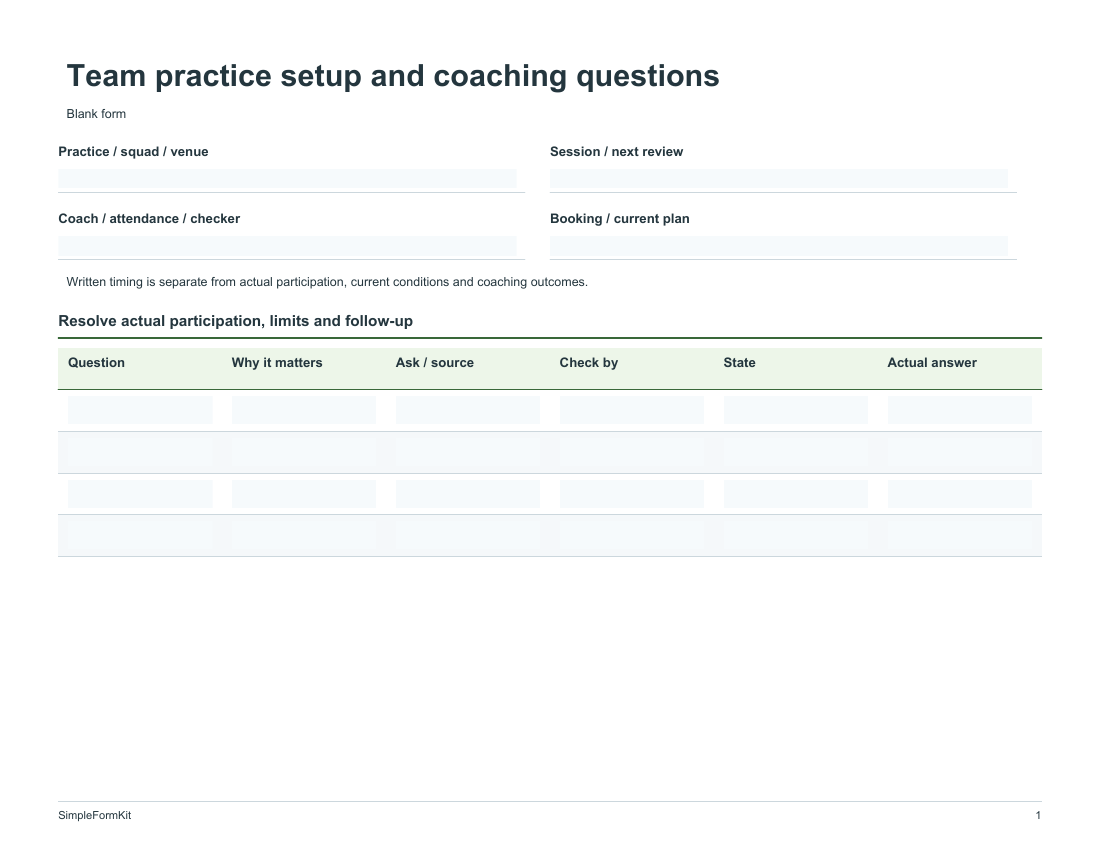
Preview & free downloads →Resolve participation, venue, activity and next-practice questions with the responsible coach.
Preview & free downloads →Review actual practice observations and follow-up separately from the written timetable.
Preview & free downloads →Check the current practice plan, venue, equipment and participant arrangements.
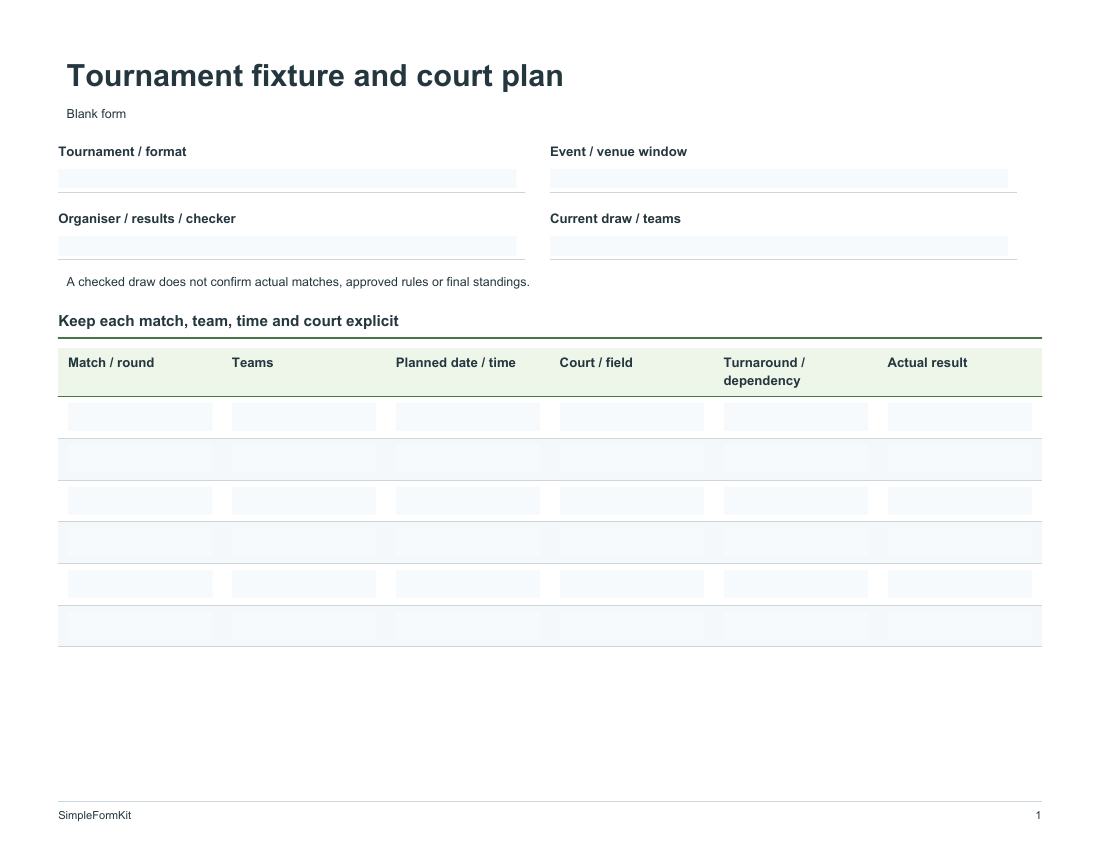
Preview & free downloads →Plan tournament fixtures with distinct pairings, clear times, courts and turnaround.
Preview & free downloads →Record actual match times, confirmed scores, schedule changes and disputes.
Preview & free downloads →Resolve tournament rules, fixture changes and disputed-result questions.
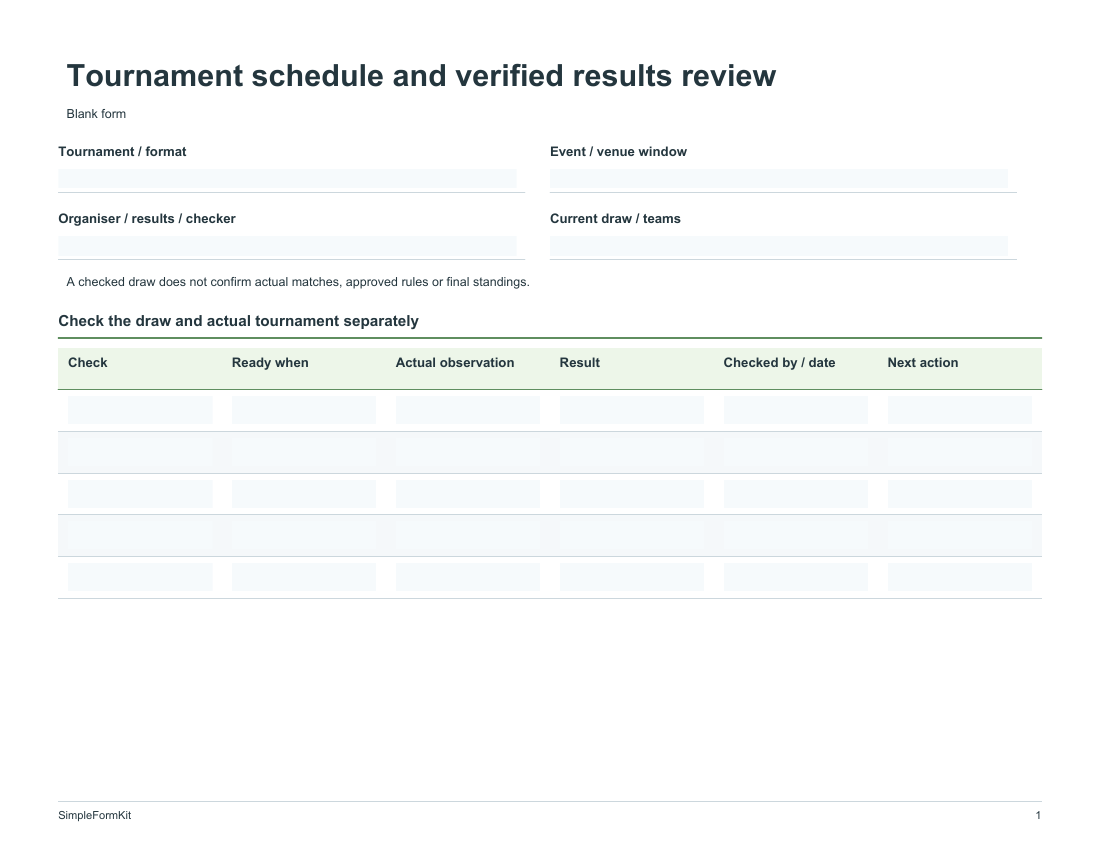
Preview & free downloads →Review the draw and actual tournament results with unresolved actions clearly assigned.
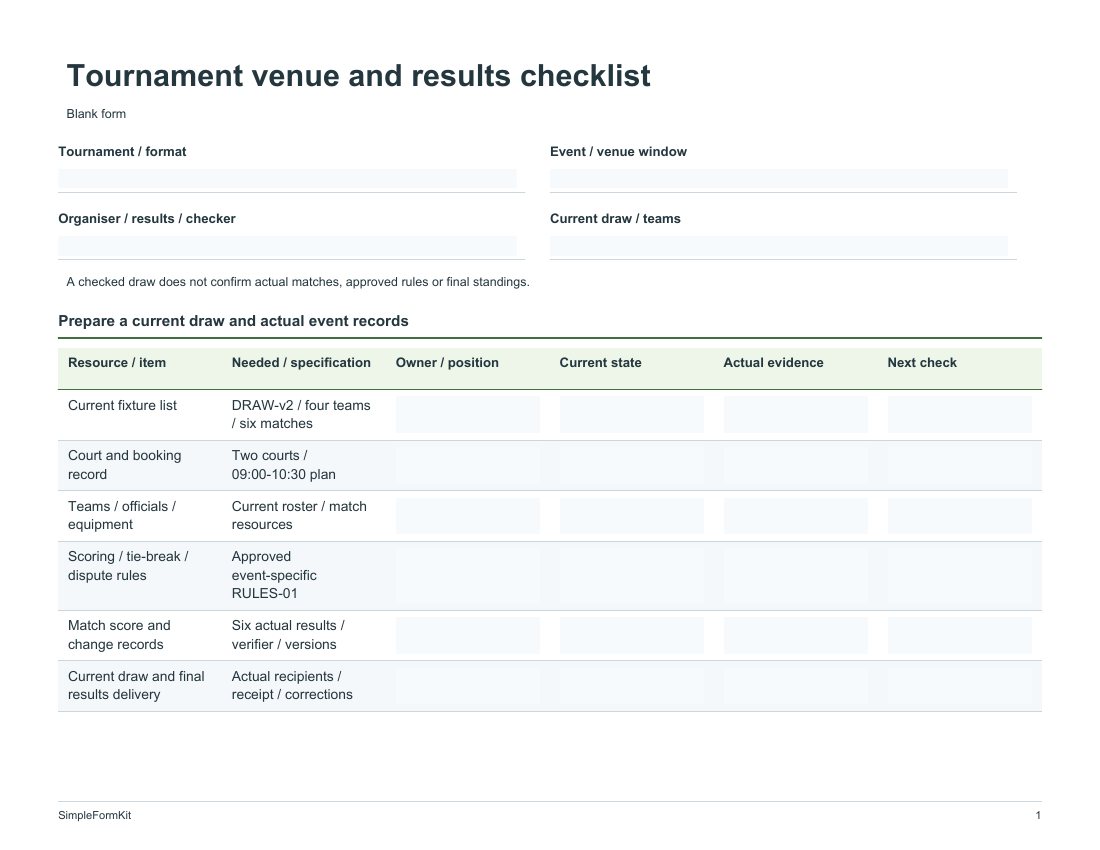
Preview & free downloads →Check the current draw, teams, officials, venue and result-recording resources.
Preview & free downloads →Plan class flow, instructor cues, suitable options and checked room resources.
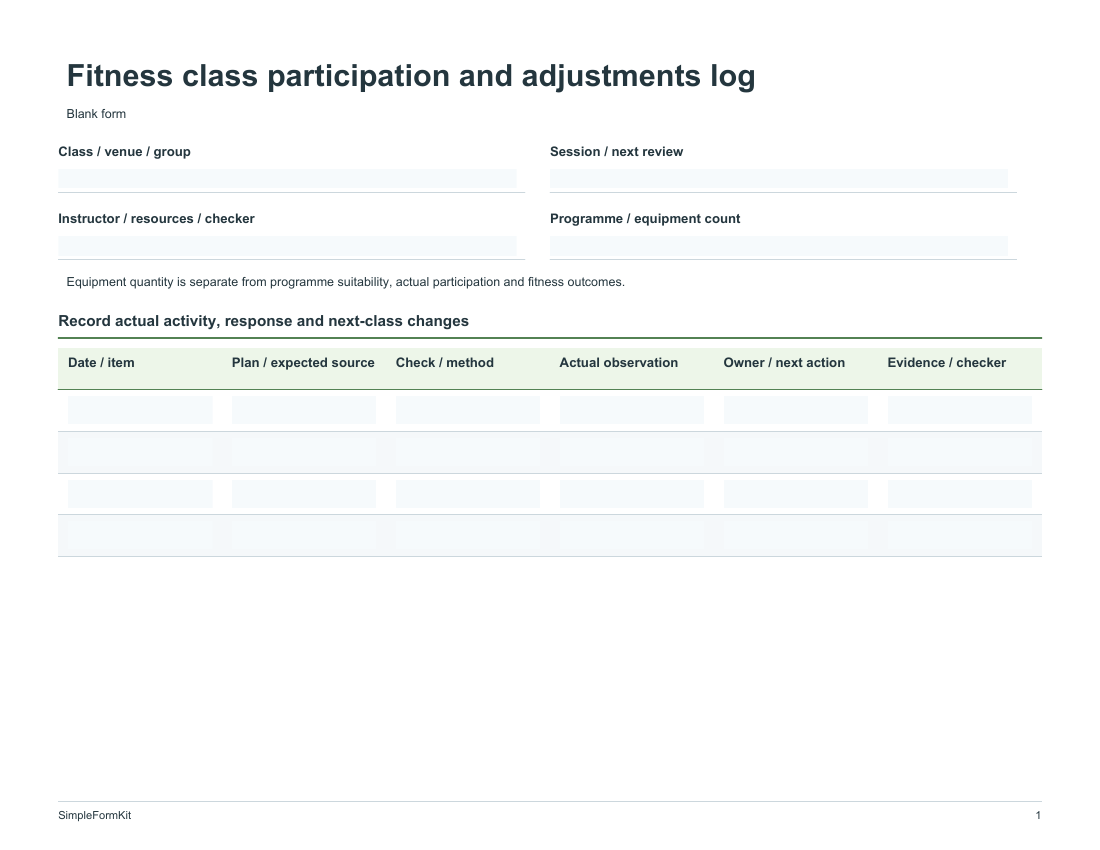
Preview & free downloads →Record actual class participation, responses, timing and instructor adaptations.
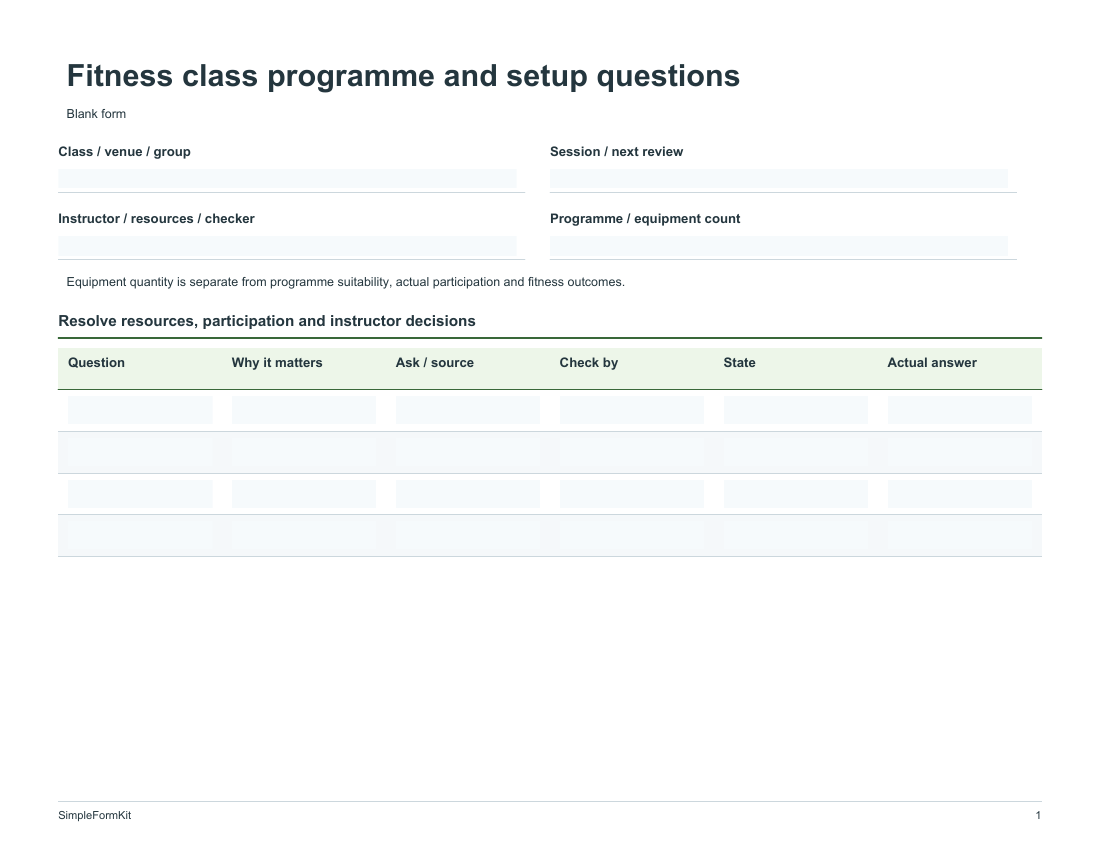
Preview & free downloads →Resolve class-resource and instructor-programme questions before the affected activity.
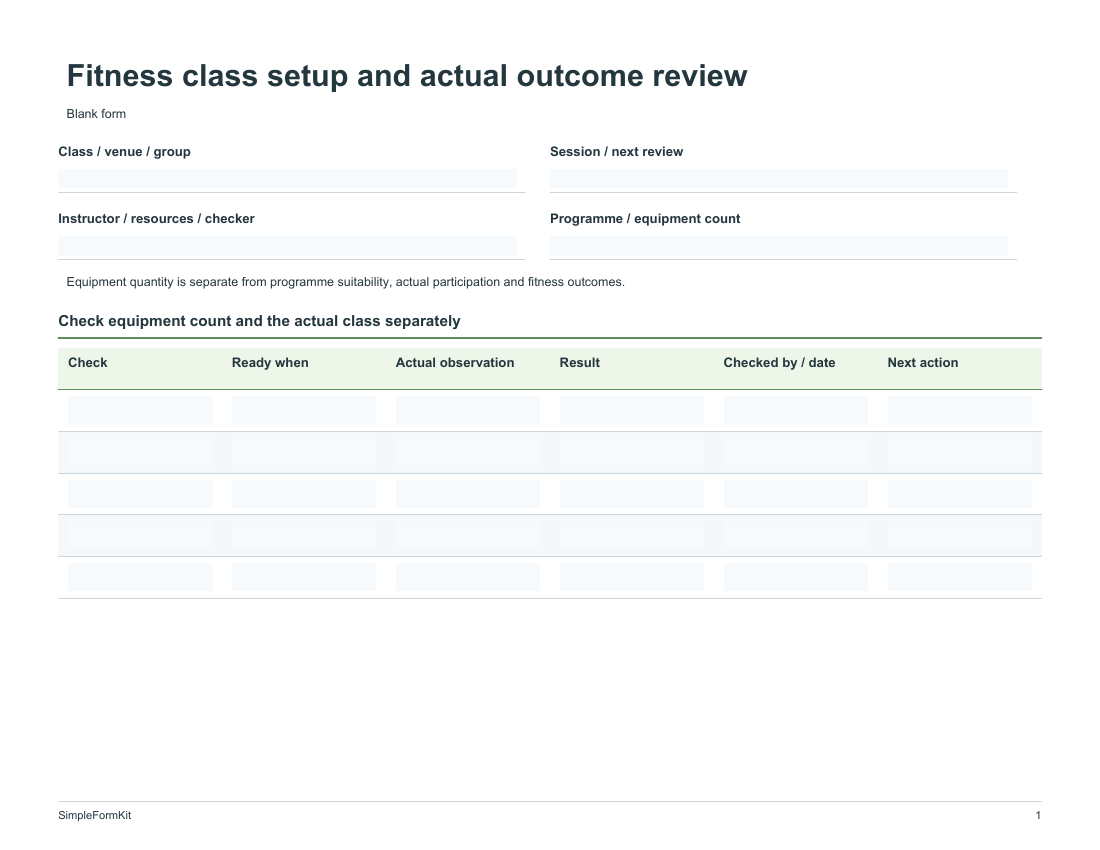
Preview & free downloads →Review actual class observations and follow-up separately from an equipment count.
Preview & free downloads →Check the current instructor programme, room, equipment and class records.
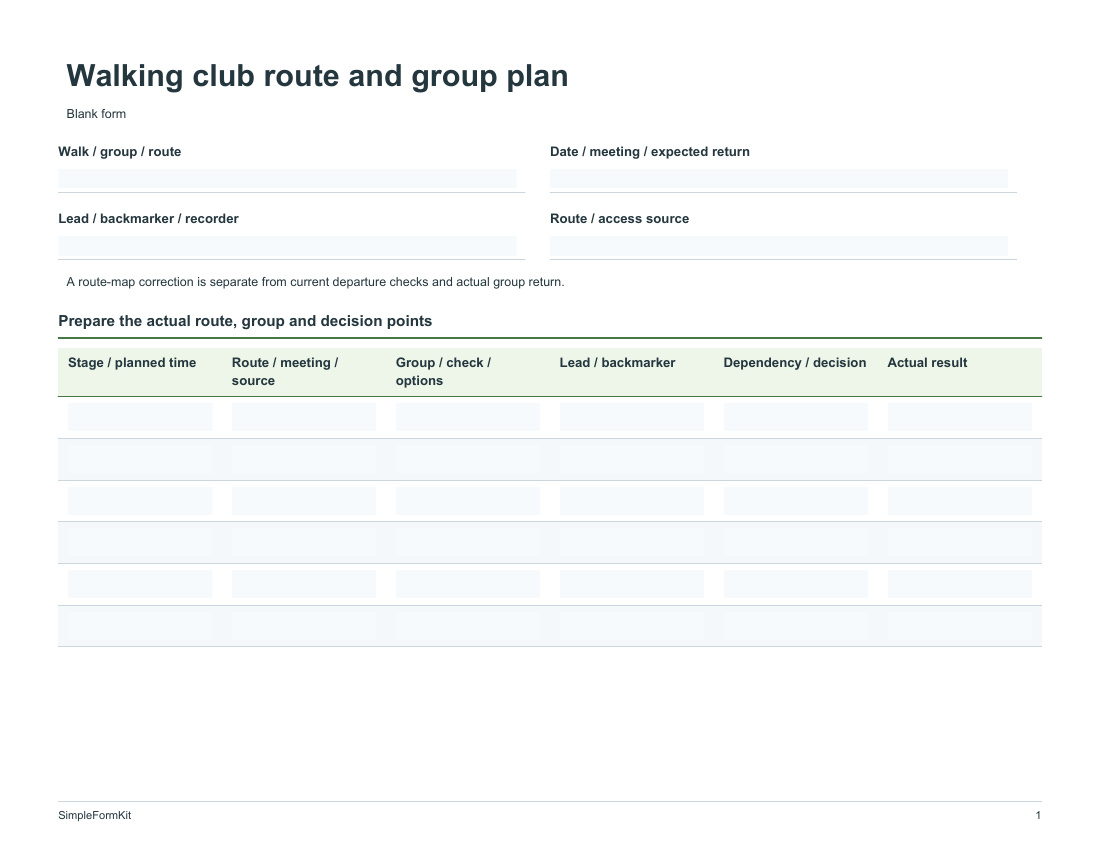
Preview & free downloads →Plan a group walk with a current route, meeting details, roles and decision points.
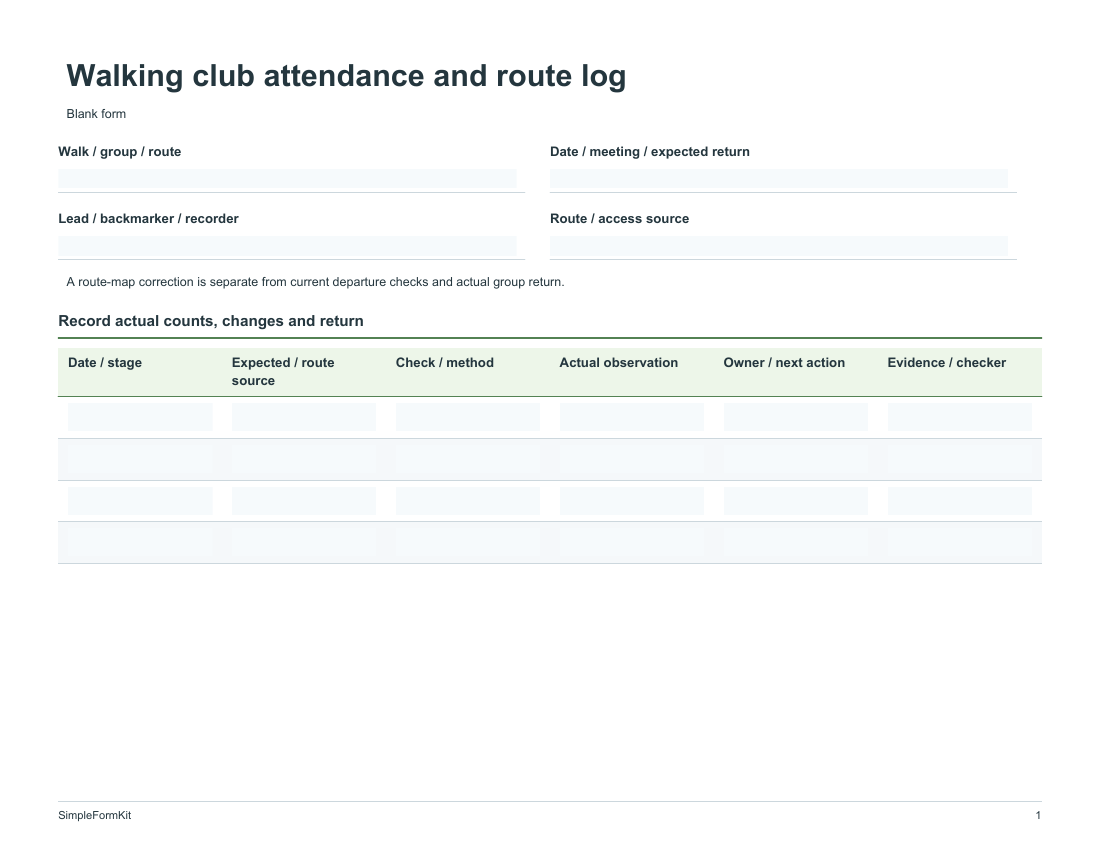
Preview & free downloads →Record actual walking-group counts, route changes, departures and return.
Preview & free downloads →Resolve route, access, conditions and group-arrangement questions before setting off.
Preview & free downloads →Review actual group return and unfinished walk actions separately from a map correction.
Preview & free downloads →Check current route information, group roles, communication and departure resources.
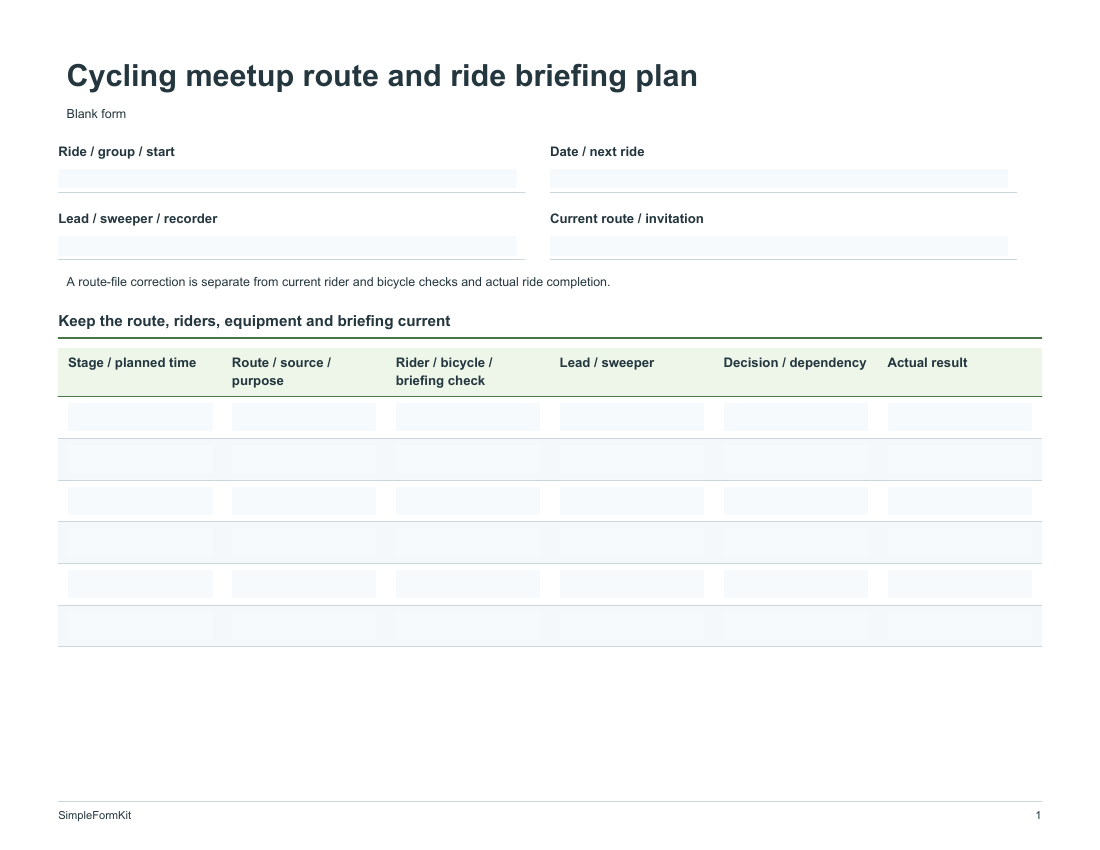
Preview & free downloads →Plan a group ride with matching route details, rider checks, roles and briefing.
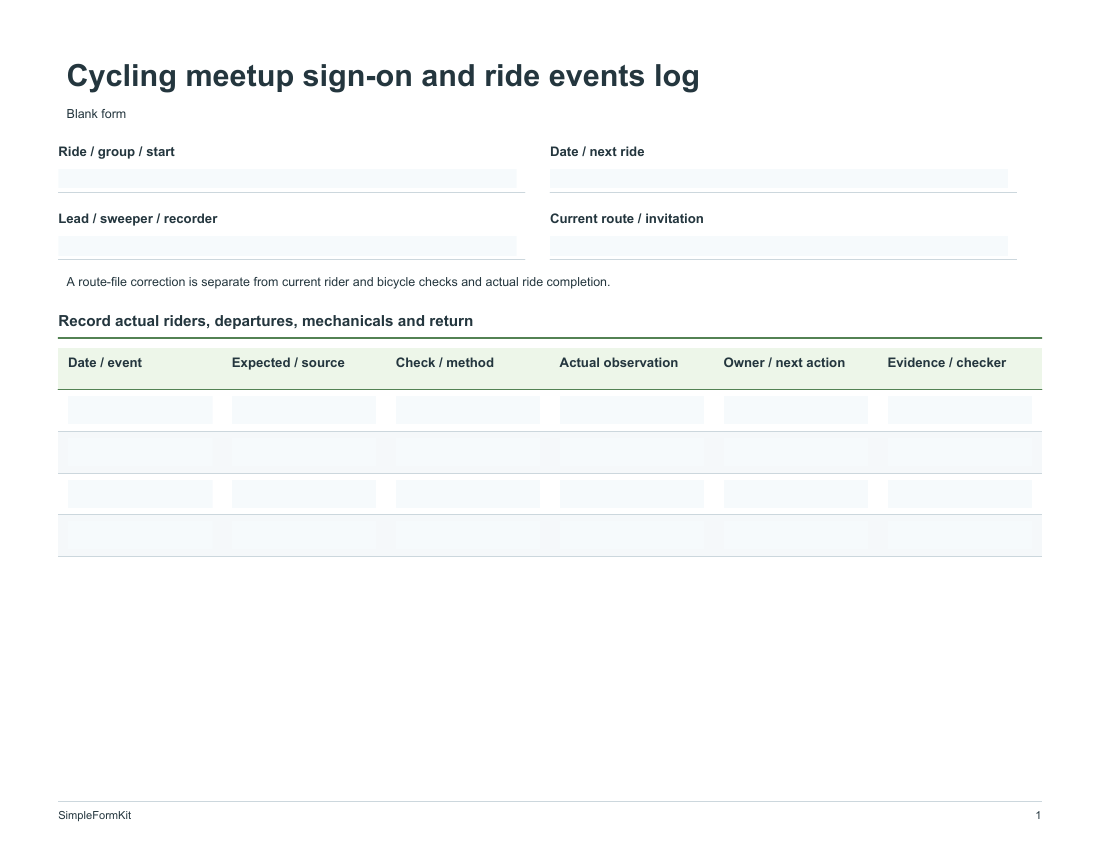
Preview & free downloads →Record actual riders, departures, ride events, changes and return.
Preview & free downloads →Resolve current-route, equipment, role and group-procedure questions before the ride.
Preview & free downloads →Review actual rider reconciliation and follow-up separately from a corrected route file.
Preview & free downloads →Check route, sign-on, bicycle resources, group roles and ride records.
Preview & free downloads →No matching templates. Try fewer words or choose another category.
Choose a template for the stage of work you are at, then pick the format you can use. Our download guide explains editing, saving and printing. Read how we prepare and maintain templates for examples, checks and limitations.
Open a template to see the actual layout, included fields and a fictional worked example. Choose the one whose sections fit your task.
PDF supports typed entries in a compatible PDF reader and handwriting after printing. Excel provides editable sheets. HTML lets you type in a downloaded browser copy and save your changes.
Start in the blank copy. Use another blank copy or add rows when needed, and leave out the example when sharing the finished record.