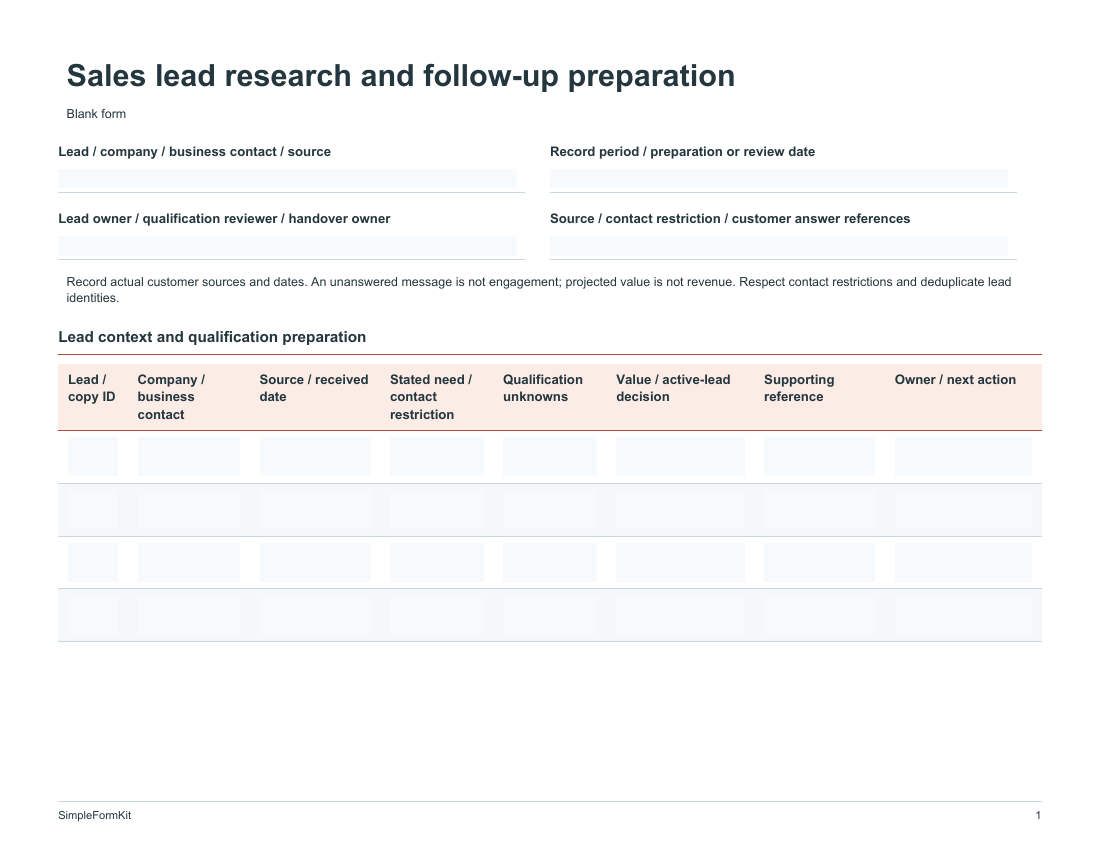
Sales lead research and follow-up preparation
Prepare verified lead context, questions and follow-up actions while retaining unknown qualification facts.
Preview & free downloads →Prepare lead follow-ups, product demos, quotation conversations, customer orders and client check-ins. Keep customer replies beside the relevant version or order, assign the next action, and record confirmed outcomes separately from plans and assumptions.
Planning, records, resources, questions and outcome review belong together. Choose your task to see the five stages.
Search a task or an item you need to record. Every template includes a blank copy and a fictional example. Guidance is provided here and in the editable files. Compare the actual preview before choosing your copy.
25 templates
Prepare verified lead context, questions and follow-up actions while retaining unknown qualification facts.
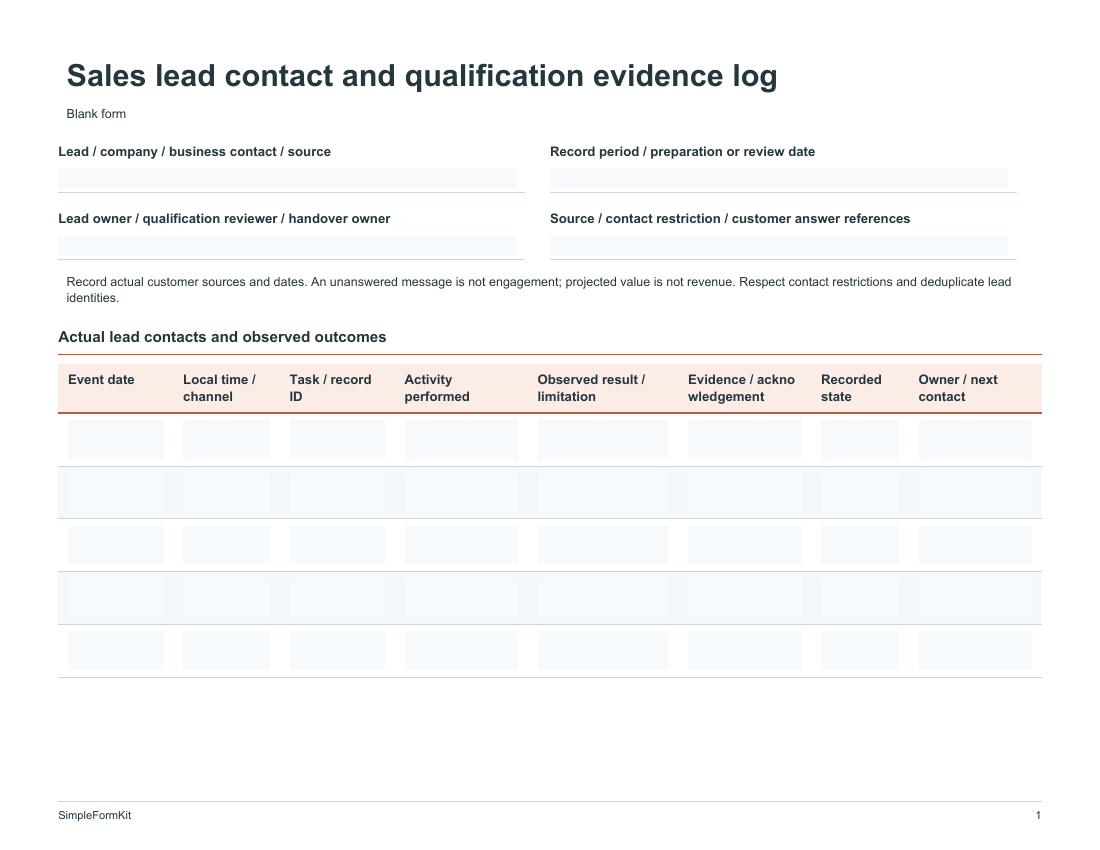
Preview & free downloads →Record real contact attempts, responses, qualification and accepted next steps without assuming an unanswered message is engagement.
Preview & free downloads →Resolve need, budget, authority and timing questions with actual customer answers and sources.
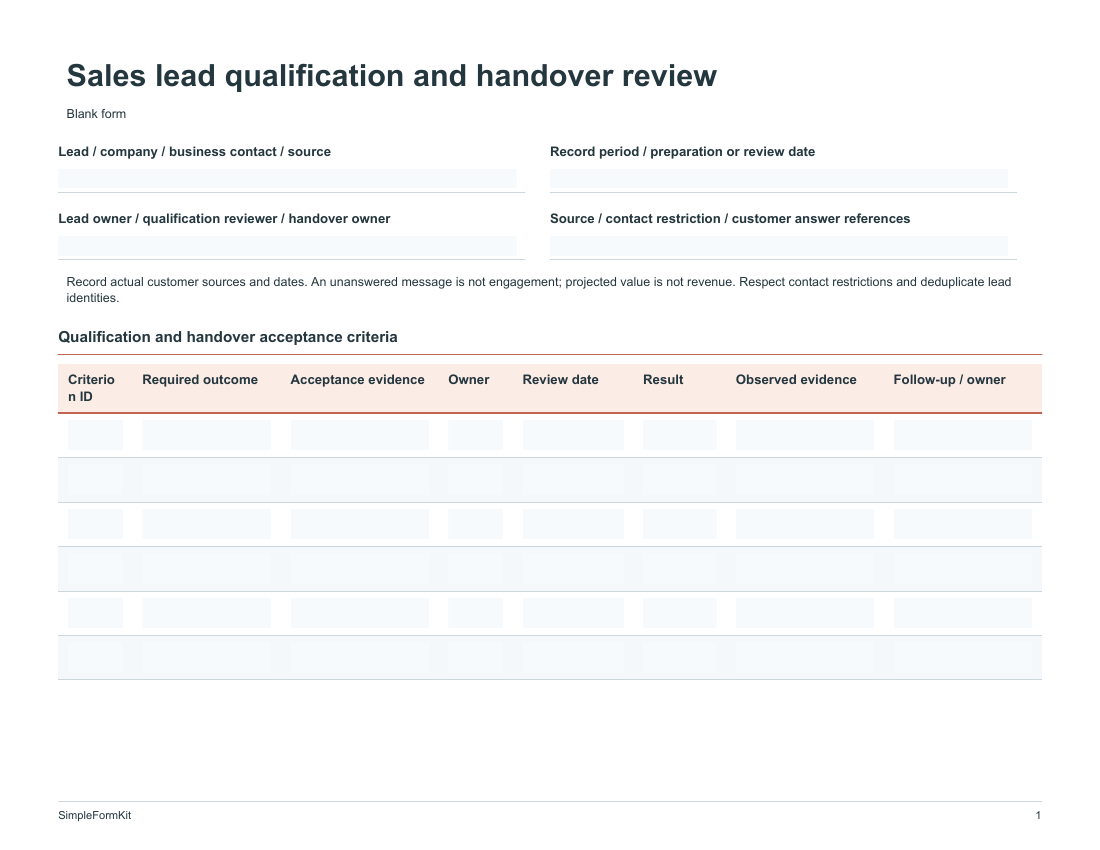
Preview & free downloads →Verify contact source, customer need, decision route and accepted next step before opportunity handover.
Preview & free downloads →Check source, contact route, duplicate records and relevant offer materials before follow-up.
Preview & free downloads →Prepare a customer-relevant workflow with a timed agenda, observable outcomes, tested fallback and follow-up ownership.
Preview & free downloads →Record demonstrated workflow, limitations, audience questions and actual next-step acceptance.
Preview & free downloads →Track unresolved product claims, integration questions and customer follow-up with dated answer evidence.
Preview & free downloads →Verify shown workflow, disclosed limitations and unanswered questions without assuming demo completion means purchase.
Preview & free downloads →Check audience need, tested environment, safe sample data, rehearsal, fallback and question capture before a demo.
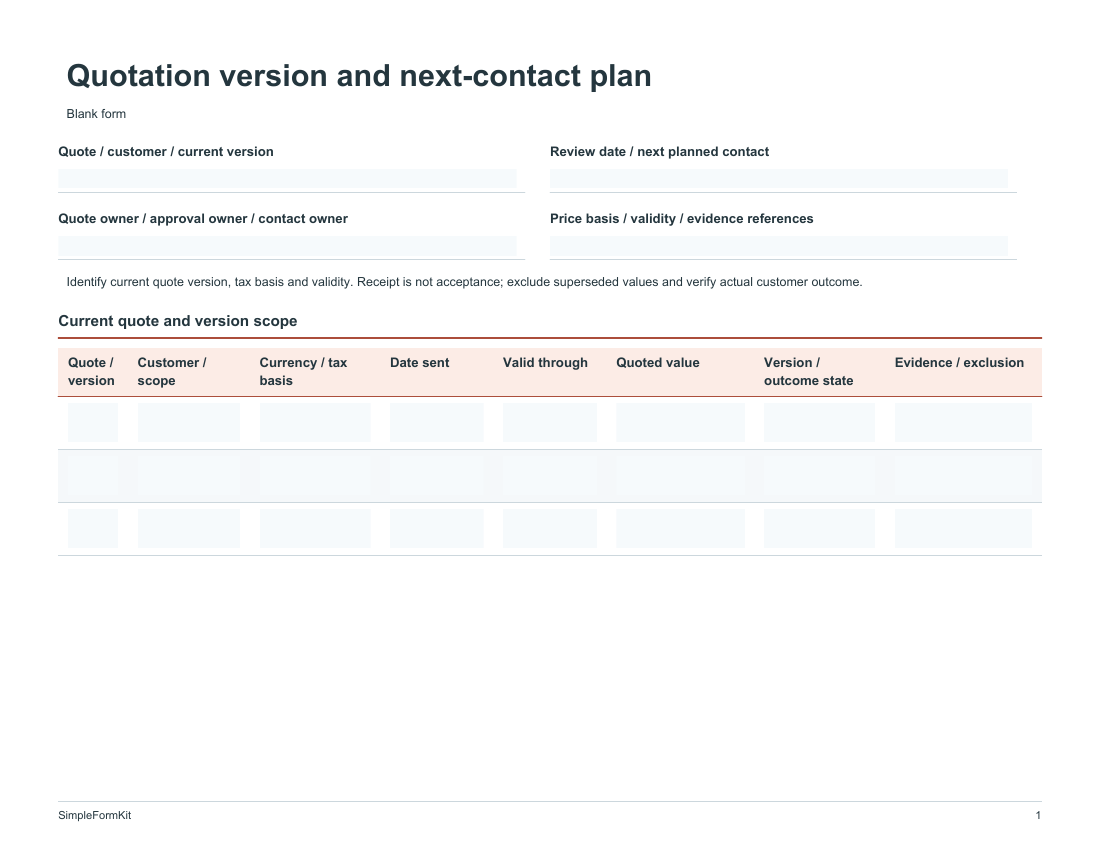
Preview & free downloads →Plan a specific follow-up against the current quote version with agreed contact timing and unresolved terms.
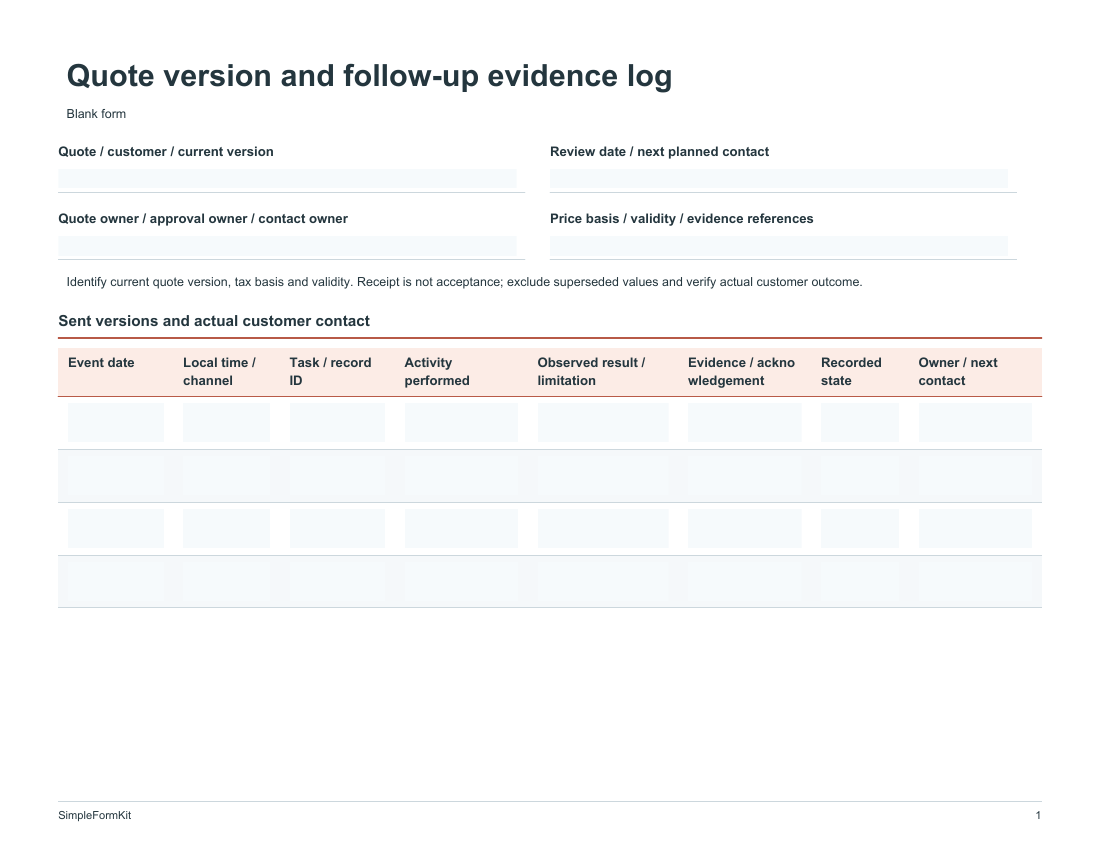
Preview & free downloads →Record sent versions, actual contacts, customer replies and remaining action without counting a superseded quote twice.
Preview & free downloads →Resolve scope, price basis, validity and purchasing authority with dated customer evidence.
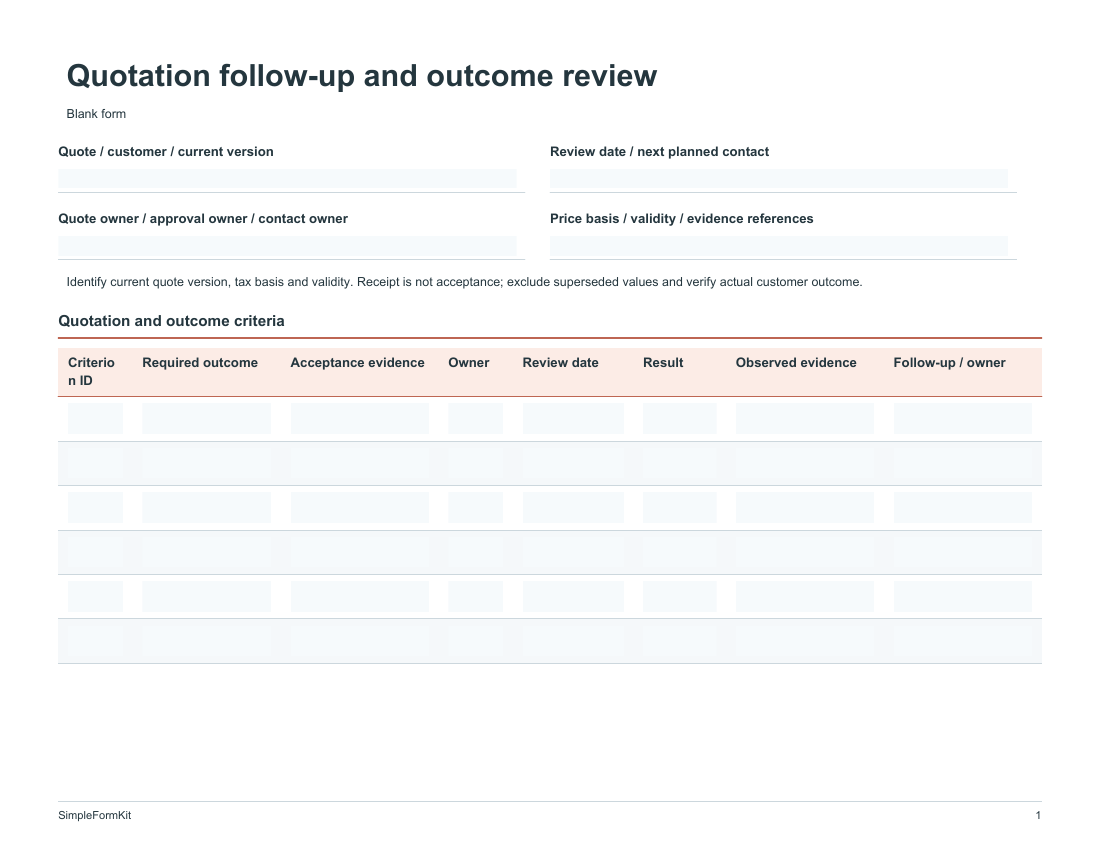
Preview & free downloads →Verify current quote, actual response and acceptance separately from sending, reminders and payment.
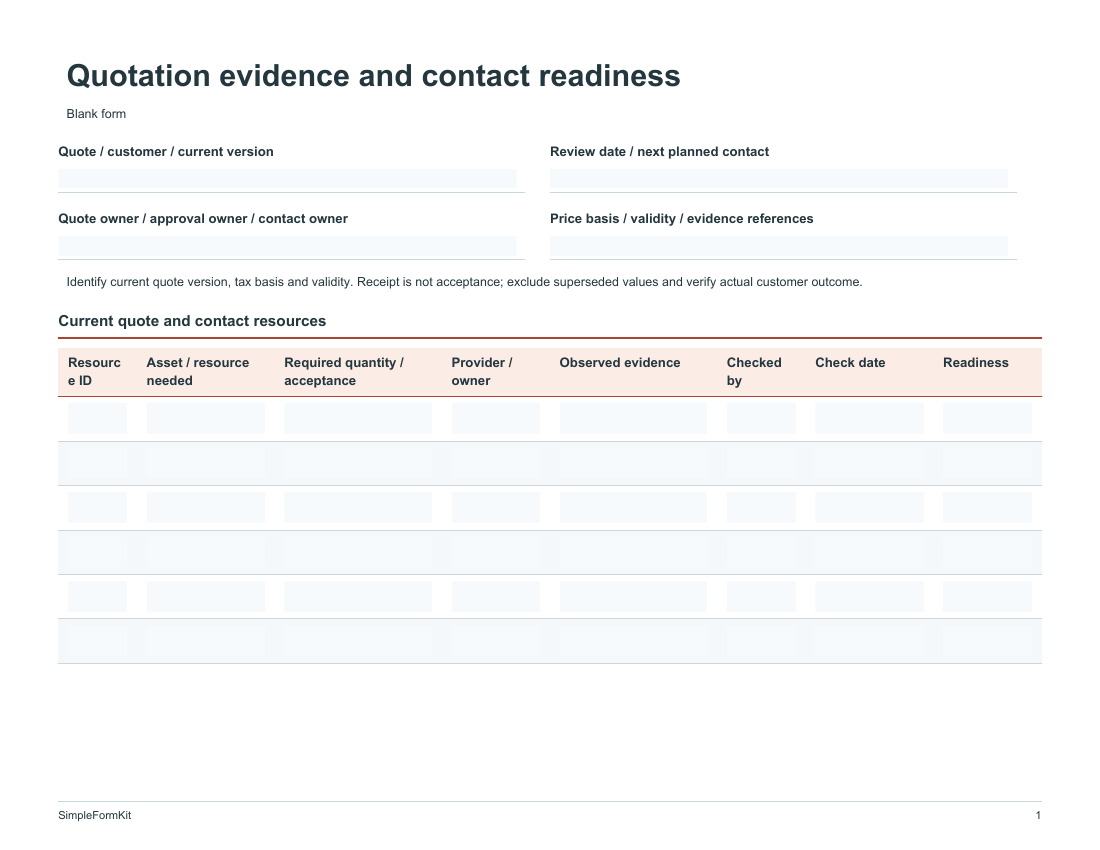
Preview & free downloads →Prepare the current approved quote, terms, customer route and response evidence before following up.
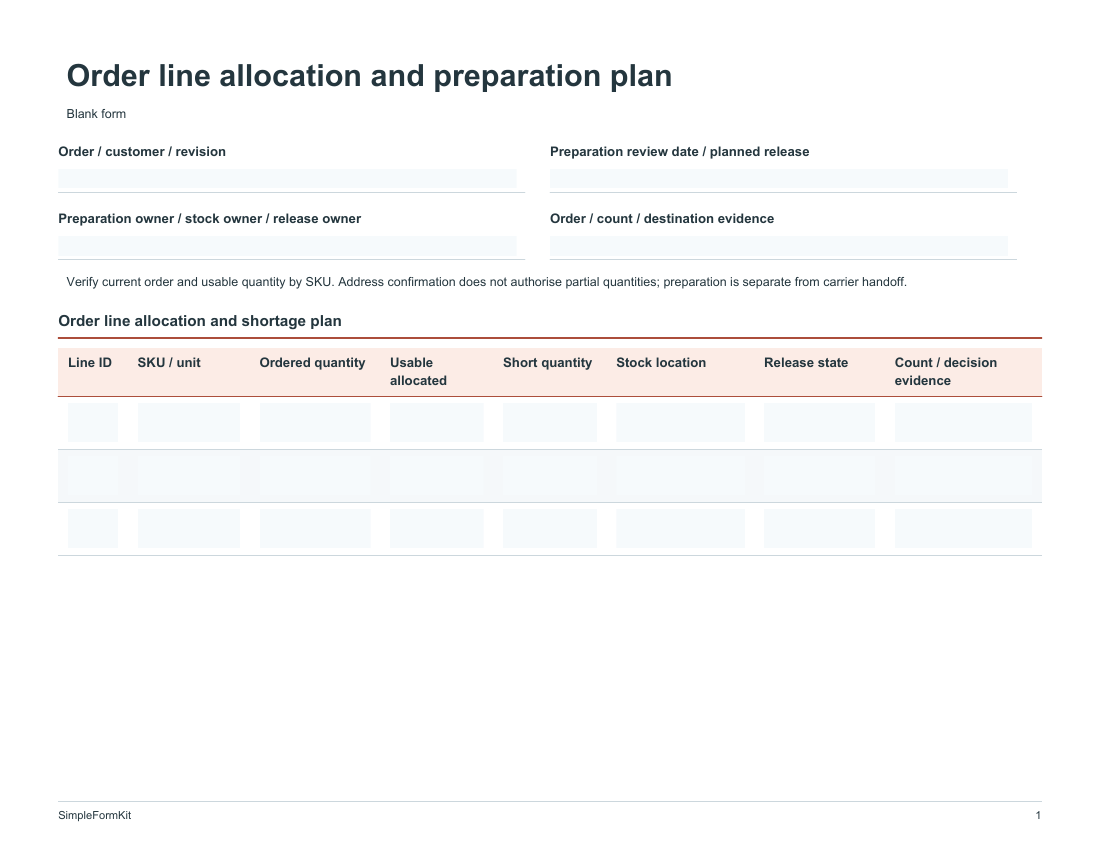
Preview & free downloads →Plan ordered, available, held and backordered quantities by item with explicit release checks.
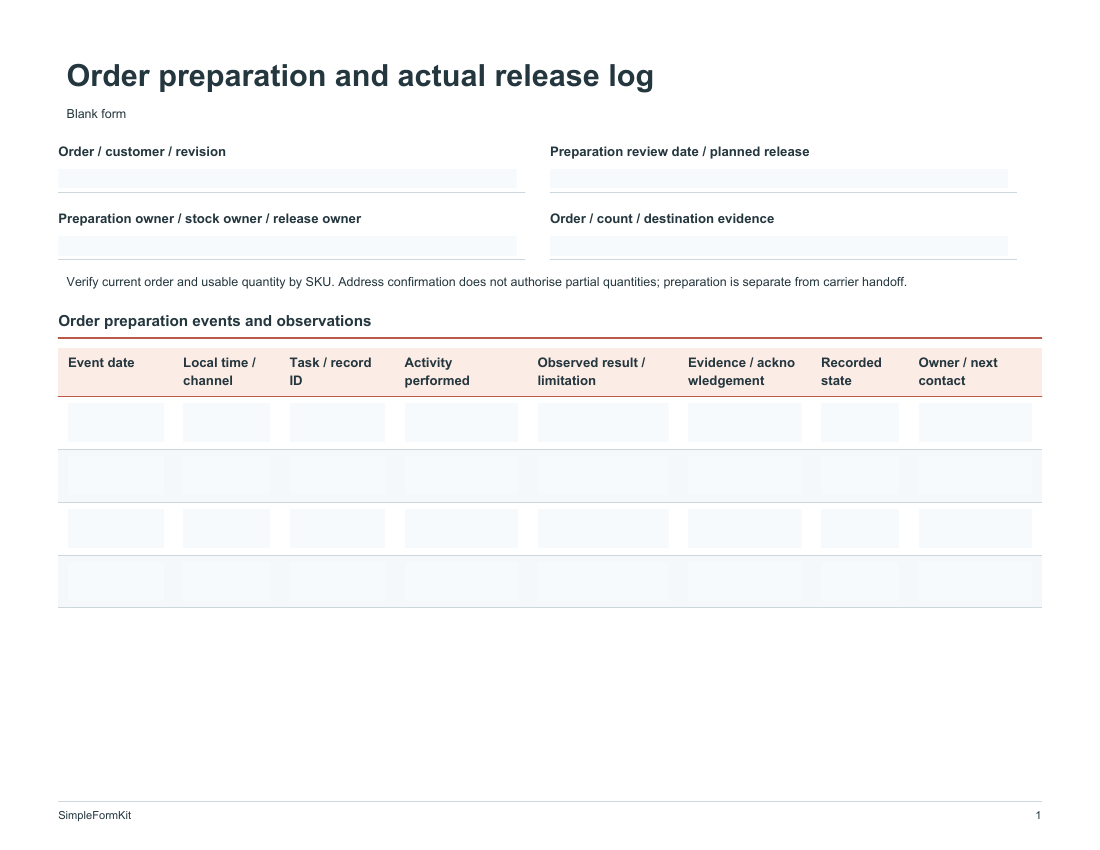
Preview & free downloads →Record order verification, physical allocation, shortage and actual release evidence separately from shipment.
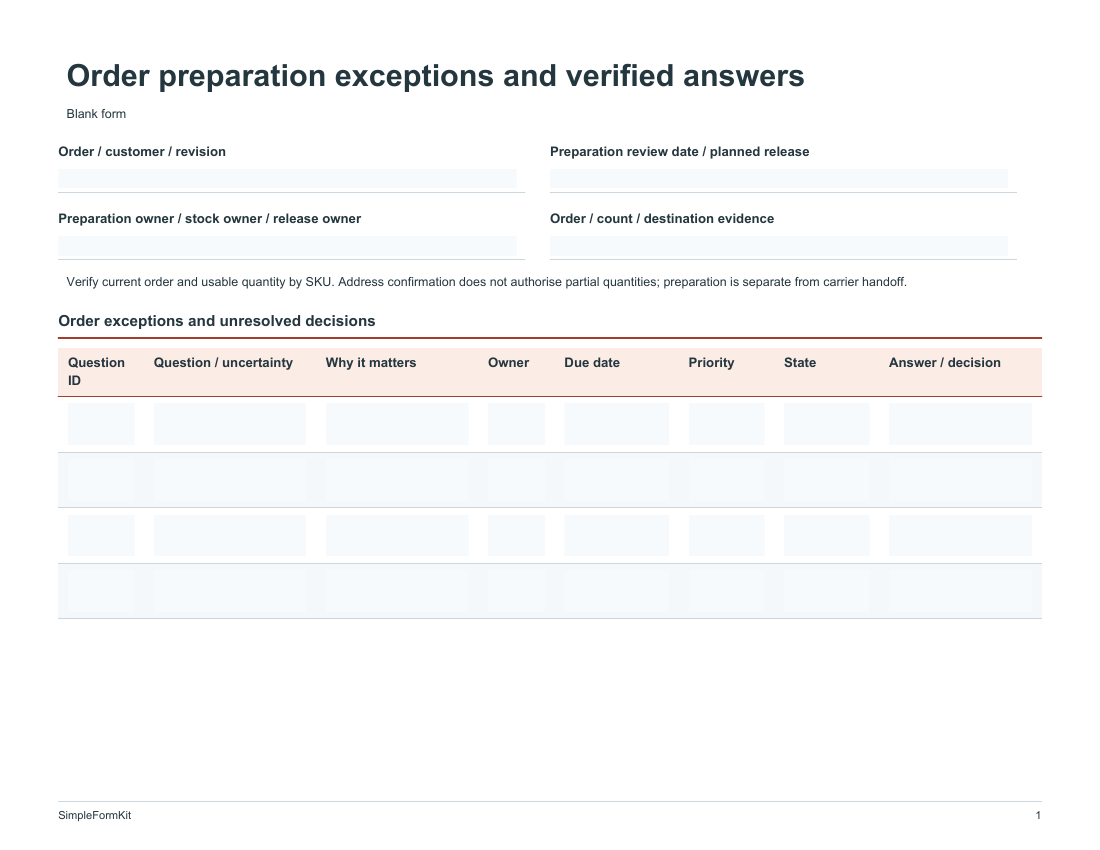
Preview & free downloads →Resolve stock shortages, address changes and partial-release authority with dated evidence.
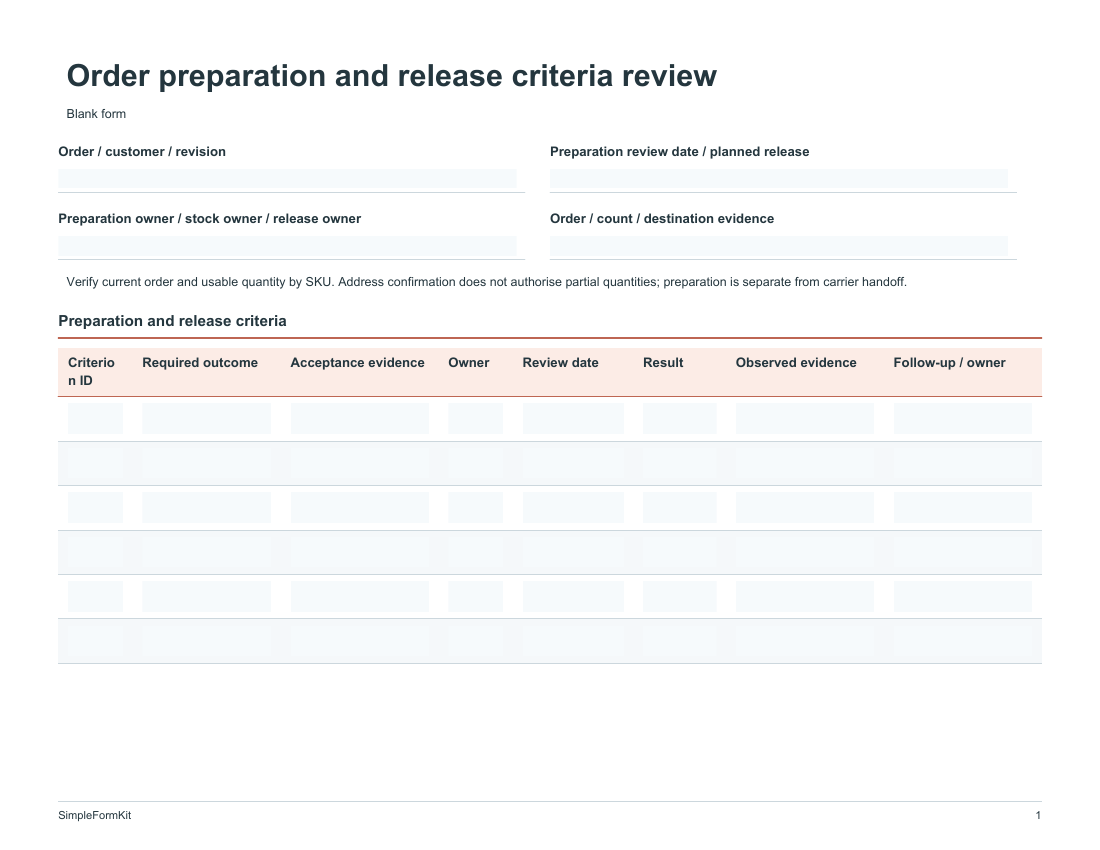
Preview & free downloads →Verify correct items, quantities, destination and approved release without implying carrier handoff or delivery.
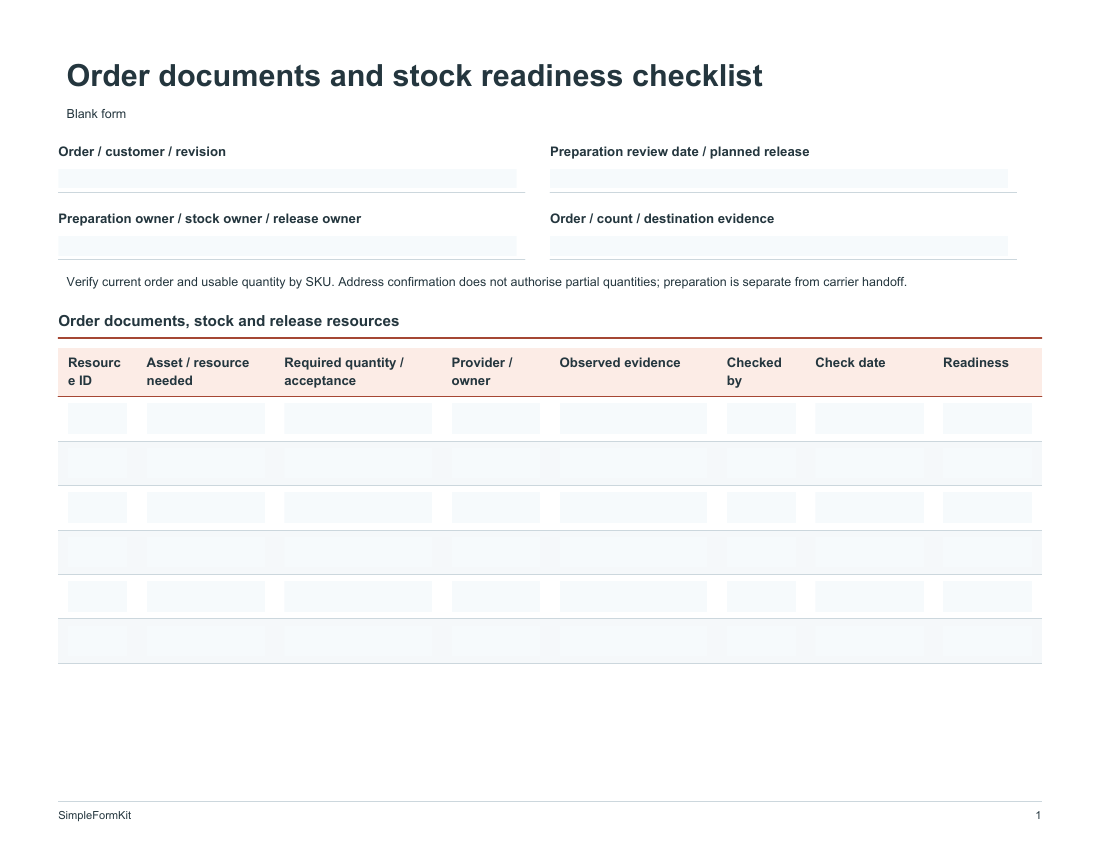
Preview & free downloads →Check current order, physical stock, destination, materials and release authority before preparation.
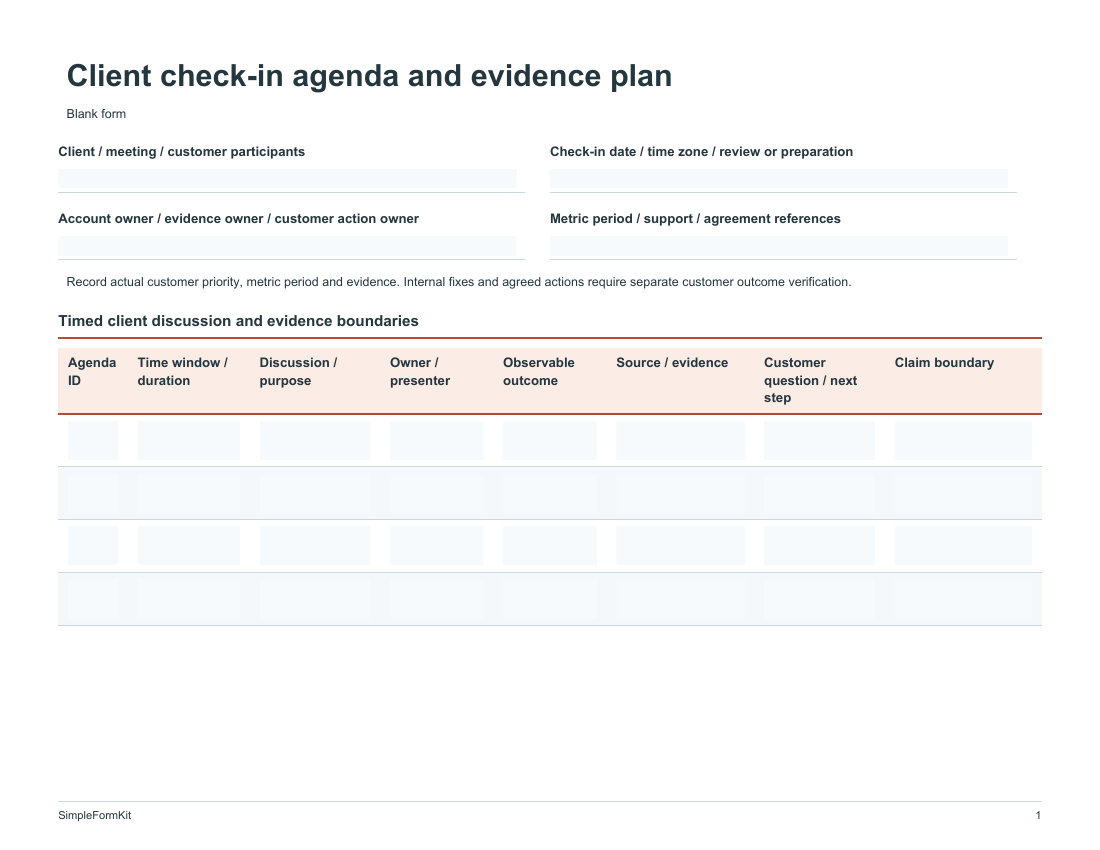
Preview & free downloads →Prepare a timed customer discussion with evidence boundaries, open issues and actual action acceptance.
Preview & free downloads →Record customer priorities, observed evidence, reported benefit and actual agreed follow-up.
Preview & free downloads →Resolve customer concerns and benefit claims with dated evidence and explicit confirmation.
Preview & free downloads →Verify customer priorities and agreed actions without treating an internal fix as customer-confirmed resolution.
Preview & free downloads →Prepare recent customer context, comparable metrics, open issues and a discussion agenda.
Preview & free downloads →No matching templates. Try fewer words or choose another category.
Choose a template for the stage of work you are at, then pick the format you can use. Our download guide explains editing, saving and printing. Read how we prepare and maintain templates for examples, checks and limitations.
Open a template to see the actual layout, included fields and a fictional worked example. Choose the one whose sections fit your task.
PDF supports typed entries in a compatible PDF reader and handwriting after printing. Excel provides editable sheets. HTML lets you type in a downloaded browser copy and save your changes.
Start in the blank copy. Use another blank copy or add rows when needed, and leave out the example when sharing the finished record.