Guest arrival readiness and handover plan
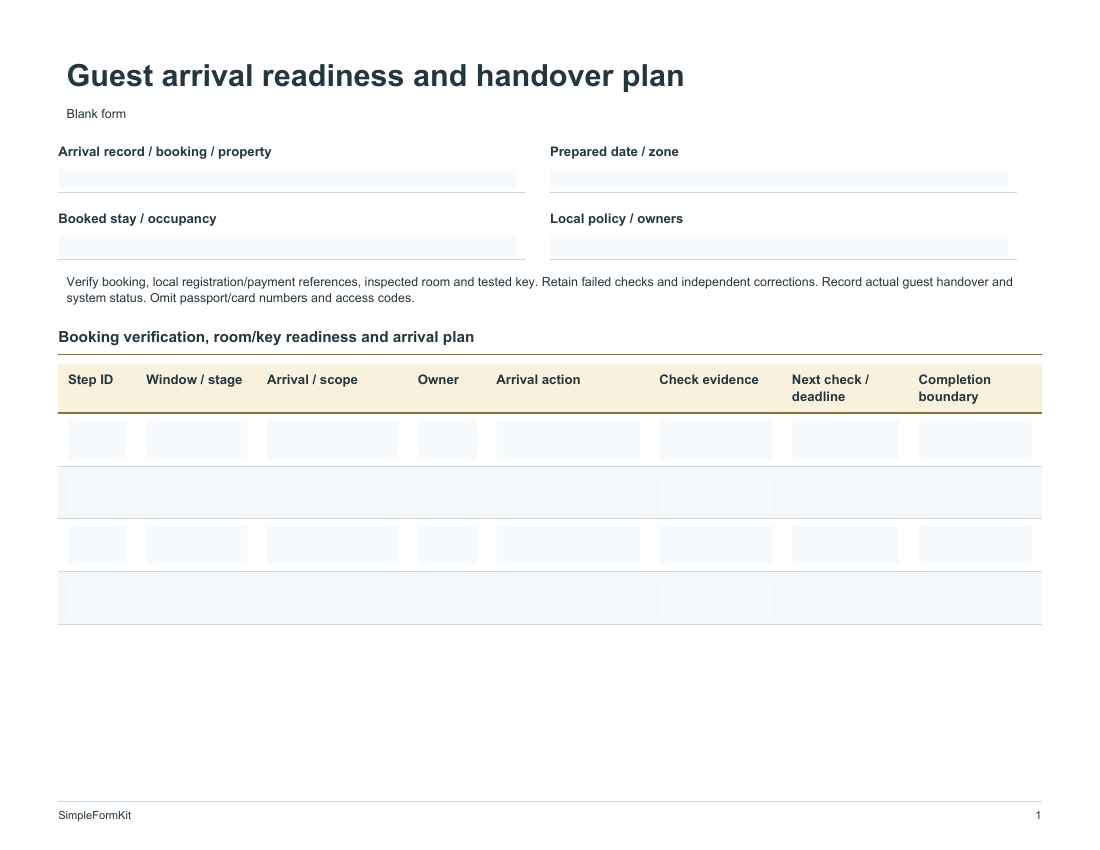
Plan guest arrival checks, room and key readiness, orientation and actual check-in records.
Preview & free downloads →Prepare for guest arrivals, room turnovers, cafe table setups, menu photography and restaurant shift handovers. Keep bookings, checks and unresolved requests together, and follow the operating and safety instructions for your workplace.
Planning, records, resources, questions and outcome review belong together. Choose your task to see the five stages.
Search a task or an item you need to record. Every template includes a blank copy and a fictional example. Guidance is provided here and in the editable files. Compare the actual preview before choosing your copy.
25 templates
Plan guest arrival checks, room and key readiness, orientation and actual check-in records.
Preview & free downloads →Record room and key corrections, actual guest arrival and permitted key handover.
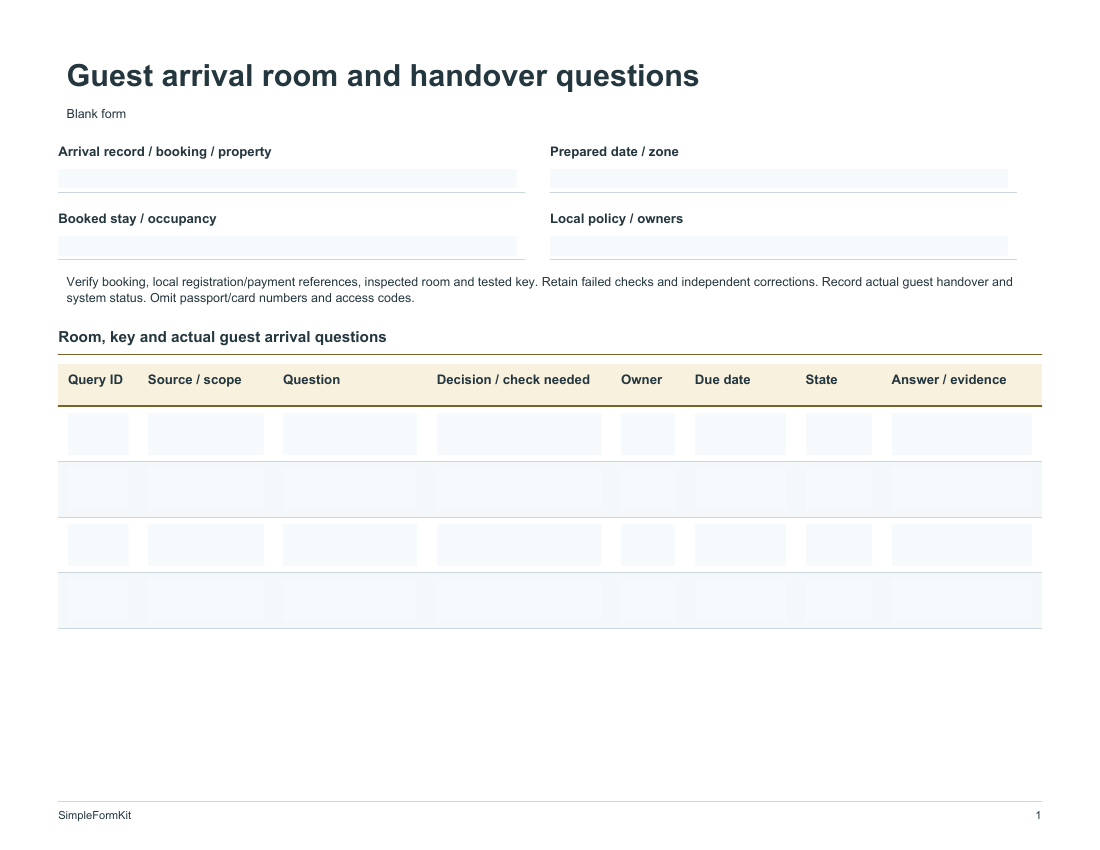
Preview & free downloads →Resolve booking, room, key and actual check-in questions with dated references.
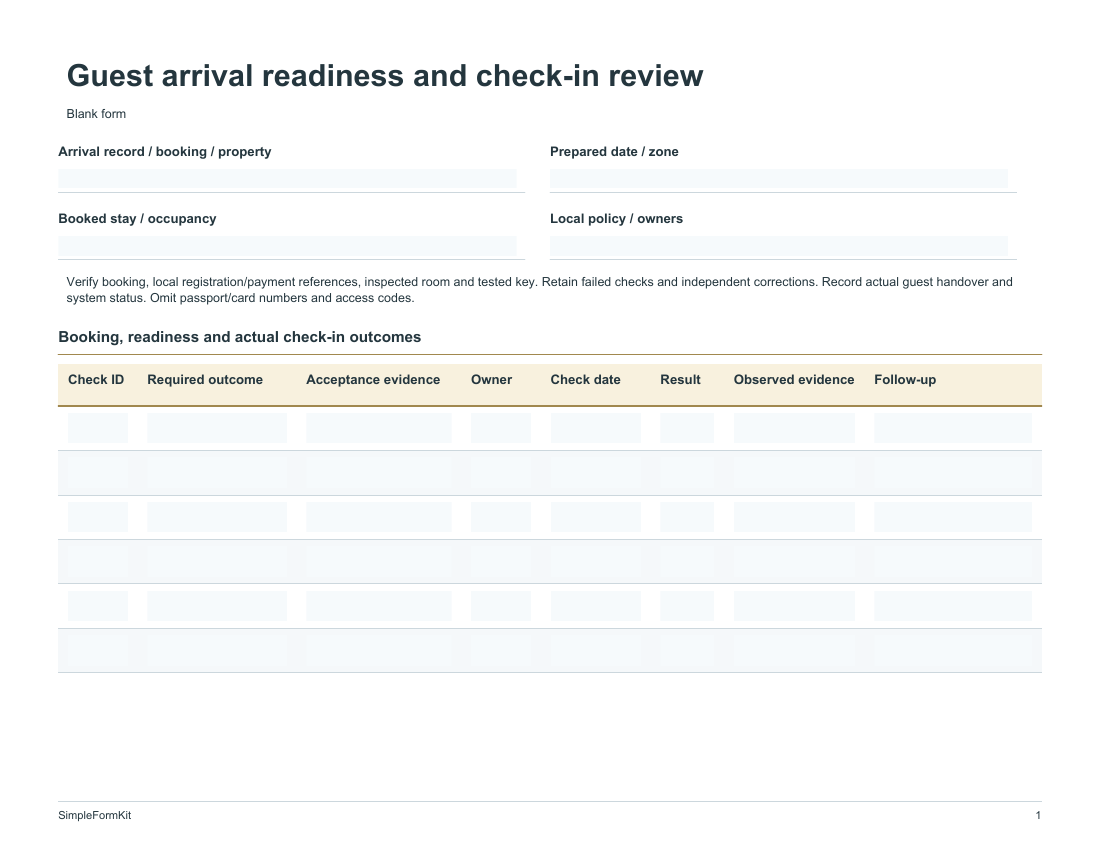
Preview & free downloads →Review guest admission and handover outcomes separately from room and key readiness.
Preview & free downloads →Check booking, local registration references, inspected room, working key and guest information.
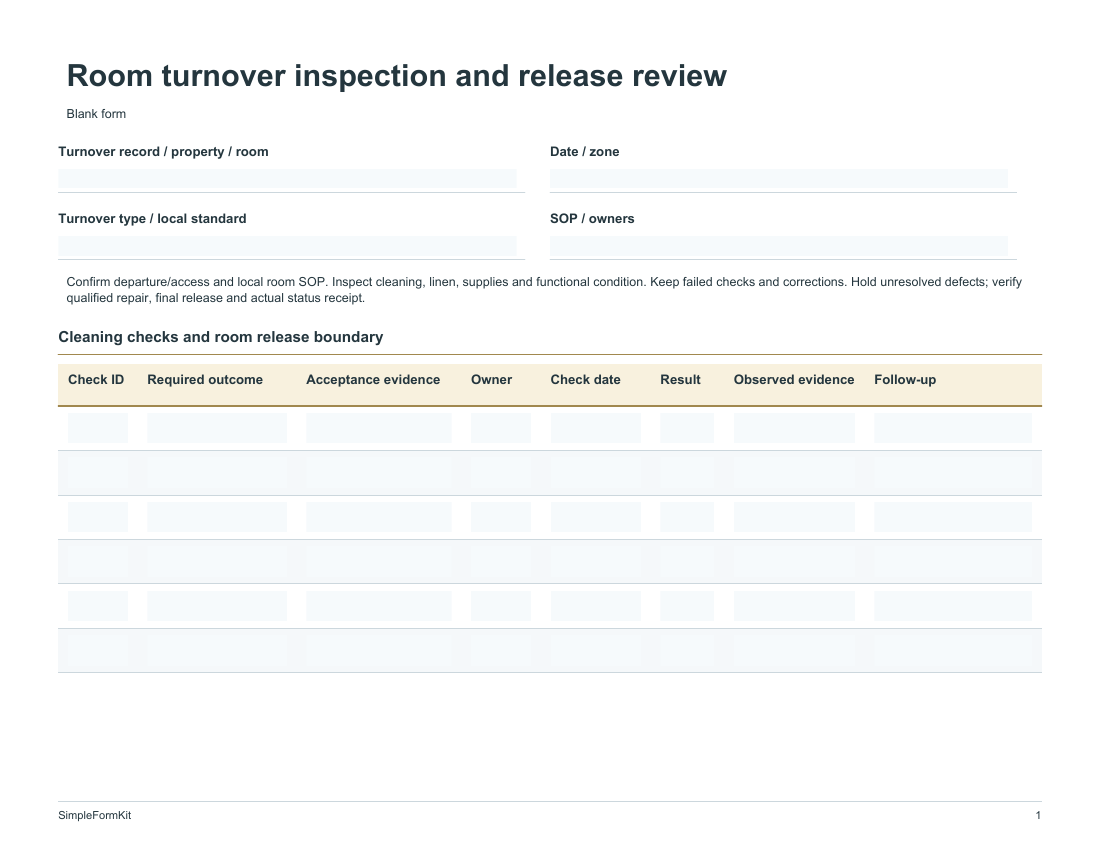
Preview & free downloads →Plan departure-room cleaning, independent inspection, maintenance follow-up and final release.
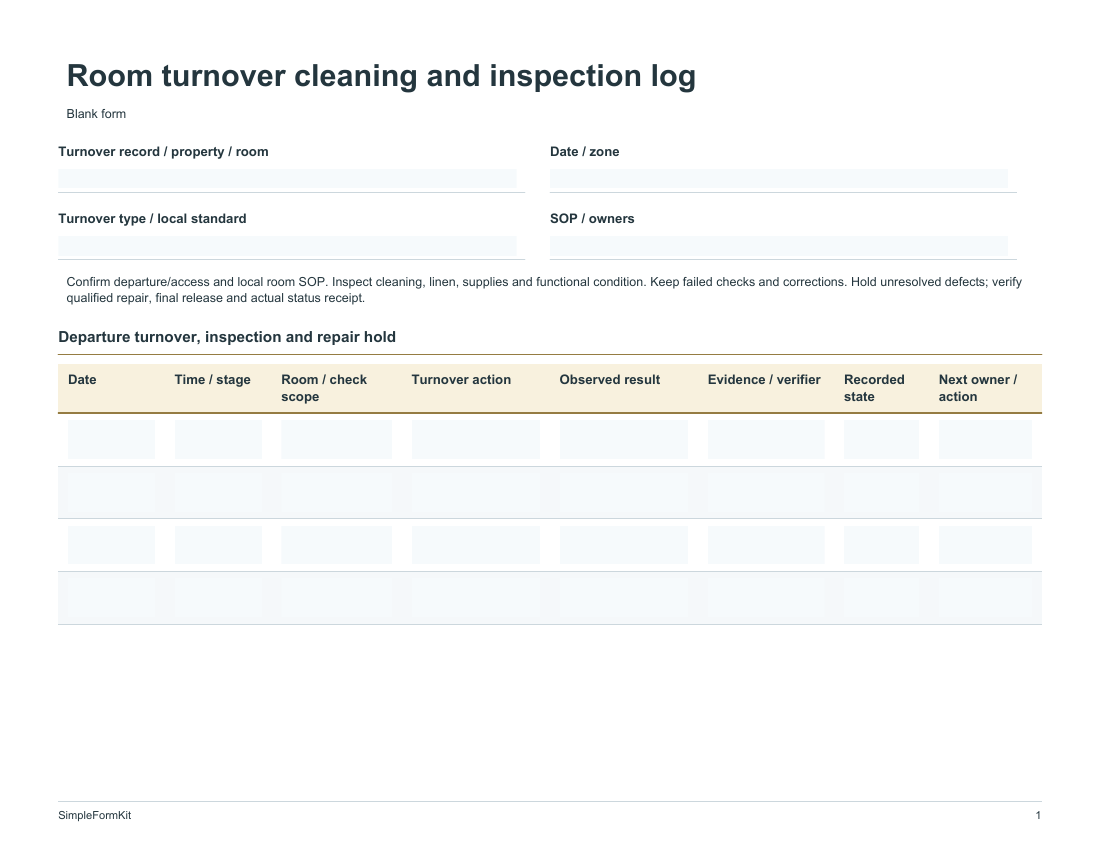
Preview & free downloads →Record cleaning inspections, corrected linen or supply defects and unresolved maintenance holds.
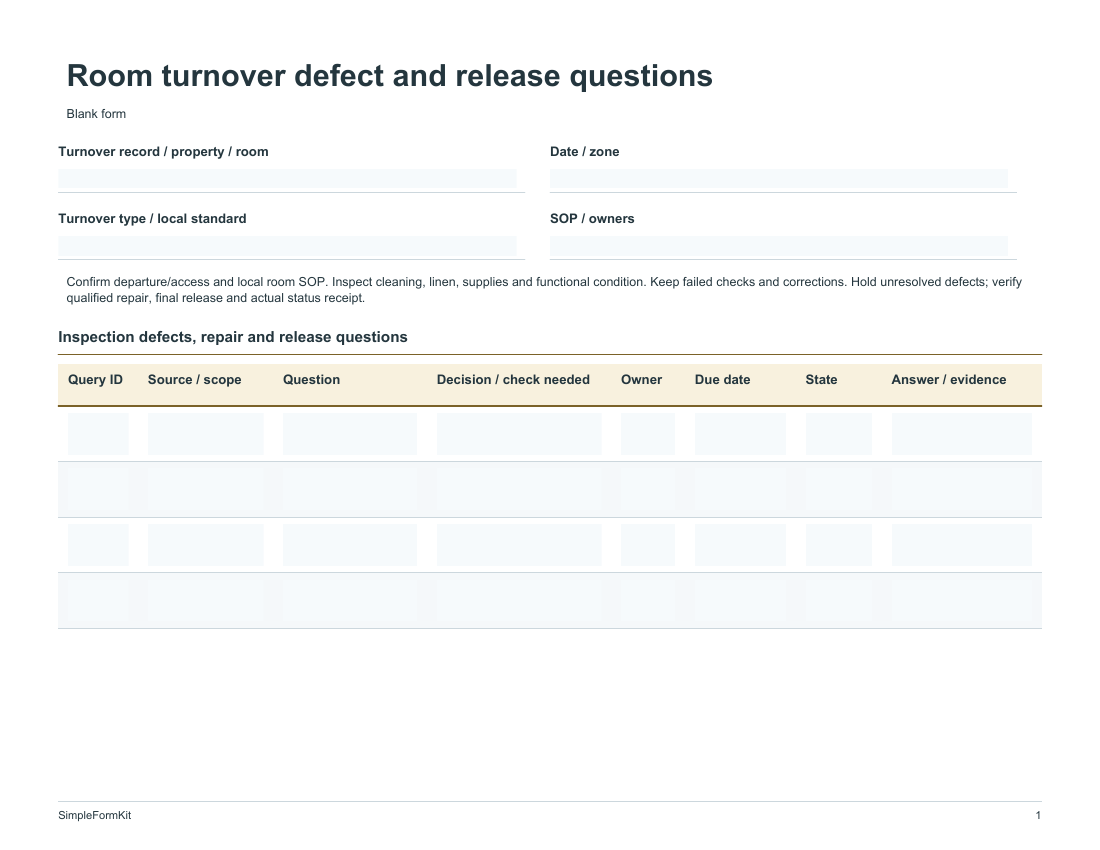
Preview & free downloads →Resolve inspection defects, qualified repair and final room-release questions.
Preview & free downloads →Review corrected room checks and unresolved defects before accepting final release.
Preview & free downloads →Check departure access, room SOP, cleaning supplies, inspection and release resources.
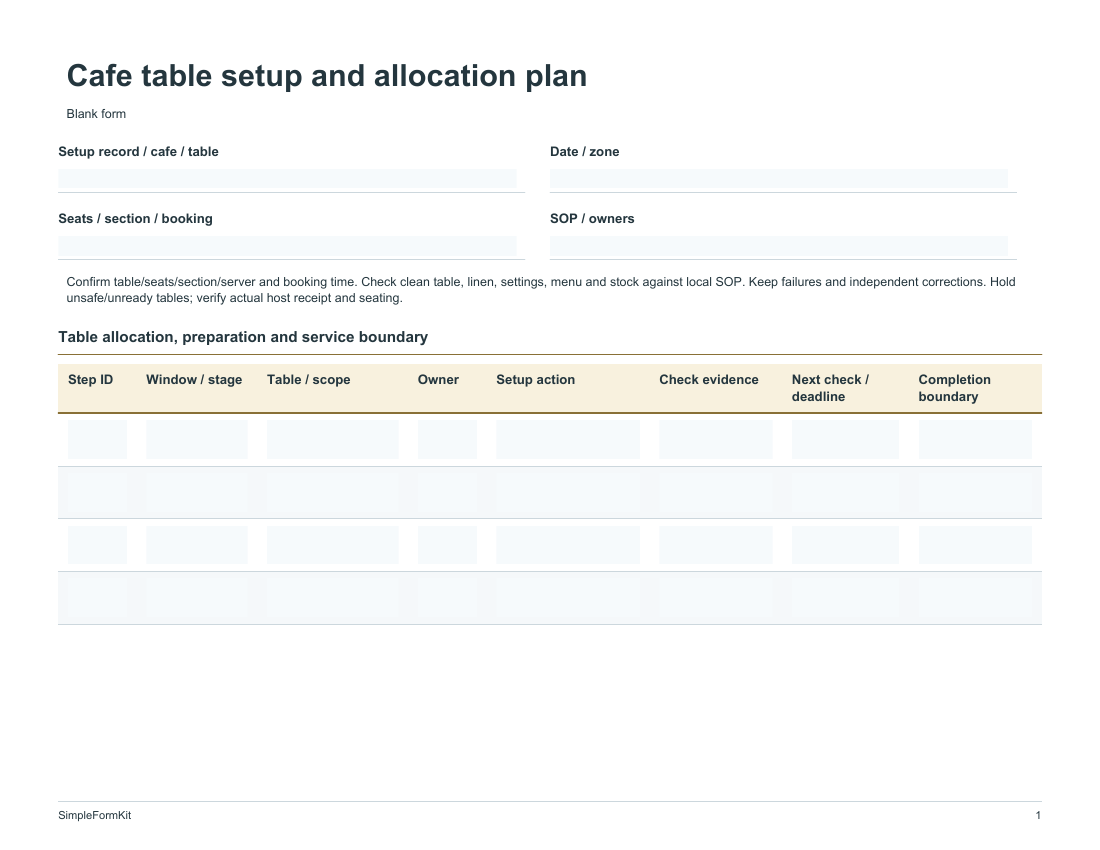
Preview & free downloads →Plan cafe table seats, server allocation, inspected settings and host handover.
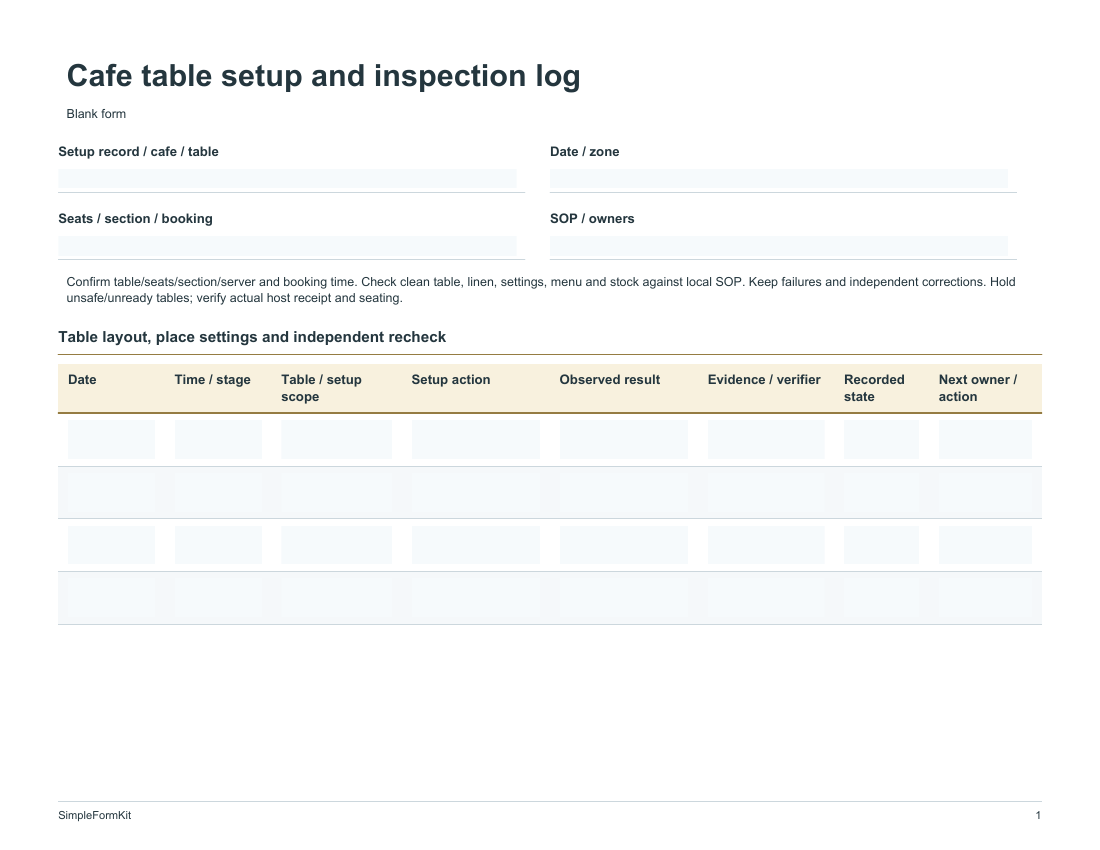
Preview & free downloads →Record table-setting defects, corrections, held furniture and actual service events.
Preview & free downloads →Resolve setting quantities, held-table repairs, host receipt and seating questions.
Preview & free downloads →Review each table's readiness and actual seating with unresolved holds kept visible.
Preview & free downloads →Check table plan, clean settings, current menus, station supplies and furniture condition.
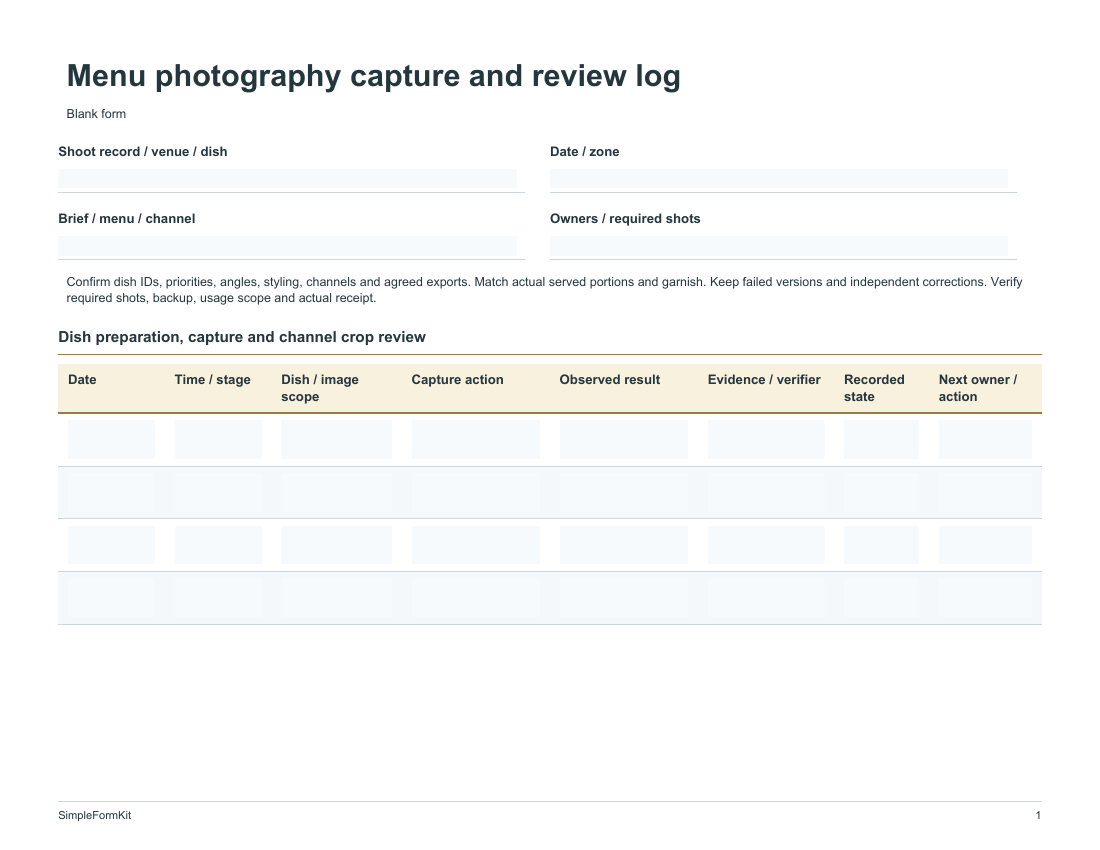
Preview & free downloads →Plan required menu photographs, kitchen timing, shot priorities and agreed delivery checks.
Preview & free downloads →Record actual dish captures, rejected versions, corrected shots and missing images.
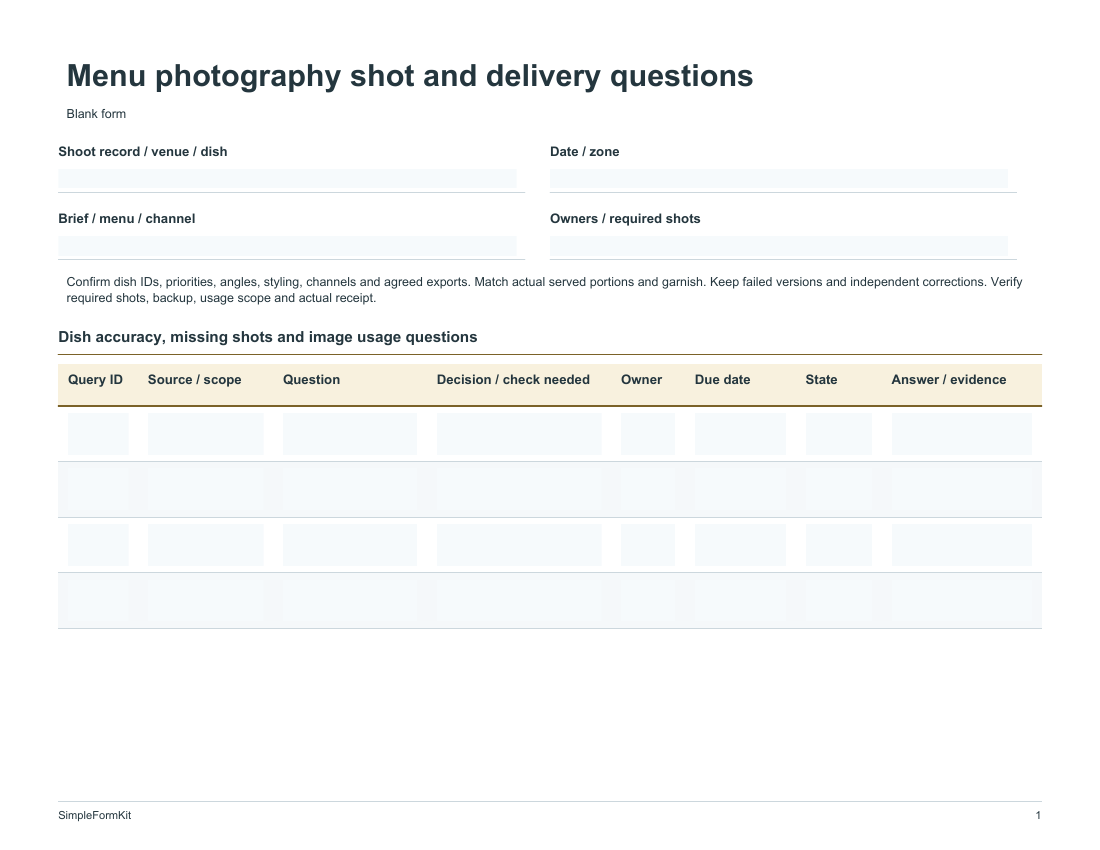
Preview & free downloads →Resolve dish accuracy, missing shots, export settings and image-usage questions.
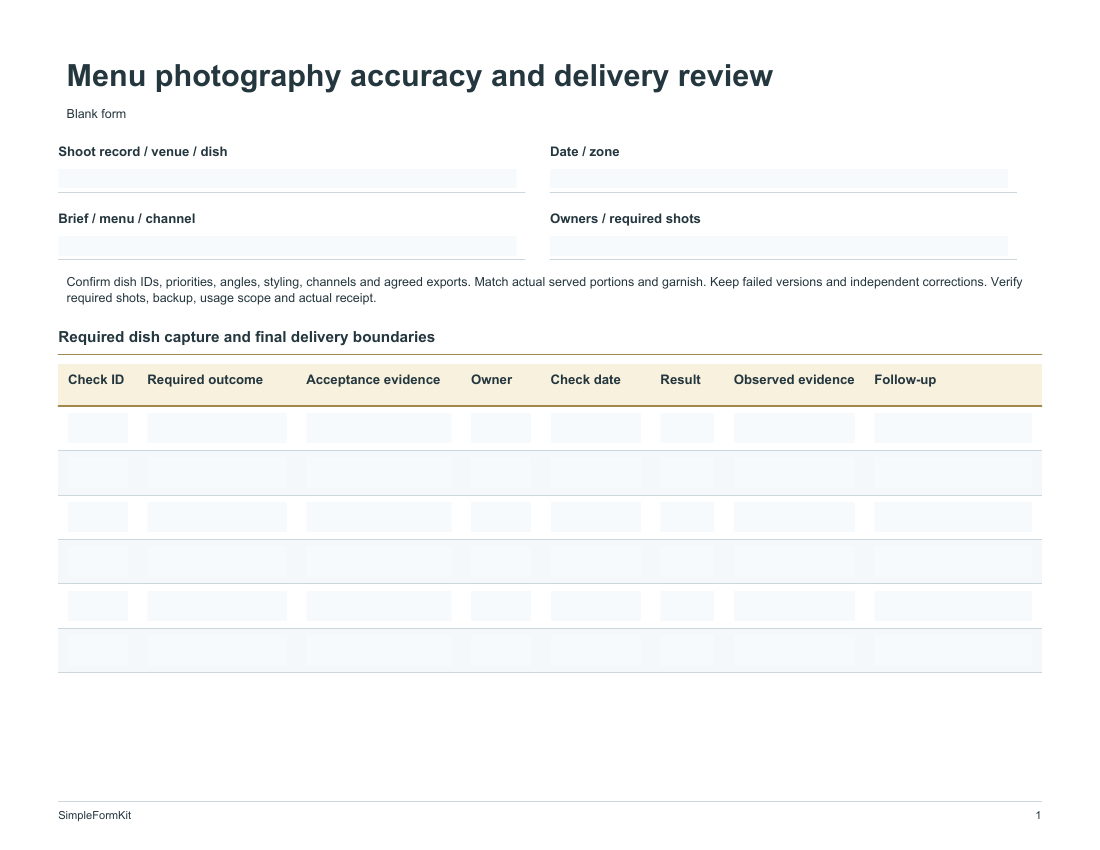
Preview & free downloads →Review required captures, corrected images, final files and actual client receipt.
Preview & free downloads →Check the menu brief, dishes, shot list, set, lighting and final-delivery resources.
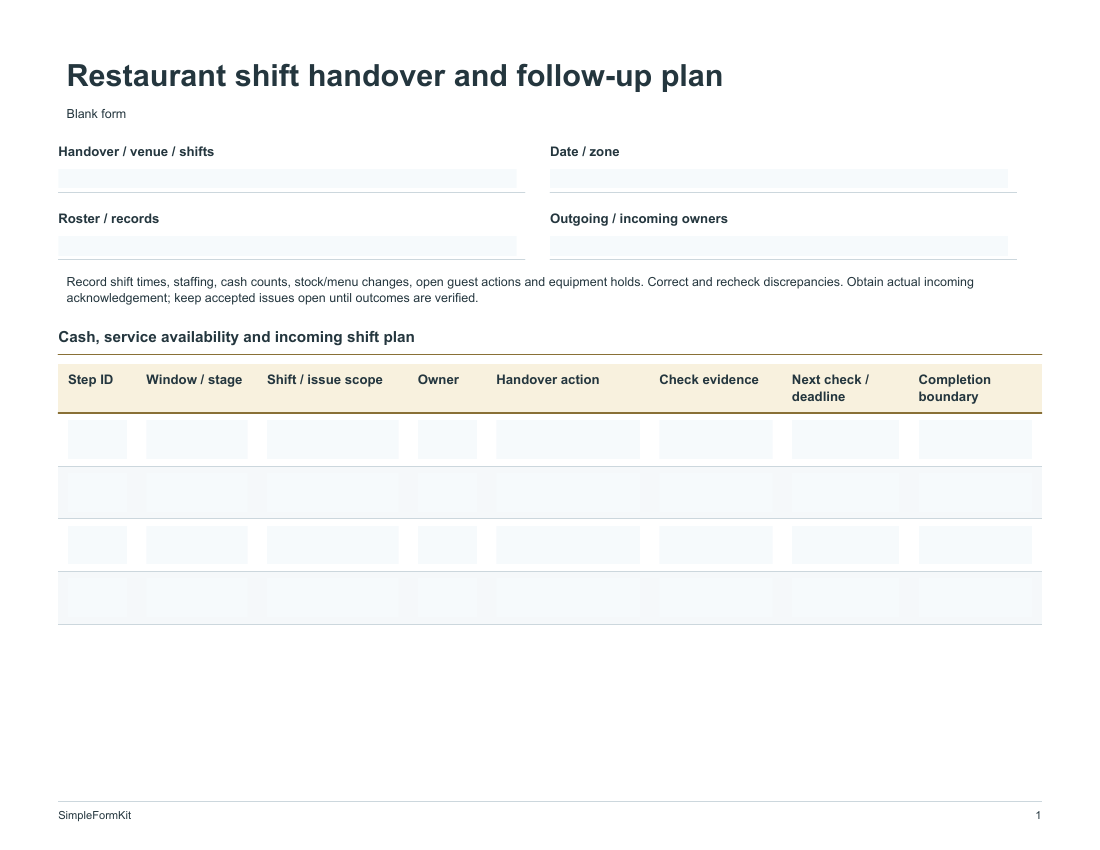
Preview & free downloads →Plan a service-shift handover with current availability, open issues and named incoming owners.
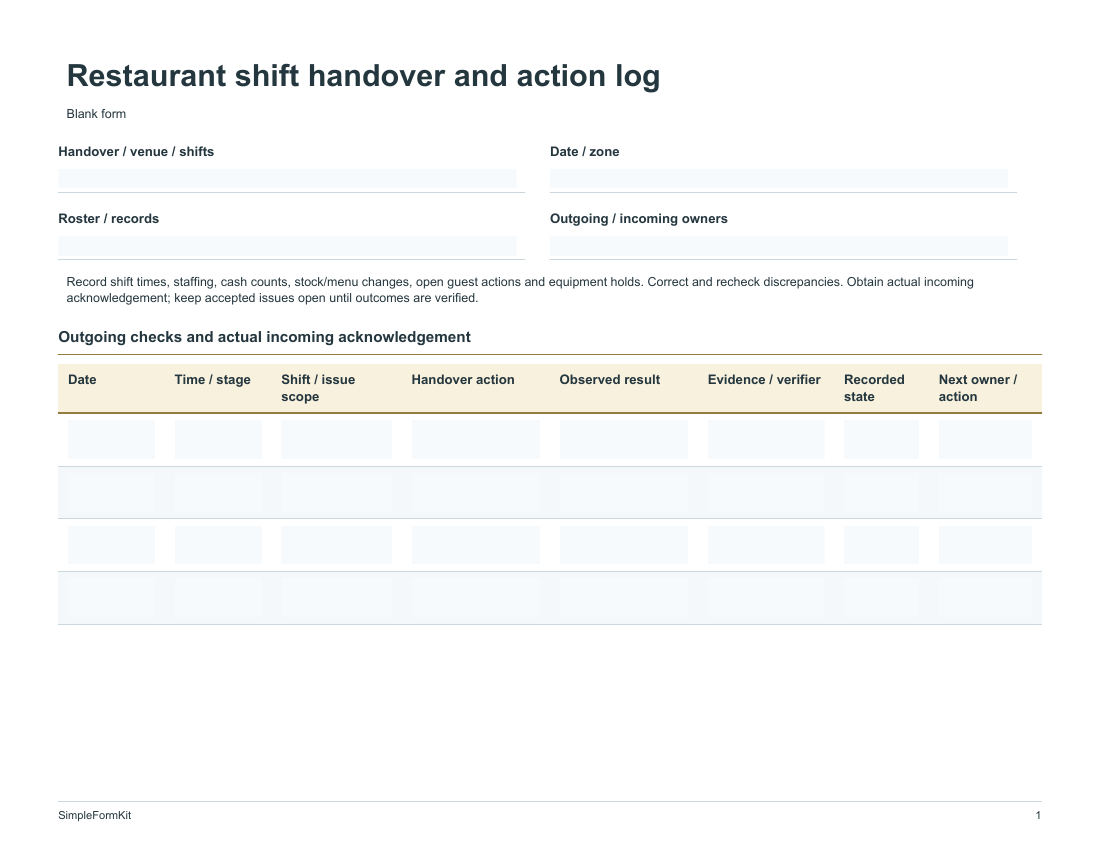
Preview & free downloads →Record actual shift checks, menu corrections, issue containment and incoming read-back.
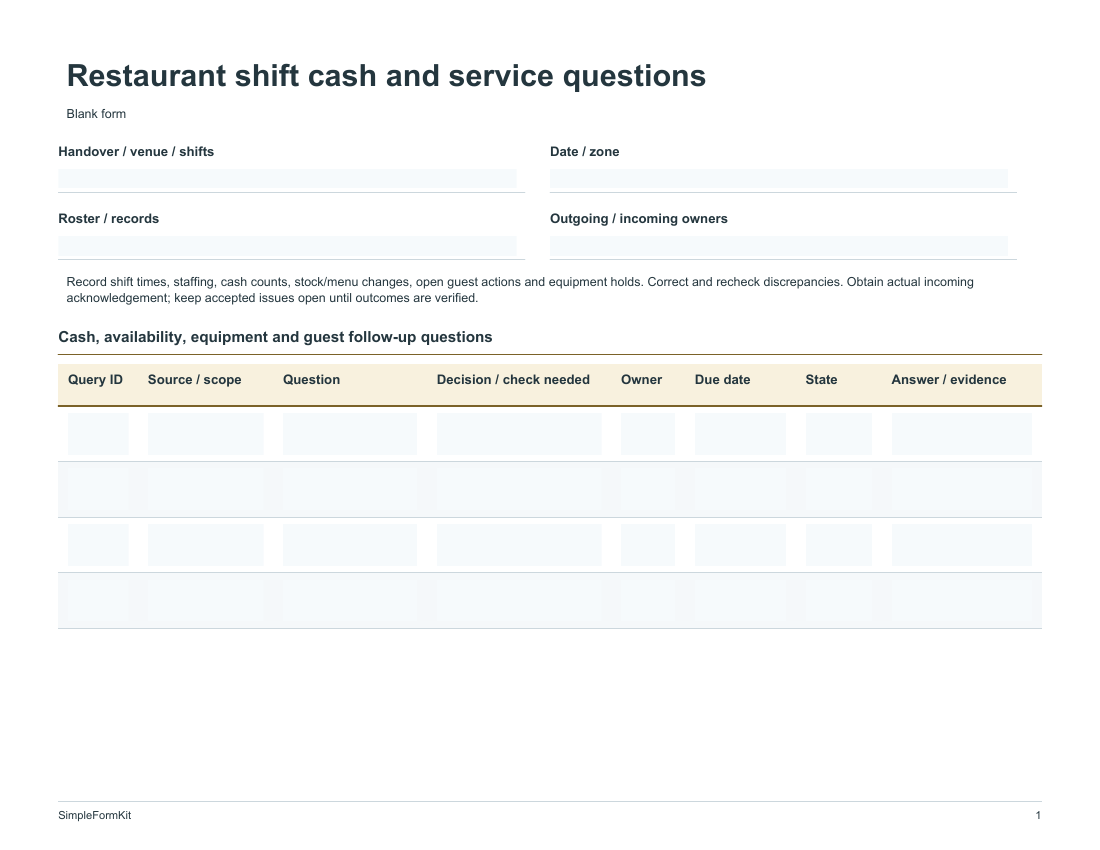
Preview & free downloads →Resolve cash, equipment, unavailable-menu and guest follow-up questions across shifts.
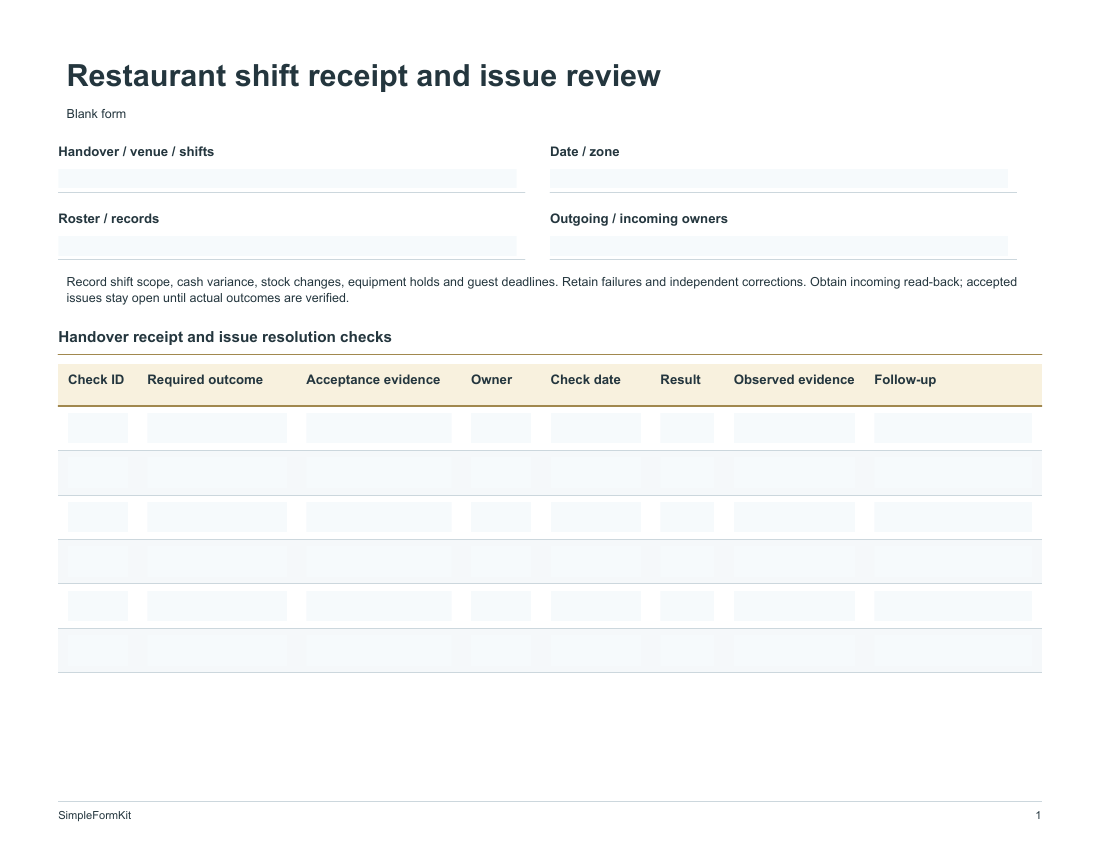
Preview & free downloads →Review incoming handover receipt and the separate outcomes of accepted unresolved issues.
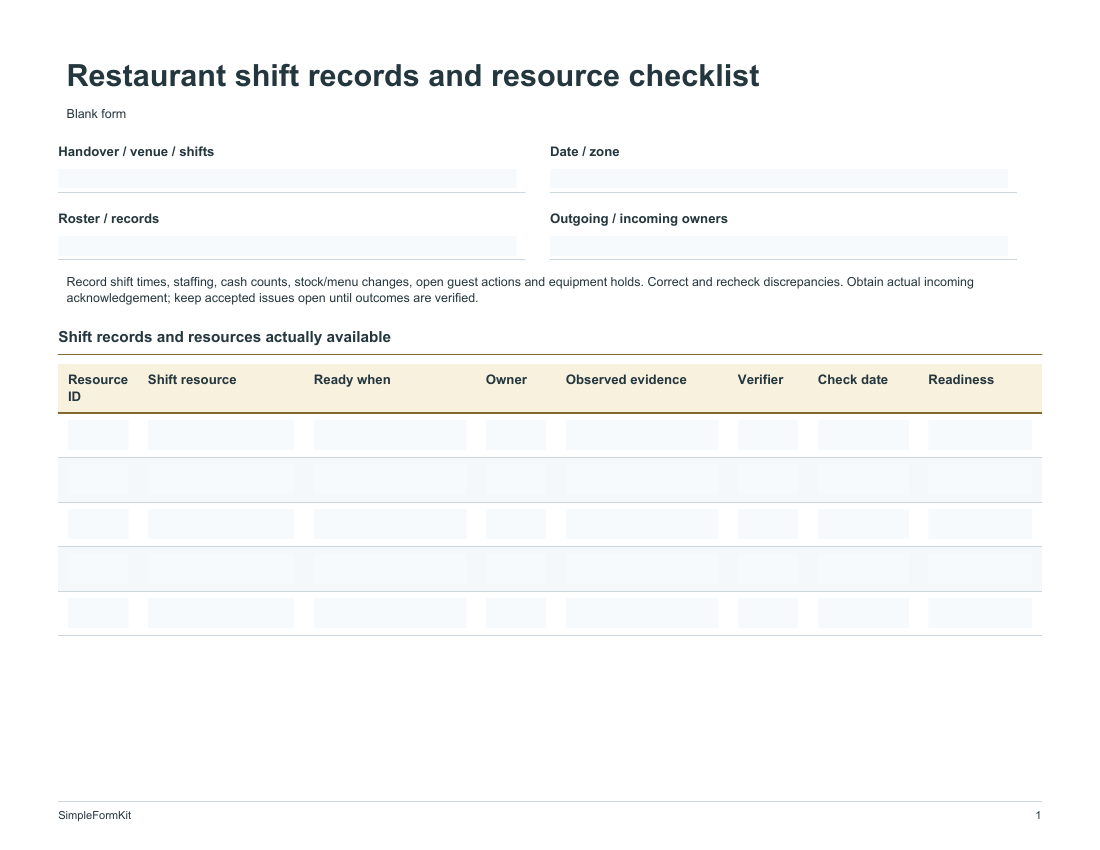
Preview & free downloads →Check staffing, cash records, current availability, equipment holds and incoming responsibilities.
Preview & free downloads →No matching templates. Try fewer words or choose another category.
Choose a template for the stage of work you are at, then pick the format you can use. Our download guide explains editing, saving and printing. Read how we prepare and maintain templates for examples, checks and limitations.
Open a template to see the actual layout, included fields and a fictional worked example. Choose the one whose sections fit your task.
PDF supports typed entries in a compatible PDF reader and handwriting after printing. Excel provides editable sheets. HTML lets you type in a downloaded browser copy and save your changes.
Start in the blank copy. Use another blank copy or add rows when needed, and leave out the example when sharing the finished record.