Resume
Build a clear resume around the experience, skills and results that match the role you want. Edit the Word document or start in your browser.
Preview & free downloads →Prepare an application around a specific role. Use a resume for factual experience and qualifications, and an application statement for a supported explanation of your fit. Career planning records help organize preparation; follow the employer's requested questions and file format.
Planning, records, resources, questions and outcome review belong together. Choose your task to see the five stages.
Search a task or an item you need to record. Every template includes a blank copy and a fictional example. Guidance is provided here and in the editable files. Compare the actual preview before choosing your copy.
27 templates
Build a clear resume around the experience, skills and results that match the role you want. Edit the Word document or start in your browser.
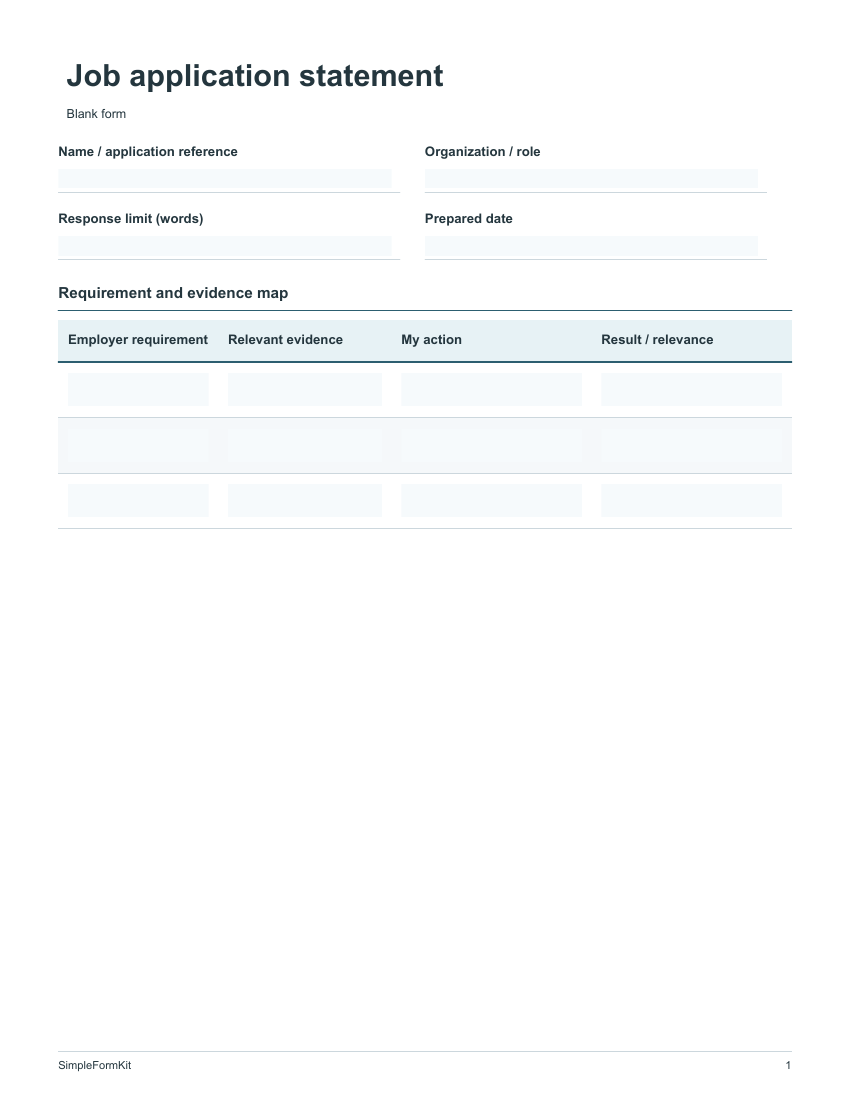
Preview & free downloads →Turn an employer's requirements into a focused application response, with relevant evidence and a checked word count.
Preview & free downloads →Plan job applications using current vacancies, tailored files and clear next actions.
Preview & free downloads →Track each actual application, sent document version, employer reply and interview stage.
Preview & free downloads →Resolve vacancy, submission, appointment and follow-up questions using current sources.
Preview & free downloads →Check actual submissions, replies, appointments and unfinished application actions.
Preview & free downloads →Check current job sources, tailored documents and submission or interview resources.
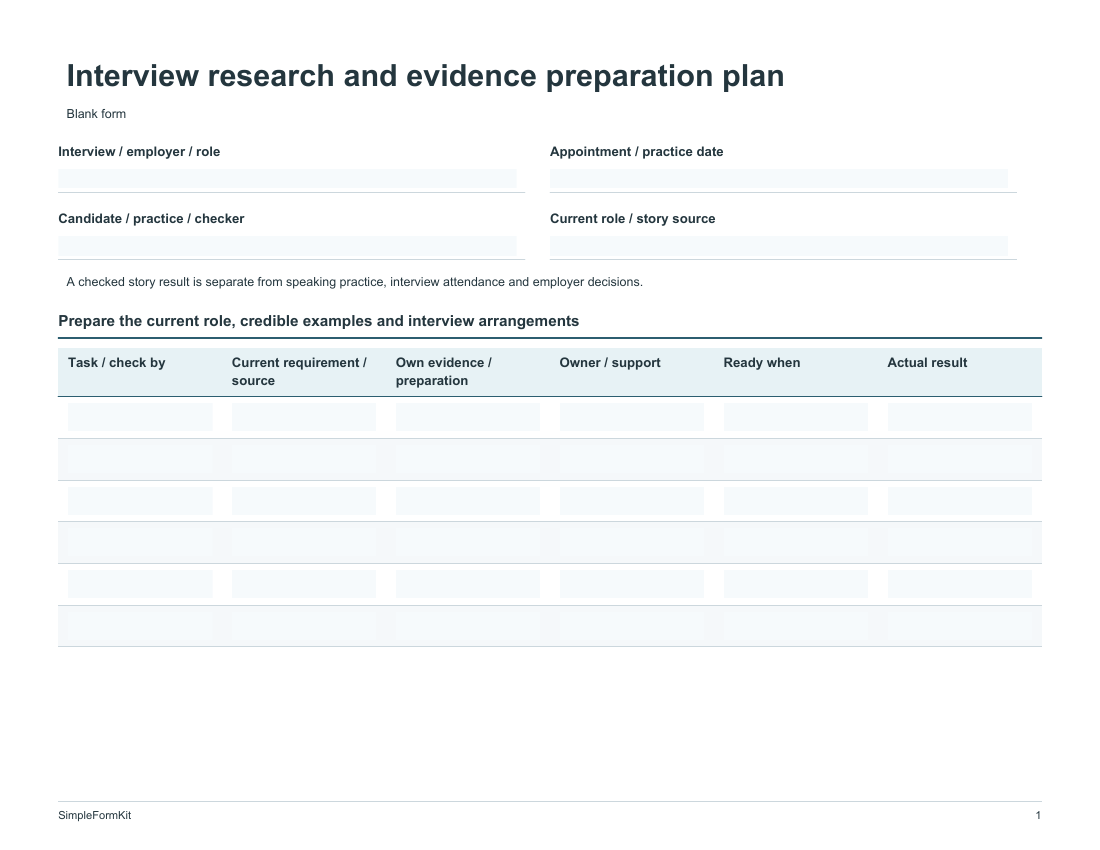
Preview & free downloads →Prepare role-relevant interview examples, spoken practice and the actual joining arrangements.
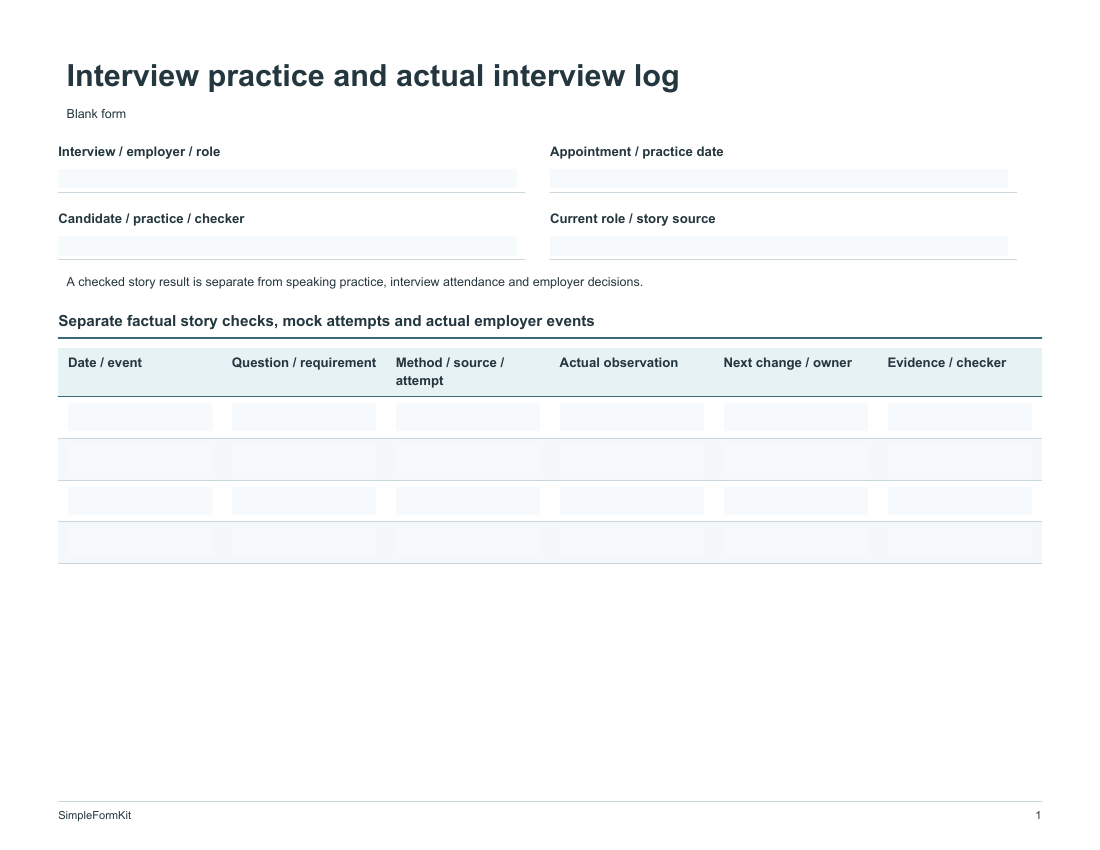
Preview & free downloads →Record factual story checks, mock attempts and actual interview events separately.
Preview & free downloads →Keep interview preparation questions in one place. Note what you need to confirm about the role, your examples and the interview arrangements, then record the answers.
Preview & free downloads →Review truthful evidence, actual practice and interview follow-up with remaining tasks assigned.
Preview & free downloads →Check role information, genuine examples, interview setup and follow-up records.
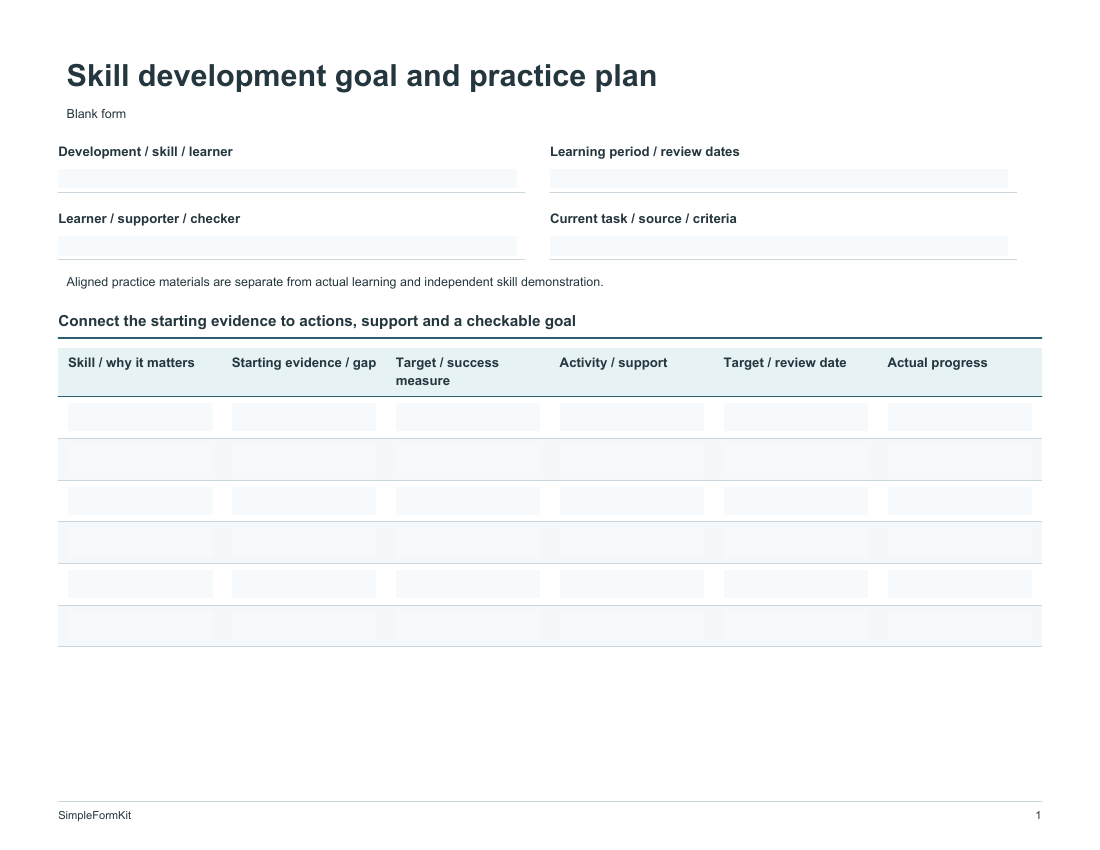
Preview & free downloads →Plan a relevant skill goal with starting evidence, realistic support and a checkable result.
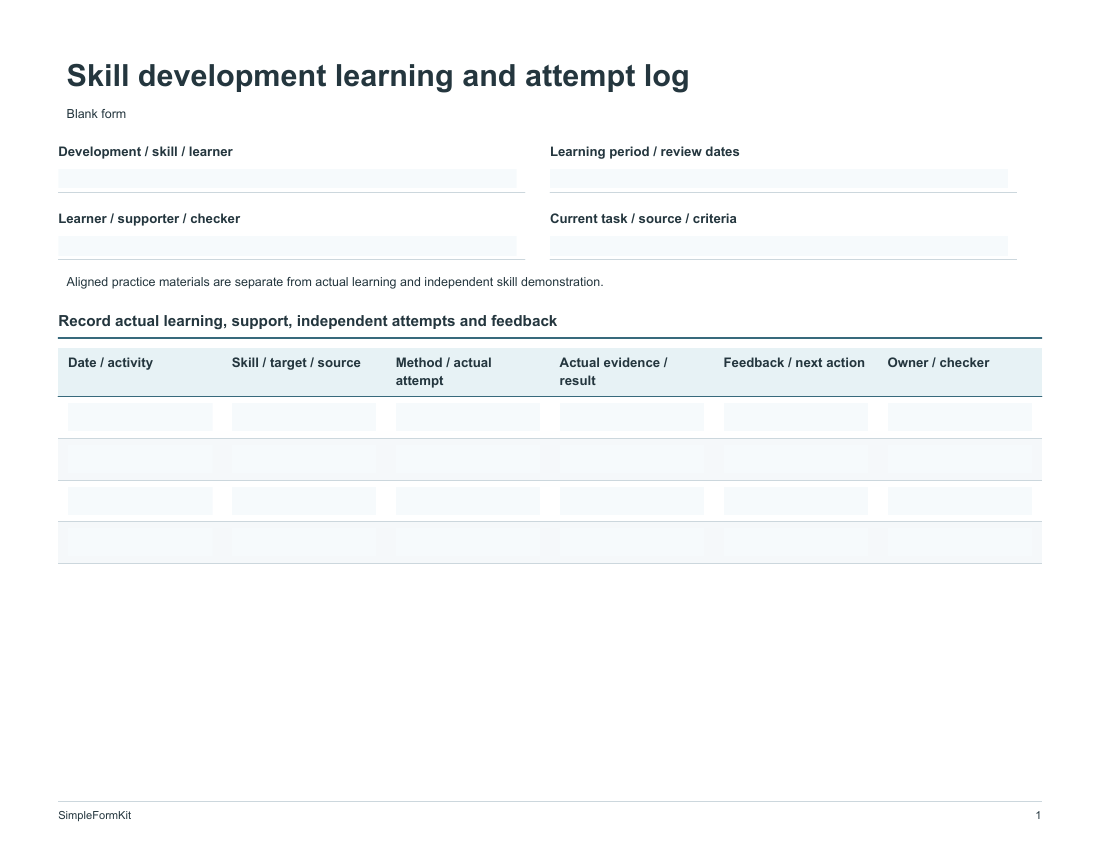
Preview & free downloads →Record actual learning attempts, time, help used, feedback and next changes.
Preview & free downloads →Resolve learning-task validity, support and assessment questions before the next attempt.
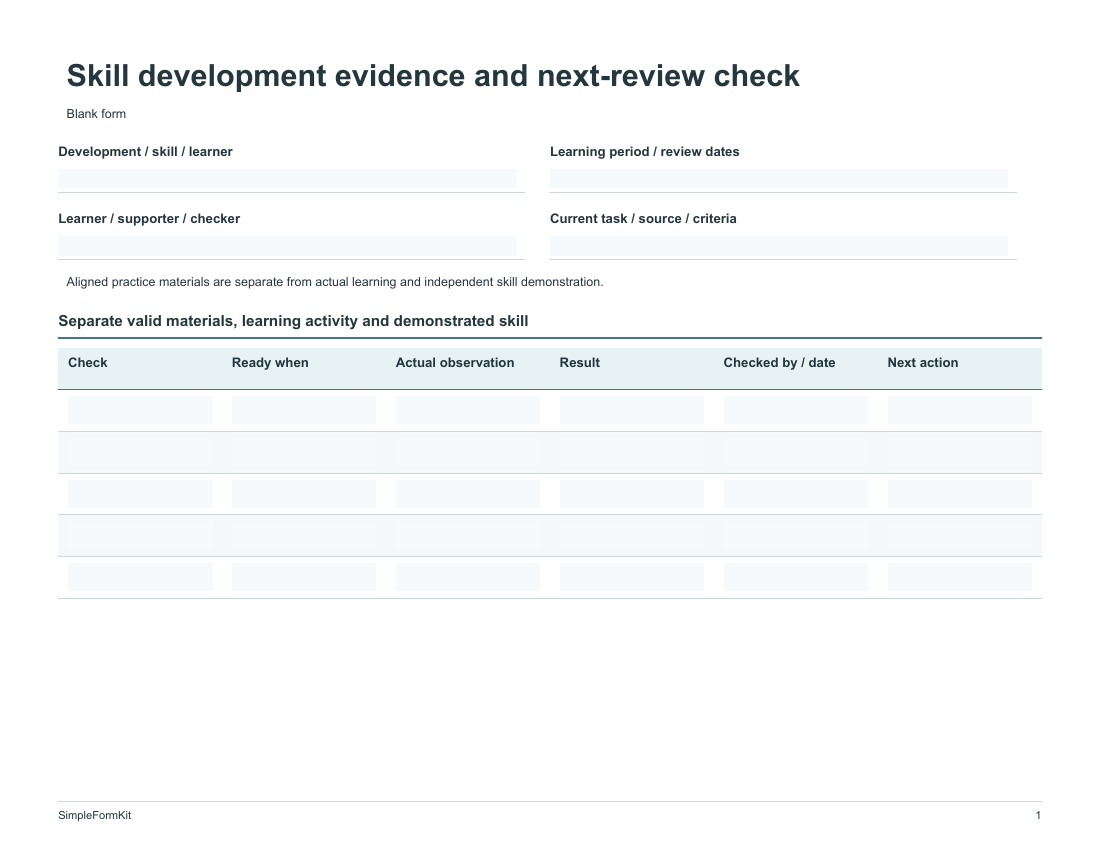
Preview & free downloads →Review demonstrated skill and remaining learning needs separately from attendance or corrected materials.
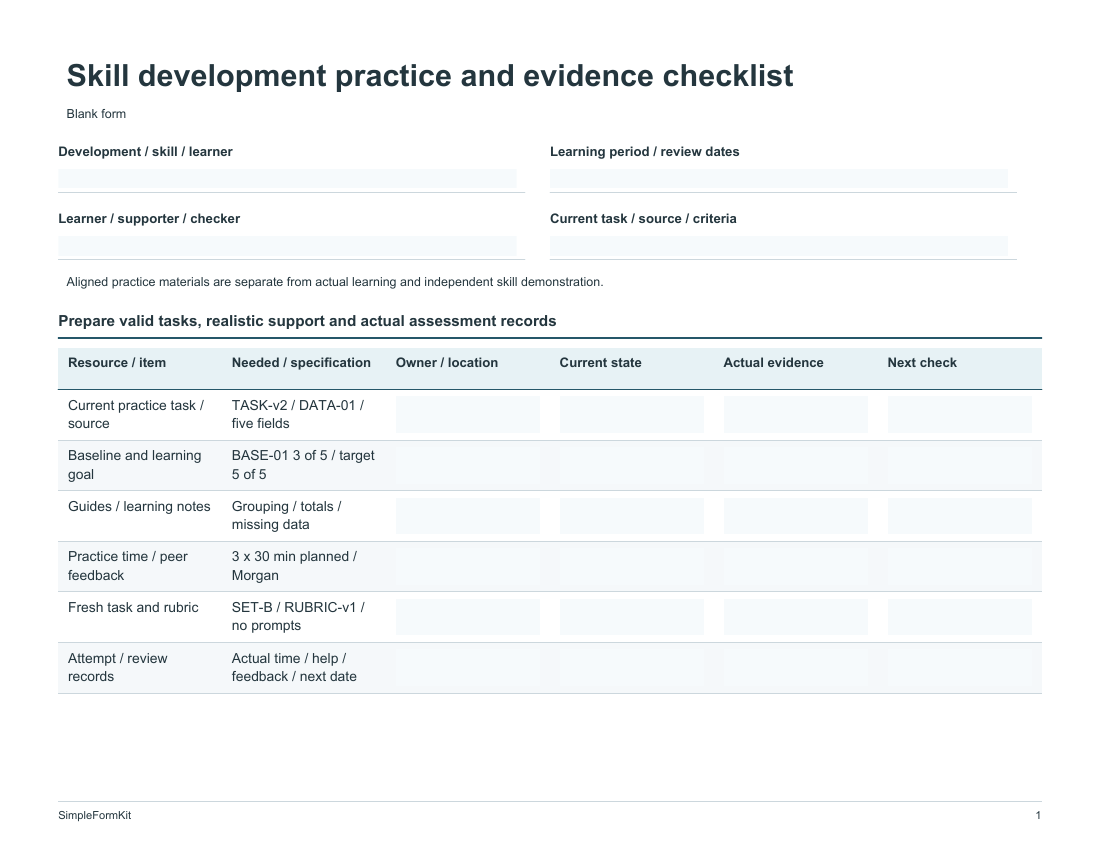
Preview & free downloads →Check valid practice materials, learning resources, realistic support and assessment records.
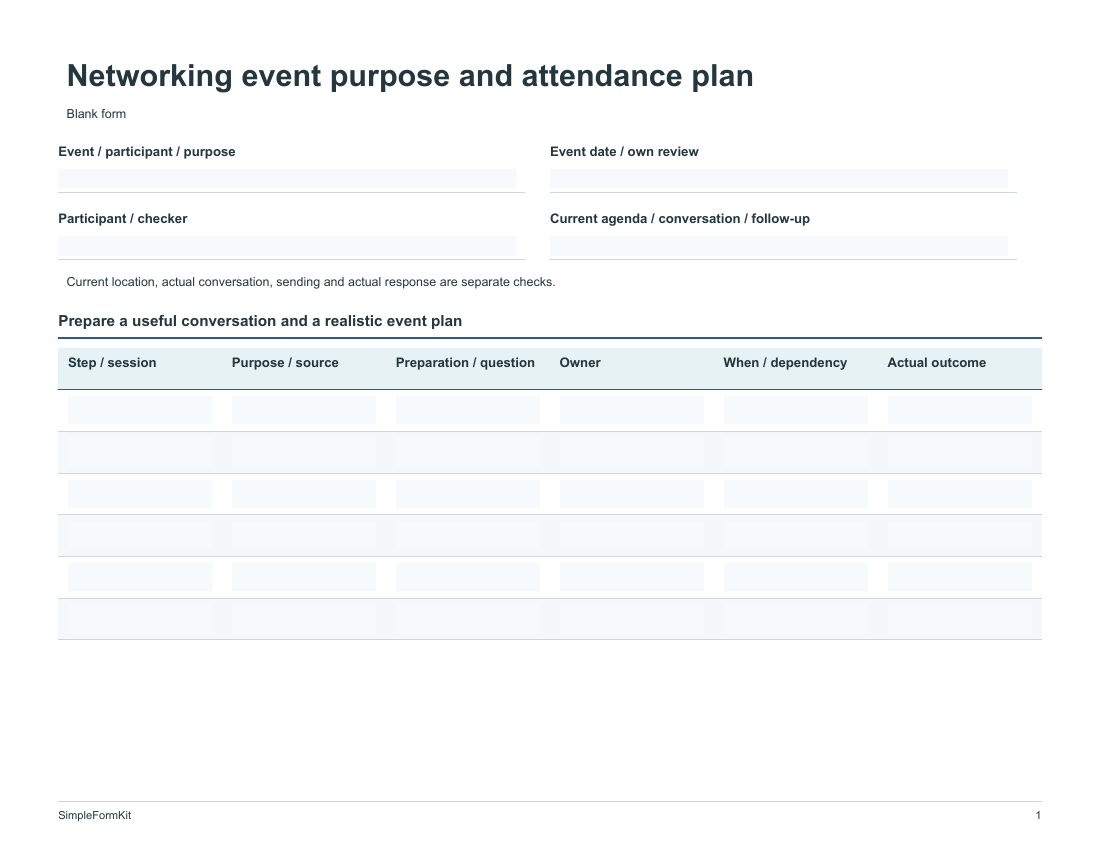
Preview & free downloads →Prepare a useful networking purpose, current event details and relevant conversation questions.
Preview & free downloads →Record actual conversations, agreed follow-up, sent resources and replies.
Preview & free downloads →Resolve event arrangements and resource-sharing permission before acting.
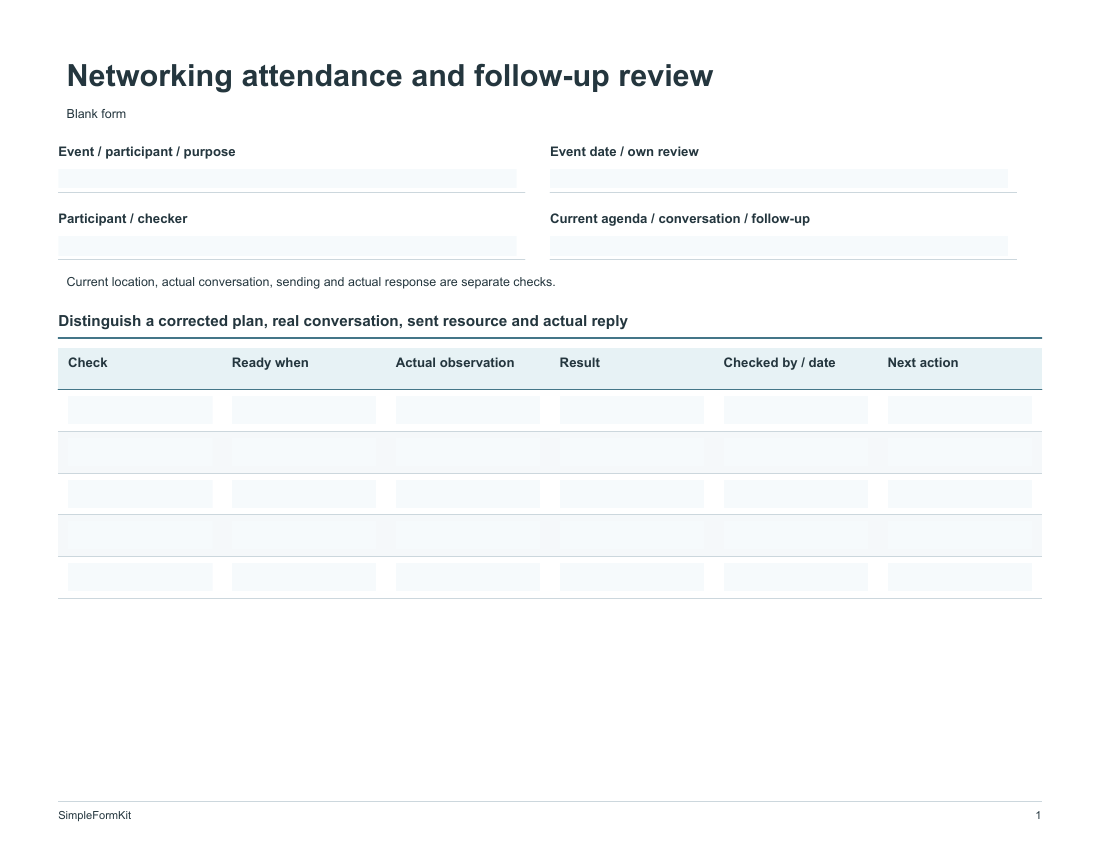
Preview & free downloads →Review real conversations, follow-up and useful learning without assuming a response.
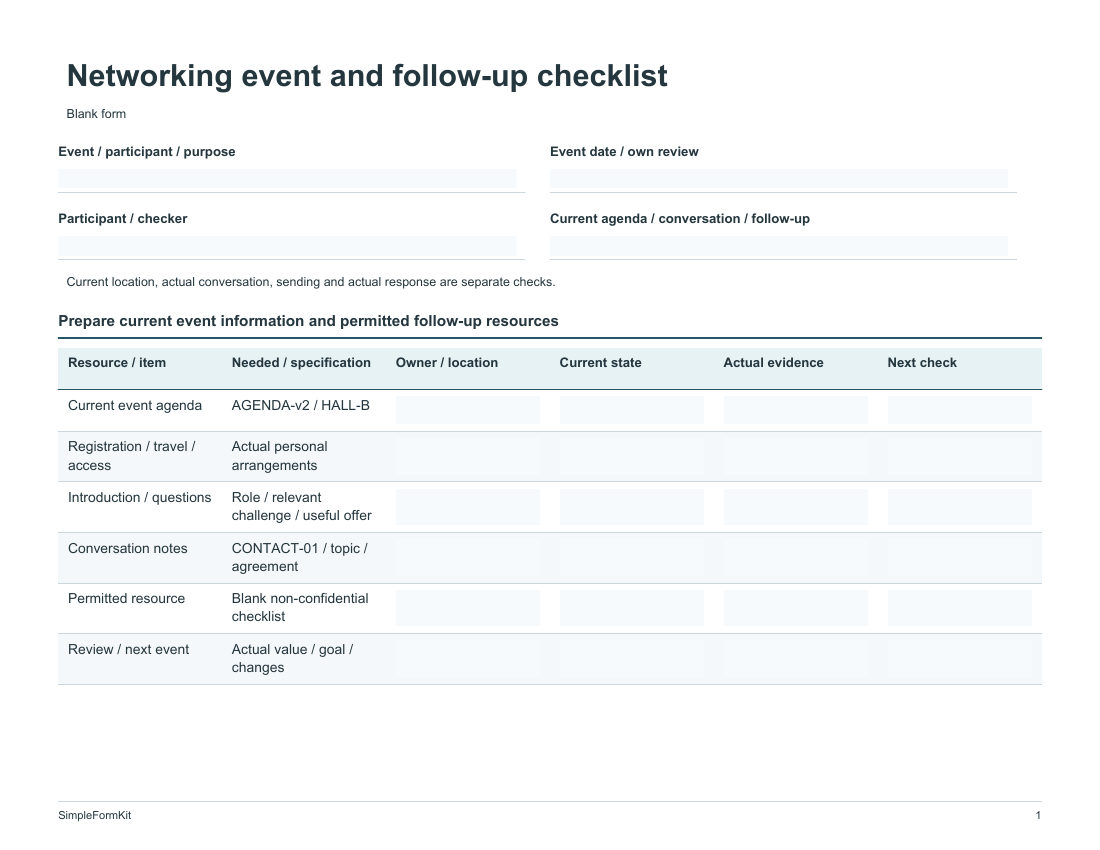
Preview & free downloads →Check current event information and the resources needed for agreed professional follow-up.
Preview & free downloads →Plan a career portfolio with relevant work samples, clear personal contribution and supported results.
Preview & free downloads →Track portfolio evidence, claim corrections, versions and actual review findings.
Preview & free downloads →Resolve claim accuracy, work permissions and public-sharing questions before release.
Preview & free downloads →Review actual claims, permissions, presentation and access before sharing the portfolio.
Preview & free downloads →Check relevant work evidence, permissions and a readable final portfolio export.
Preview & free downloads →No matching templates. Try fewer words or choose another category.
Choose a template for the stage of work you are at, then pick the format you can use. Our download guide explains editing, saving and printing. Read how we prepare and maintain templates for examples, checks and limitations.
Open a template to see the actual layout, included fields and a fictional worked example. Choose the one whose sections fit your task.
PDF supports typed entries in a compatible PDF reader and handwriting after printing. Excel provides editable sheets. HTML lets you type in a downloaded browser copy and save your changes.
Start in the blank copy. Use another blank copy or add rows when needed, and leave out the example when sharing the finished record.