Volunteer day running order and preparation plan
Plan a volunteer day with named roles, checked site arrangements, briefing and realistic output.
Preview & free downloads →Bring the details for a volunteer day, club meeting, donation drive, cleanup or workshop into one place. Assign tasks, check supplies and record what was completed, keeping participant information limited to what you need.
Planning, records, resources, questions and outcome review belong together. Choose your task to see the five stages.
Search a task or an item you need to record. Every template includes a blank copy and a fictional example. Guidance is provided here and in the editable files. Compare the actual preview before choosing your copy.
25 templates
Plan a volunteer day with named roles, checked site arrangements, briefing and realistic output.
Preview & free downloads →Record actual volunteer attendance, supply corrections, completed tasks and closeout.
Preview & free downloads →Resolve volunteer-day supply, partner handover, expense and feedback questions.
Preview & free downloads →Review completed volunteer work, partner acceptance and remaining closeout tasks separately.
Preview & free downloads →Check people, site, activity briefing, quantities and resources needed for the volunteer day.
Preview & free downloads →Plan a club meeting with timed items, current club rules, supporting papers and action owners.
Preview & free downloads →Record actual club attendance, motions, votes, explicit deferrals and agreed actions.
Preview & free downloads →Resolve club-decision, draft-accuracy, approval and follow-up questions using actual meeting records.
Preview & free downloads →Review recorded decisions, approved minutes and actual delivery of agreed actions separately.
Preview & free downloads →Check agenda, club rules, attendance, prior minutes and decision papers before the meeting.
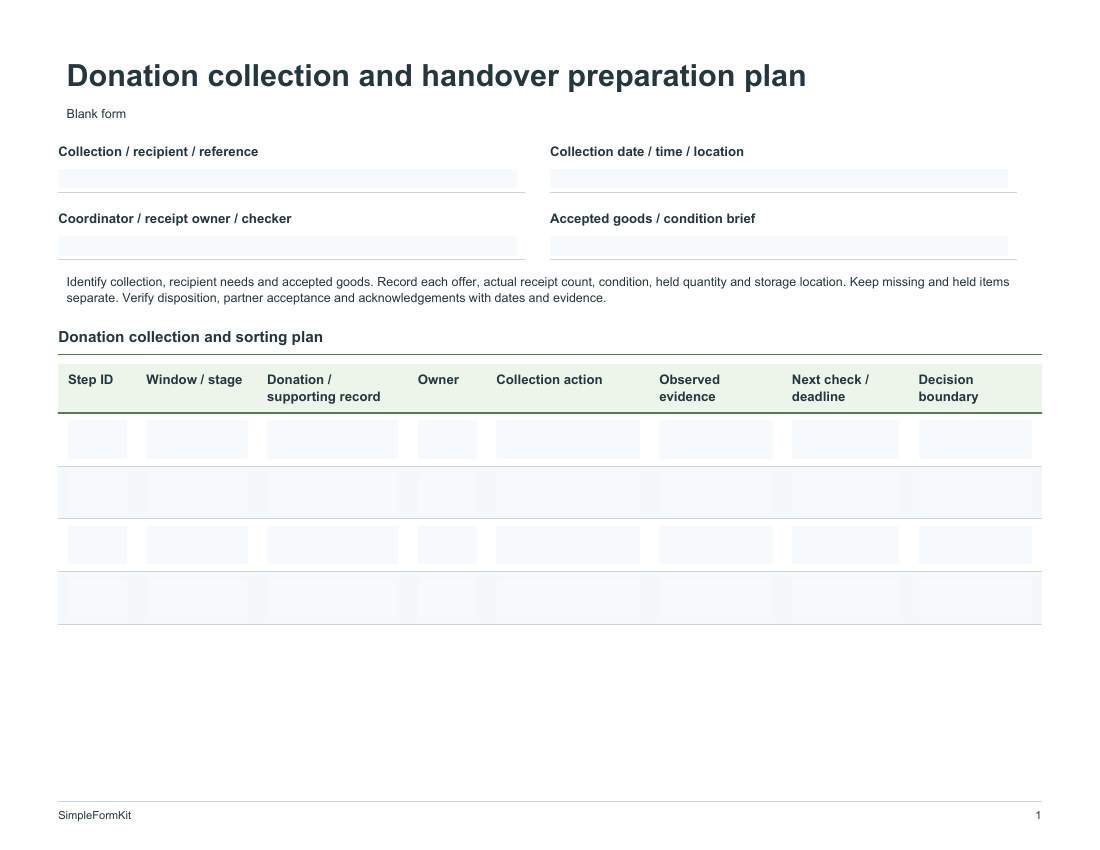
Preview & free downloads →Plan donated-goods collection around recipient needs, accepted items, actual counts and partner handover.
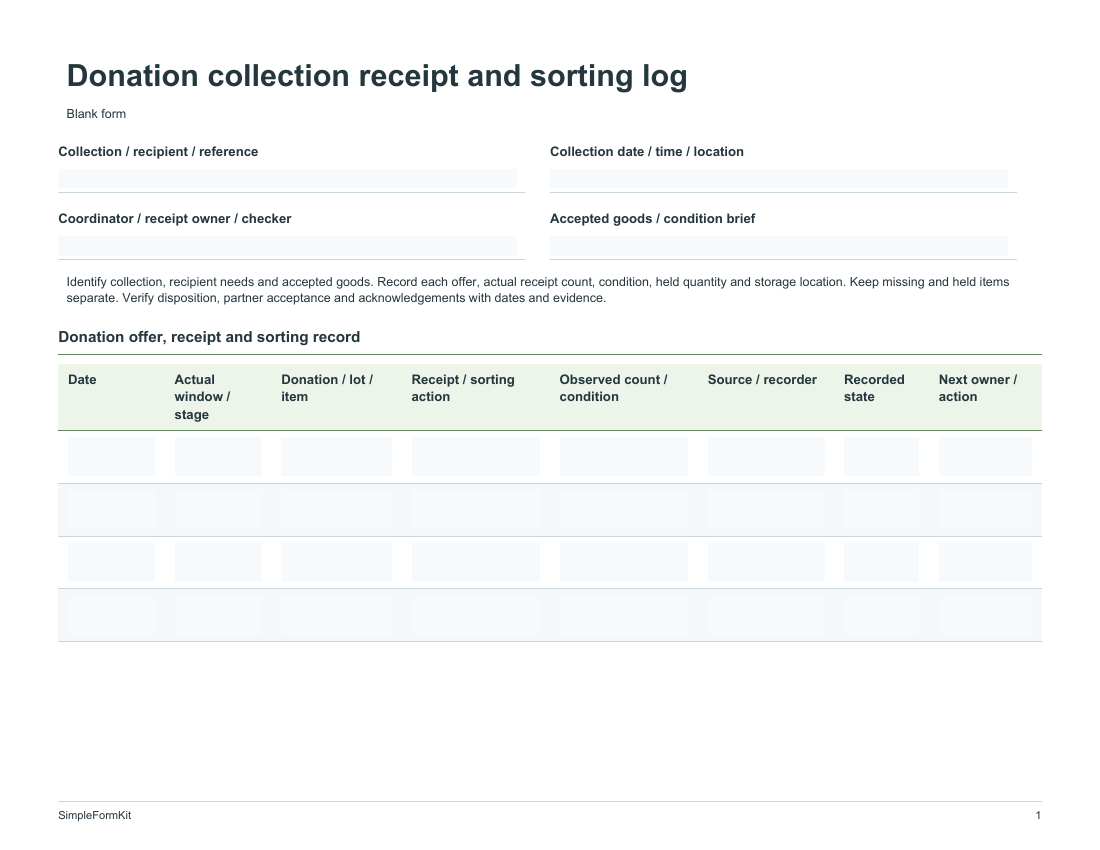
Preview & free downloads →Record actual donated lots, condition checks, usable or held counts and dated corrections.
Preview & free downloads →Resolve missing goods, condition holds, transport and acknowledgement questions.
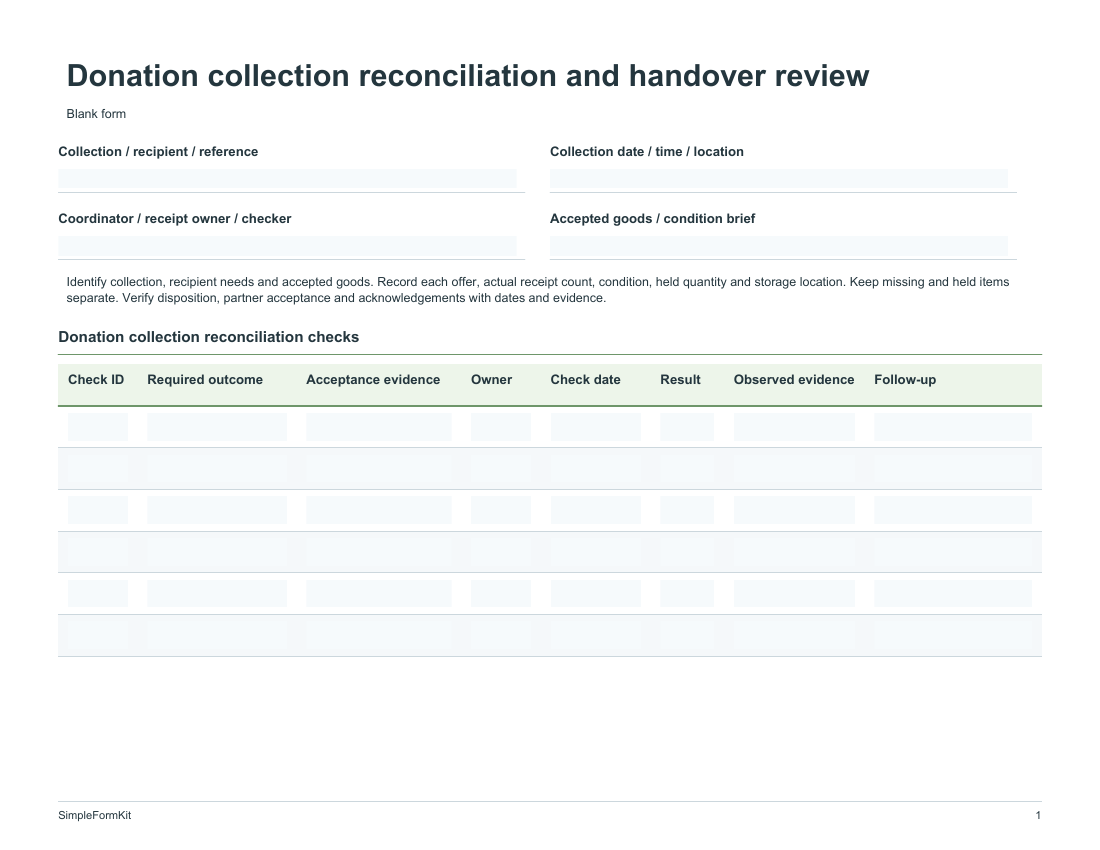
Preview & free downloads →Reconcile offered and received goods, stock disposition and actual partner acceptance.
Preview & free downloads →Check acceptance rules, storage, condition records and delivery or acknowledgement resources.
Preview & free downloads →Plan a neighborhood litter cleanup with permitted boundaries, checked supplies and agreed waste pickup.
Preview & free downloads →Record actual volunteers, cleanup zones, unique bag counts and closeout checks.
Preview & free downloads →Resolve count discrepancies, waste pickup and excluded-area follow-up questions.
Preview & free downloads →Review verified cleanup scope, people/tool closeout and actual waste acceptance separately.
Preview & free downloads →Check permission, boundaries, conditions, briefing, tools and waste arrangements before cleanup.
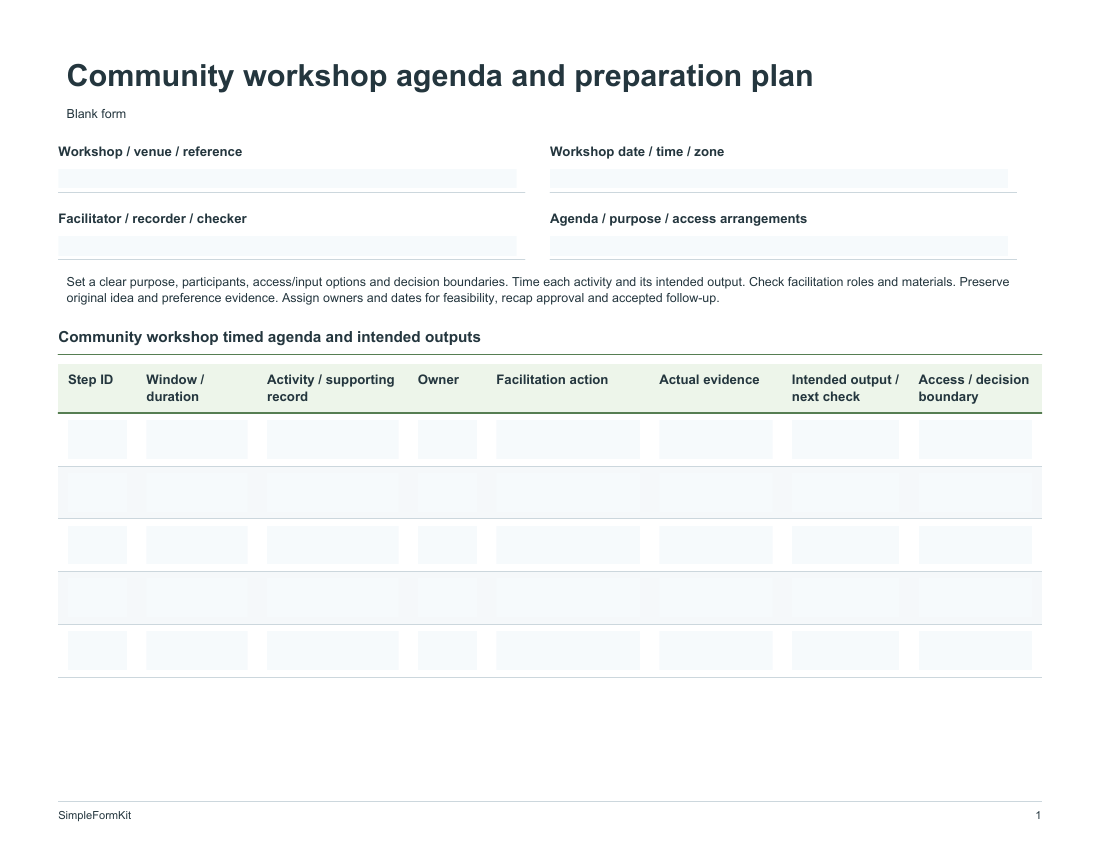
Preview & free downloads →Plan a community workshop with clear outputs, realistic activity times and participation options.
Preview & free downloads →Record actual attendance, group ideas, preference-count corrections and next-check owners.
Preview & free downloads →Resolve workshop permission, cost, access, partner and recap-release questions.
Preview & free downloads →Review actual workshop outputs and follow-up evidence without assuming implementation approval.
Preview & free downloads →Check workshop space, agenda, contribution options, materials and follow-up resources.
Preview & free downloads →No matching templates. Try fewer words or choose another category.
Choose a template for the stage of work you are at, then pick the format you can use. Our download guide explains editing, saving and printing. Read how we prepare and maintain templates for examples, checks and limitations.
Open a template to see the actual layout, included fields and a fictional worked example. Choose the one whose sections fit your task.
PDF supports typed entries in a compatible PDF reader and handwriting after printing. Excel provides editable sheets. HTML lets you type in a downloaded browser copy and save your changes.
Start in the blank copy. Use another blank copy or add rows when needed, and leave out the example when sharing the finished record.