Monthly household budget
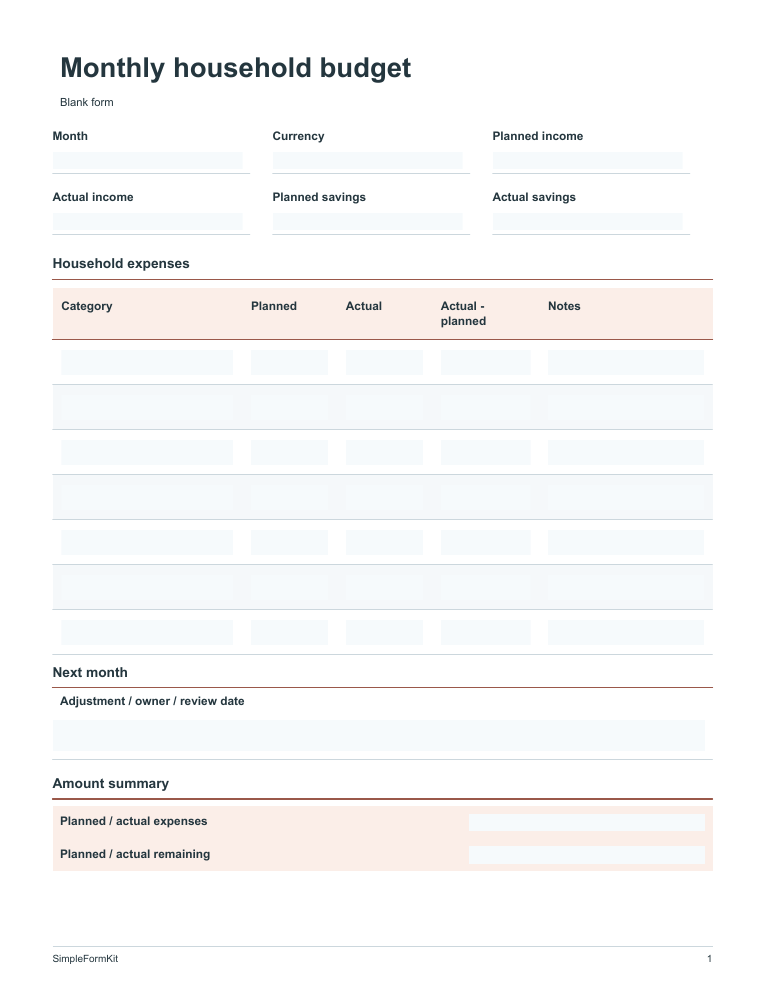
Compare a spending plan with what actually happened. Write planned and actual amounts side by side, then use the difference to adjust next month’s choices.
Preview & free downloads →Make recurring household work easier to review. Use a budget to compare planned and actual spending, a meal plan to coordinate the coming week, or a maintenance log to remember completed checks. Keep the period and household context clear on each new copy.
Search a task or an item you need to record. Every template includes a blank copy and a fictional example. Guidance is provided here and in the editable files. Compare the actual preview before choosing your copy.
6 templates
Compare a spending plan with what actually happened. Write planned and actual amounts side by side, then use the difference to adjust next month’s choices.
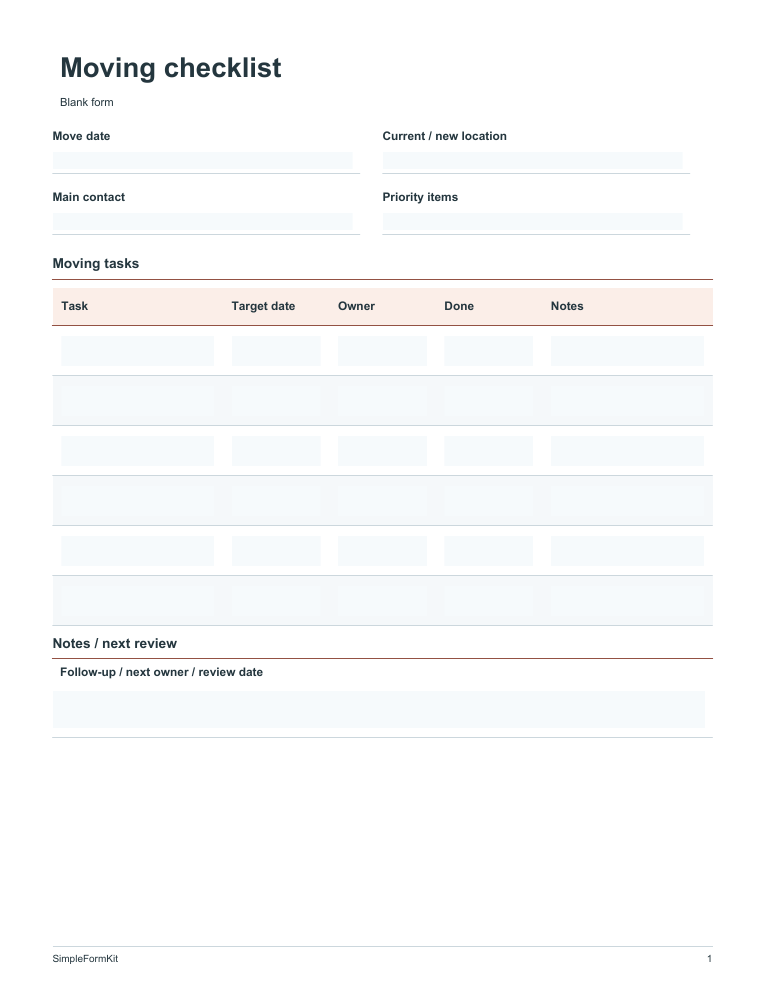
Preview & free downloads →Break a move into tasks you can assign and check off. Start with booking and address changes, then keep packing and move-day essentials visible on the same sheet.
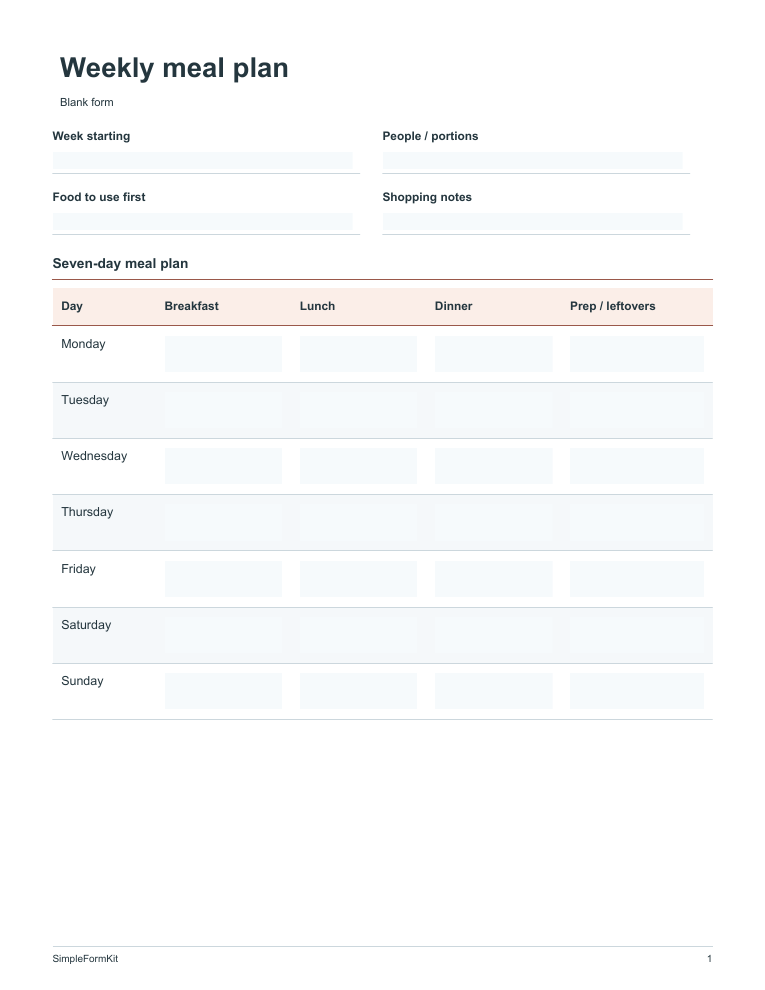
Preview & free downloads →Plan a week of meals around the food you already have. A small preparation note beside each day can make shopping and busy evenings easier.
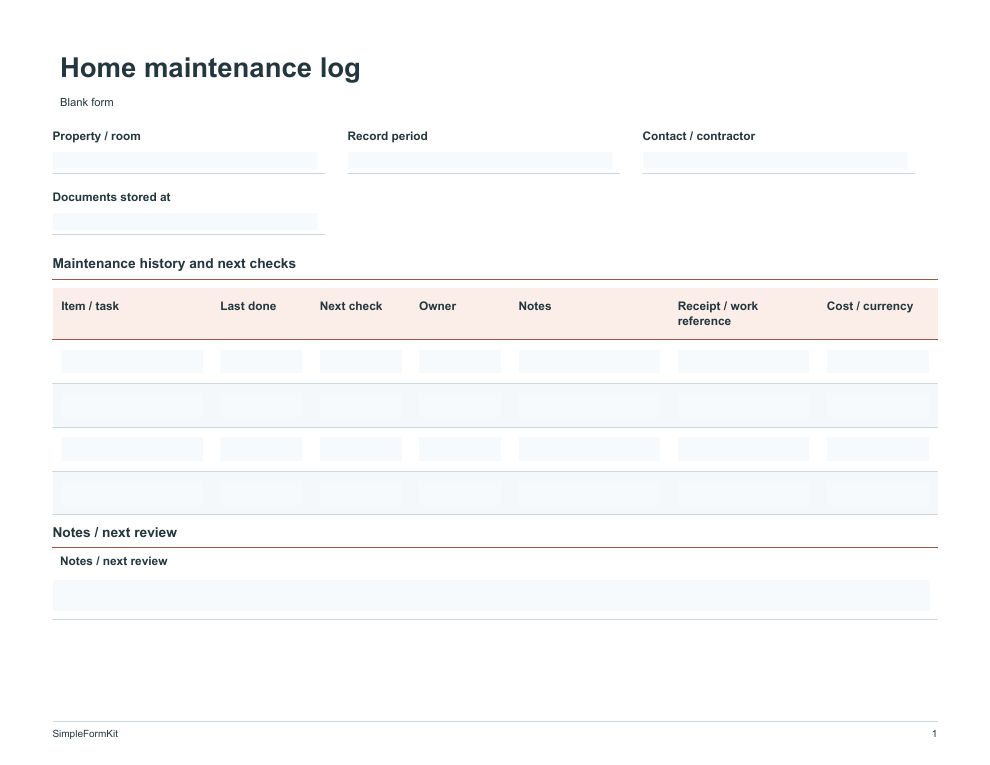
Preview & free downloads →Keep a record of routine checks and completed repairs. A dated note and receipt reference help you remember what was done before the next inspection.
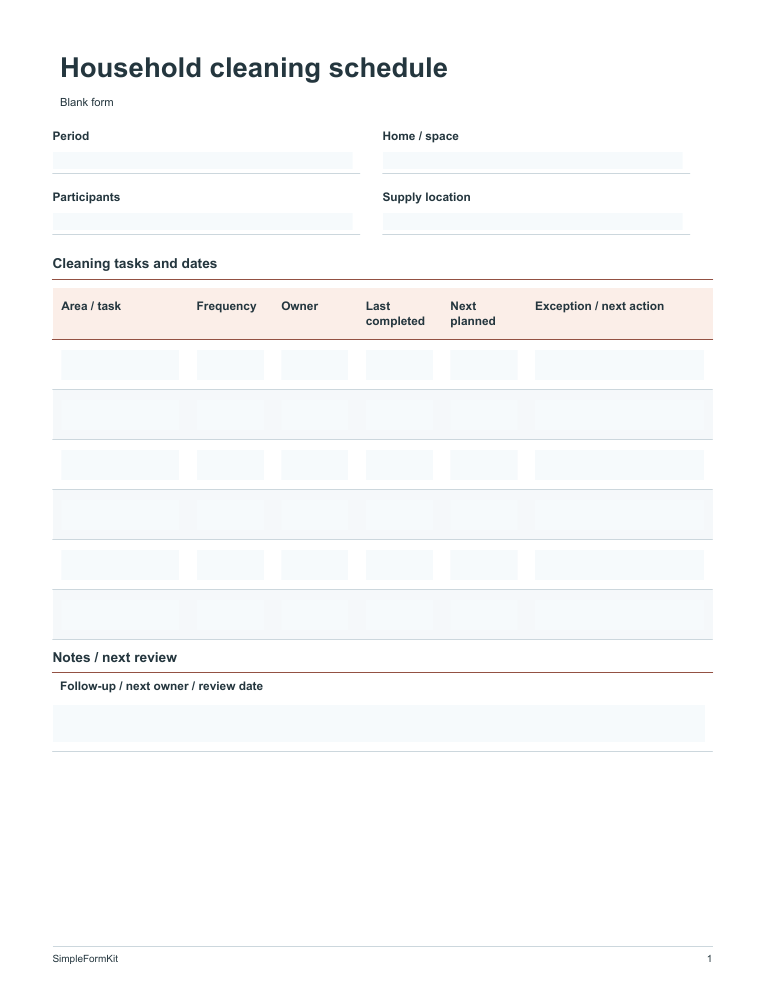
Preview & free downloads →Share cleaning tasks by area, frequency and owner. Last-completed and next-planned dates help avoid missed or repeated work.
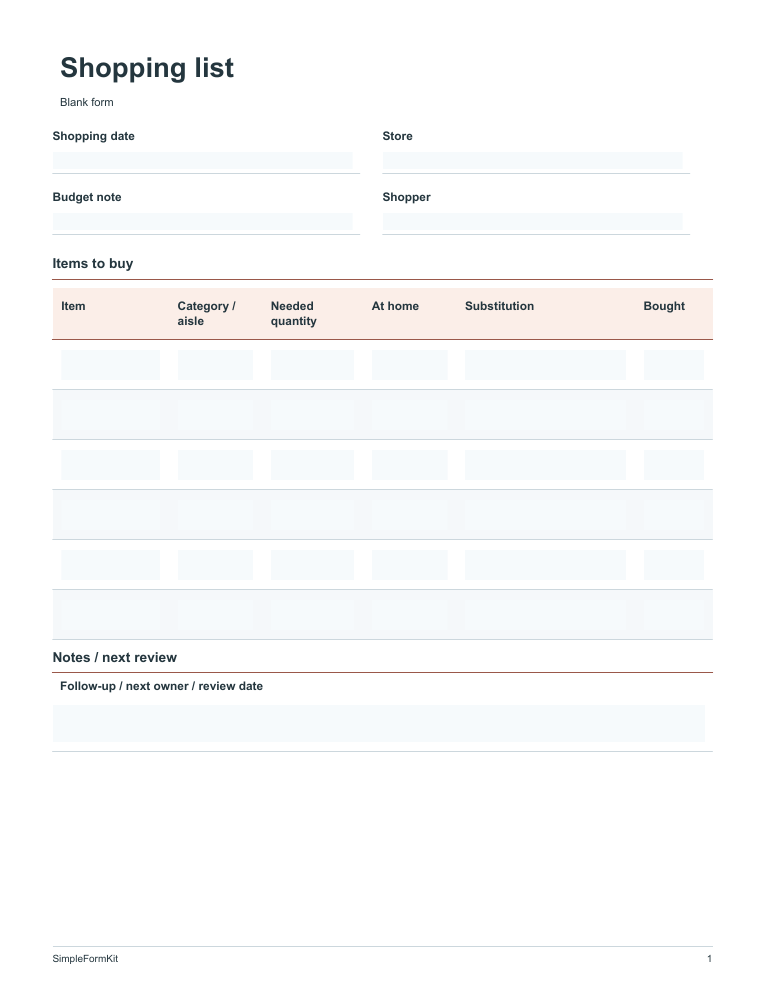
Preview & free downloads →Check what is already at home before listing what to buy. Quantity, substitution and completion fields make the list easier to use in the store.
Preview & free downloads →No matching templates. Try fewer words or choose another category.
Choose a template for the stage of work you are at, then pick the format you can use. Our download guide explains editing, saving and printing. Read how we prepare and maintain templates for examples, checks and limitations.
Open a template to see the actual layout, included fields and a fictional worked example. Choose the one whose sections fit your task.
PDF supports typed entries in a compatible PDF reader and handwriting after printing. Excel provides editable sheets. HTML lets you type in a downloaded browser copy and save your changes.
Start in the blank copy. Use another blank copy or add rows when needed, and leave out the example when sharing the finished record.